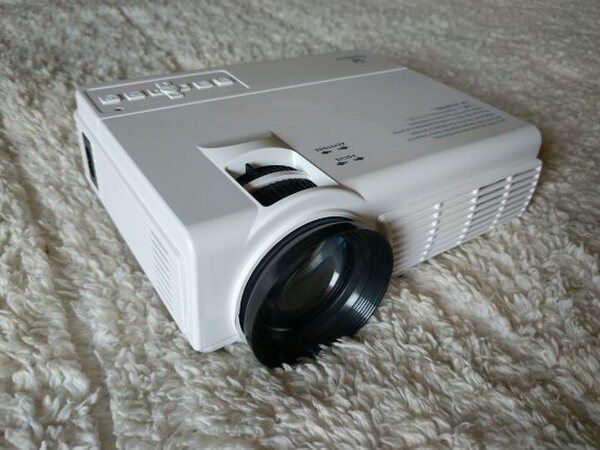
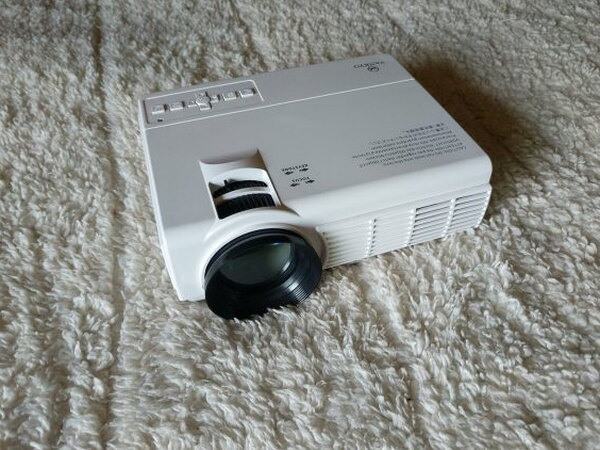
REVIEW – The Vankyo LEISURE 3 2200 LUX LED Portable Projector is the kind of gadget that makes sense only if you judge it by the right standard. At $89.99, it is not trying to compete with the $300-$800 projectors that can make a living room feel like a small theater. It is a cheap, simple, portable projector with several input options, a useful carrying case, and enough performance for casual movie nights. It also has real limits: the picture is only serviceable, Dolby Digital Sound is not supported, digital presentations are not supported, and the box does not include the extra cables or adaptors needed for iPhone or Android devices.
Who This Projector Is For
Portable projectors are appealing because they can turn a wall, sheet, or screen into a much larger display than most people want to buy as a television. That promise is exciting, especially when the projector can be packed away or carried outside. With better projectors, the higher cost buys sharper images, better focus, stronger color, more features, and an experience that can approach a good modern TV.
The LEISURE 3 does not reach that level. Its low price shows in the build, the feature list, and the image quality. Even so, there are still a few uses where it works. It is good enough for a backyard movie, a camping trip, or a casual family gathering where convenience and price matter more than getting a crisp home theater picture.
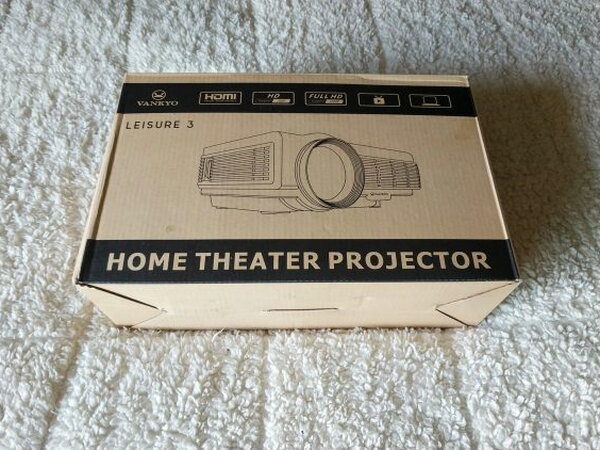
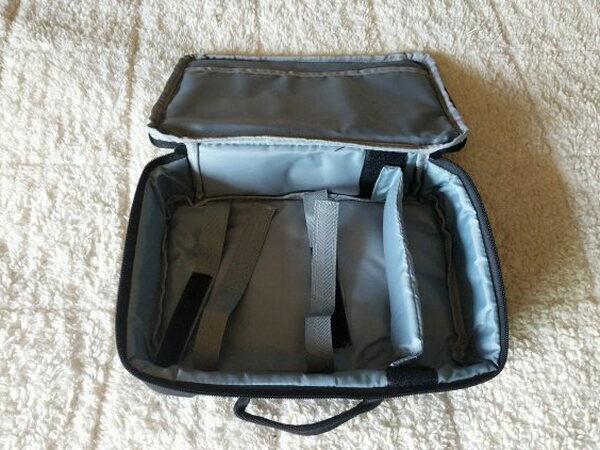
The cardboard packaging is strong enough that it could almost serve as a storage case on its own. Vankyo includes something better, though: a zippered carrying case that is easily one of the nicest parts of the package.
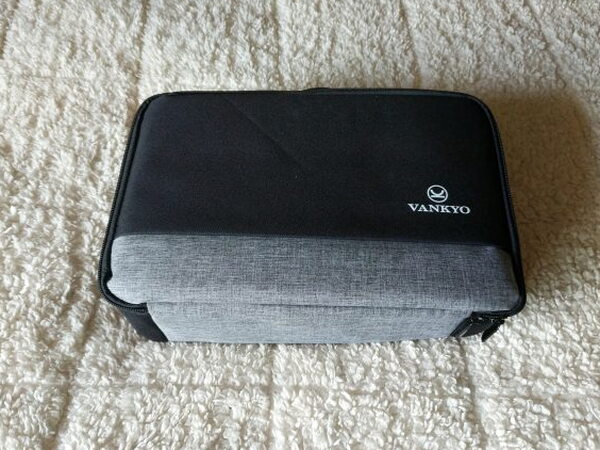
The case helps the Vankyo stand apart from other low cost projectors. It feels like a practical accessory rather than a throwaway extra, and it makes the projector easier to store with its cables and remote.
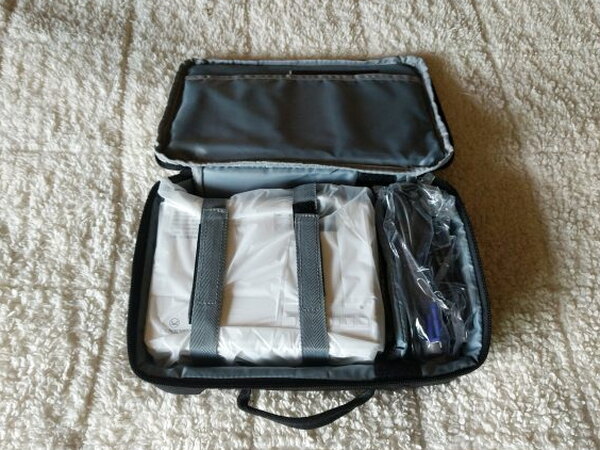
Inside, Velcro straps secure the projector. There is also an adjustable compartment for the cables and remote, plus a sleeve for the manual and quick start guide.
What Is Included
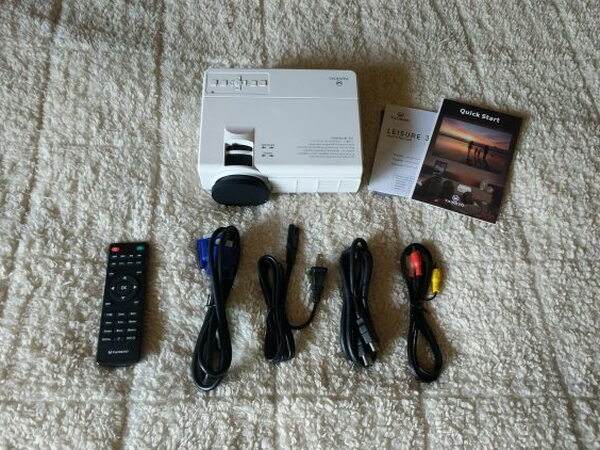
- Vankyo LEISURE 3
- Quick start guide and manual
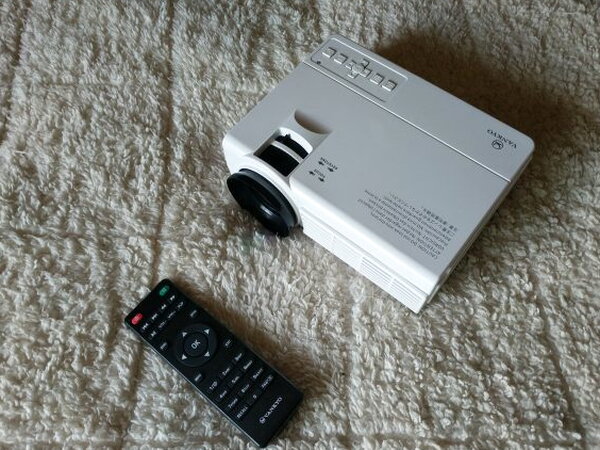
- Remote control (batteries not included)
- VGA cable
- Power cable
- Standard HDMI cable
- RCA to 3.5mm video cable
Specifications
- LED Brightness: 2200 LUX
- Contrast Ratio: 2000:1
- Keystone: ±15 degree
- Lamp Life: 40000 hrs
- Aspect Ratio: 4:316:9auto
- Projection Size: 33-170 inches
- Native Resolution: 800 x 480
- Display Technique: LCD
- Weight: 2.12 lbs
- Dimensions: 7.9 x 5.9 x 3.1 in
Inputs, Audio, and Controls
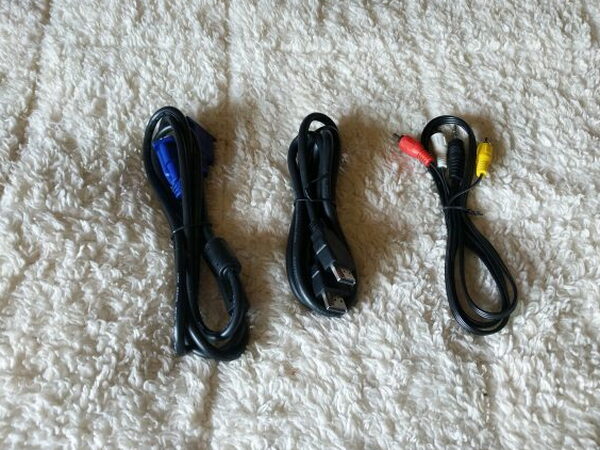
The input selection is one of the more useful parts of the LEISURE 3. With the included cables and onboard ports, it can accept video from HDMI, a computer with VGA output, RCA video, an SD Card, or USB storage. Since only three cables are included, anyone wanting to connect an iPhone, Android device, or newer laptop should plan on buying the correct adaptor separately.
Audio can be played through the projector’s internal speaker or sent out to an external speaker. The built-in speaker is fine for a quiet room when there is not much background noise. The fan is also better than expected. You can hear that it is on, but it does not take over the movie.
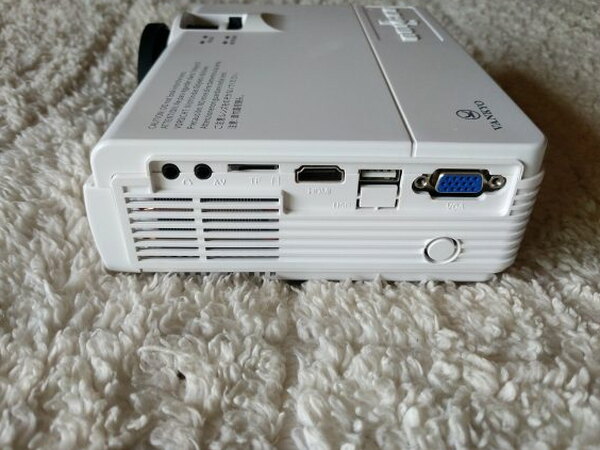
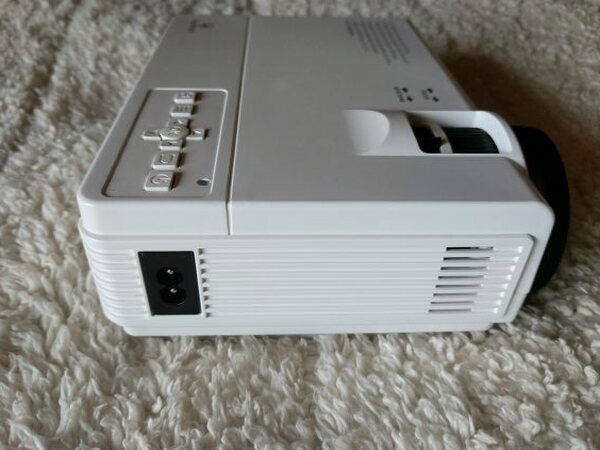
USB ended up being the input I liked most. I formatted a low profile 128gb USB stick, loaded it with movies, music, and images, and used the projector’s basic file browser to play content directly. For a recent camping trip, I packed the projector with about 30 movie files and had an easy outdoor viewing setup.
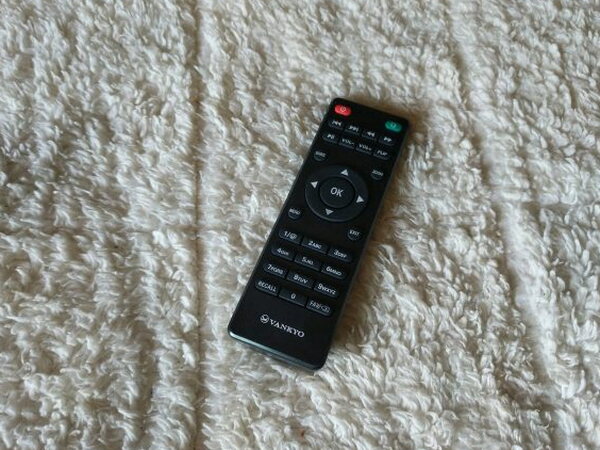
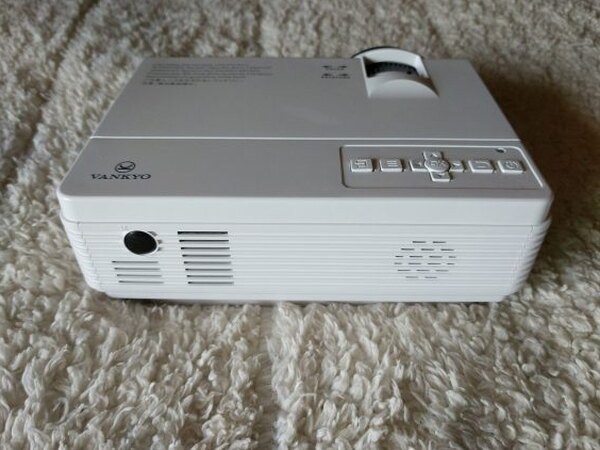
The remote helps, but it has two annoyances. First, the keys do not light up, which matters because this projector looks best in total darkness. Second, the IR receiver is on the back of the projector. If you sit next to it or in front of it, the remote becomes mostly useless.
Setup and Adjustment
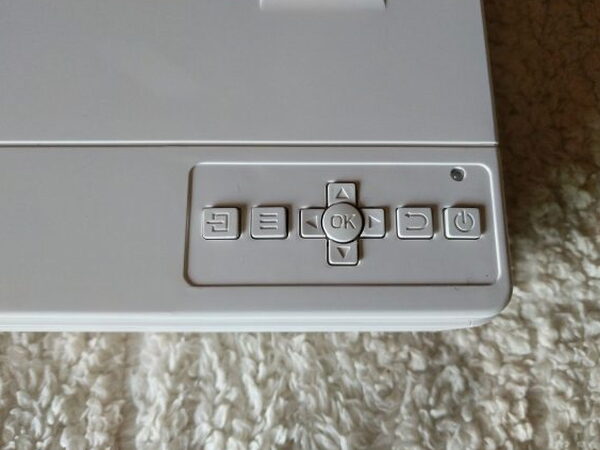
Initial setup is easy. Plug in the power cord, connect a source, turn the projector on, and an image should appear. The buttons on top take a little learning, but after that, most of the work is spent trying to dial in the best picture and focus.
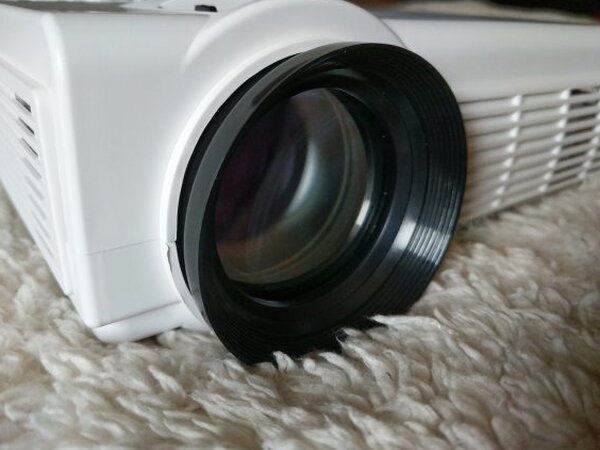
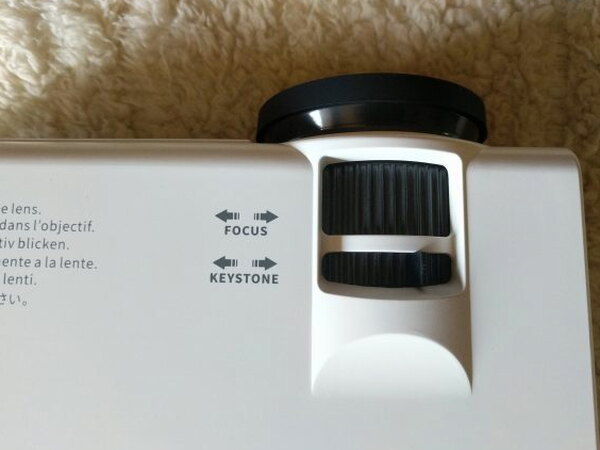
Focus can be adjusted with the Focus dial on the top or by turning the lens itself. The Keystone adjustor helps correct the shape of the image when the projector is not lined up perfectly. The catch is that keystone correction is vertical only, which I found frustrating.
Watching Movies
For testing, I used a white bedsheet as a screen and placed the Vankyo about three feet away. That produced an image similar in size to a 32 inch television.
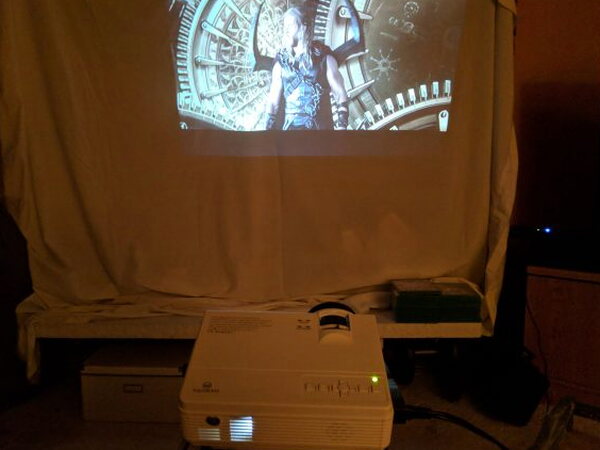
I watched several movies and TV shows, but spent the most time with “Thor: Ragnorak” because its bright color palette and strong audio tracks made it a useful test.
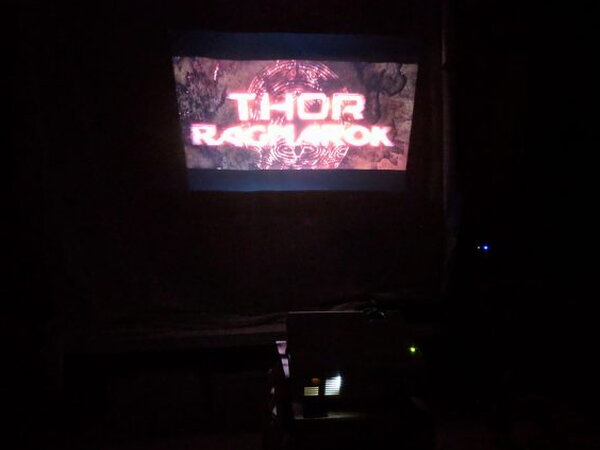
Getting the image settings right took patience. The LEISURE 3 looks best in complete darkness, which means changing picture settings with a non-backlit remote can become irritating quickly.
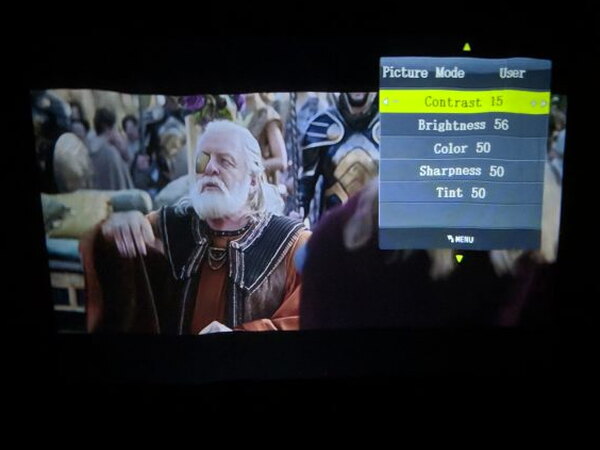
After enough trial and error, I found settings that produced decent contrast and color. The results were not consistent from scene to scene, but the color was still better than I expected for the price.
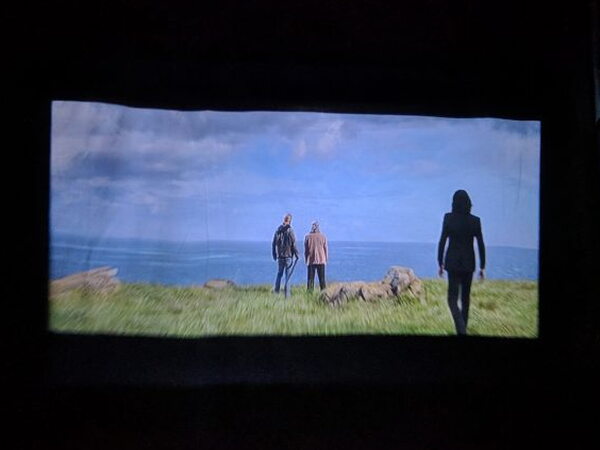
The problem was sharpness. No matter how I adjusted the focus, keystone, or projector position, I could not get the entire frame to stay crisp. The bottom of the image was especially hard to bring into focus.
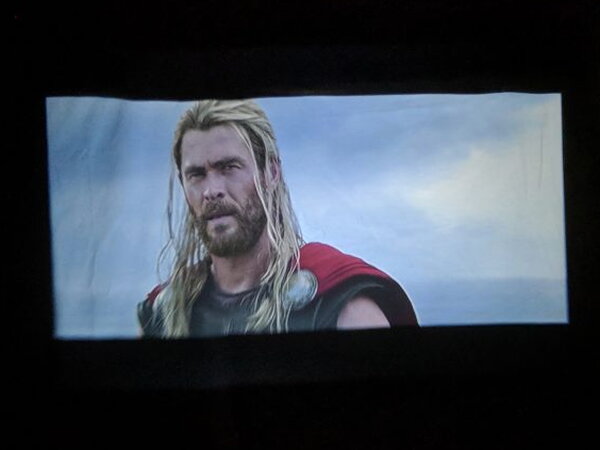
There were also moments where whites picked up a pinkish hue. It was not constant, but it was noticeable enough to add to the sense that the image quality is only mediocre.
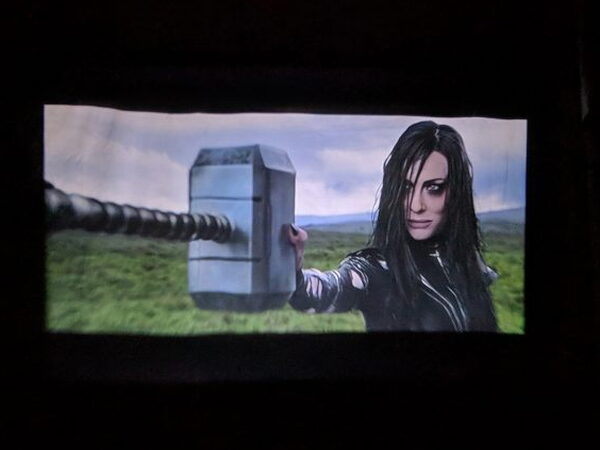
The internal speaker handled music and cinematic sound better than I expected. The adjustable audio parameters helped, too. Still, the lack of Dolby Digital Sound support hurts the overall experience.
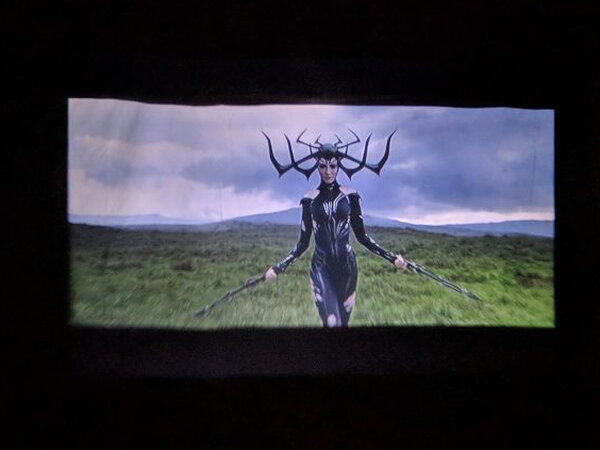
That explains the LEISURE 3 overall. It works, and it can be fun, but during testing I never felt like it was better than watching my TV. The big reason to buy a projector is the cinematic wow factor, and this model does not really deliver that feeling.
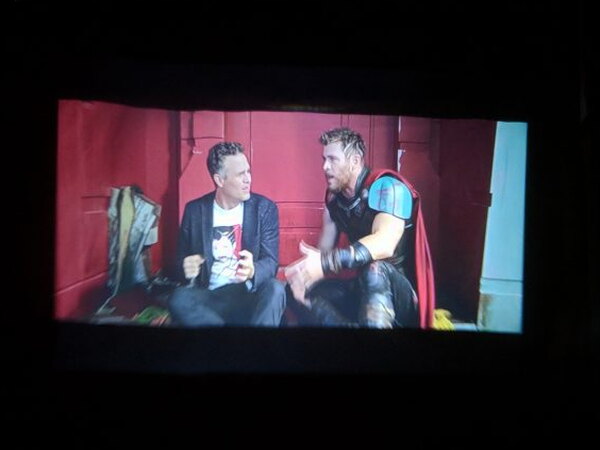
For me, the LEISURE 3 lands more as a novelty purchase than a daily entertainment device. It is inexpensive and easy to bring along for camping trips, BBQs, or occasional outdoor movie nights. It is not good enough to be something I would want to use regularly.
The missing presentation support is another important drawback. It cannot run PowerPoint, Word, or Excel presentations, which removes one of the common practical reasons to own a digital projector.
The Good
- Easy to set up
- Inexpensive
- Carrying case included
The Not So Good
- No support for PowerPoint, Word, or Excel presentations
- No support for Dolby Digital Sound
- Mediocre picture quality and focus
- Large for a “mini” projector
- No included smartphone cables/adaptor
Quick Questions
Q: Does it support Dolby Digital Sound?
A: No, Dolby Digital Sound is not supported.
Q: Can it display PowerPoint or other presentations?
A: No. It cannot run PowerPoint, Word, or Excel presentations.
Q: Does it come with cables for connecting a phone?
A: No. Only VGA, HDMI, and RCA-to-3.5mm cables are included; smartphone or newer laptop adaptors have to be bought separately.
Q: What’s the native resolution?
A: 800 x 480, with a claimed brightness of 2200 LUX and a projection size range of 33 to 170 inches.
Final Take
The Vankyo LEISURE 3 2200 LUX LED Portable Projector is a middling product with a bargain price that makes some of its weaknesses easier to accept. It runs, it is simple to set up, and it can handle casual movie viewing from several sources. The included case is genuinely useful. But the mediocre picture and focus, no Dolby Digital Sound support, no digital presentation support, and missing smartphone adaptors keep it from being an easy recommendation. As a cheap novelty projector it can work. If you want a more versatile and better looking projector, spend more.
Price: $89.99
Source: The sample of this product was provided by Vankyo.


