
REVIEW – Ever since cutting the cord years ago, I’ve gotten my hands on just about every TV media box out there: Rokus, TiVos, Amazon Fires, Chromecasts, Xboxes, Playstations, Macs, PCs, Smart TVs, and my all-time favorite, Nvidia Shields. The Shield beats them all, no contest. I also love to tinker with media apps and services that live a bit off the beaten path, and locked-down devices like Shields and Rokus just won’t cut it for that kind of experimenting. Happily, there are media boxes out there that hand you more control, and the UGOOS UT8 Pro Android TV is one of them.
Running Android 11, the UT8 Pro looks seriously beefy on paper, with enough RAM and processing muscle that it could almost pass for a mini PC. All that horsepower costs $159.90, and even though the UT8 Pro is packed with processors and ports, it’s also fairly buggy and doesn’t get along with a few popular 4K streaming apps, so most cord-cutters may want to look elsewhere.
The Basics
The UGOOS UT8 Pro is an Android TV media box with 8GB of RAM, 64GB of internal storage, and 4K video streaming. It runs Android 11 and gets online over WiFi or through a gigabit ethernet port, plus Bluetooth 5.0, a Rockchip RK3568 processor, and support for the WiFi 6 standard.
Unboxing
The box itself is a rugged cardboard affair, every one of the UT8 Pro’s specs printed right on the outside along with what’s inside.

Open it up and the unit sits snug and protected, plastic insets guarding the body and its ports.
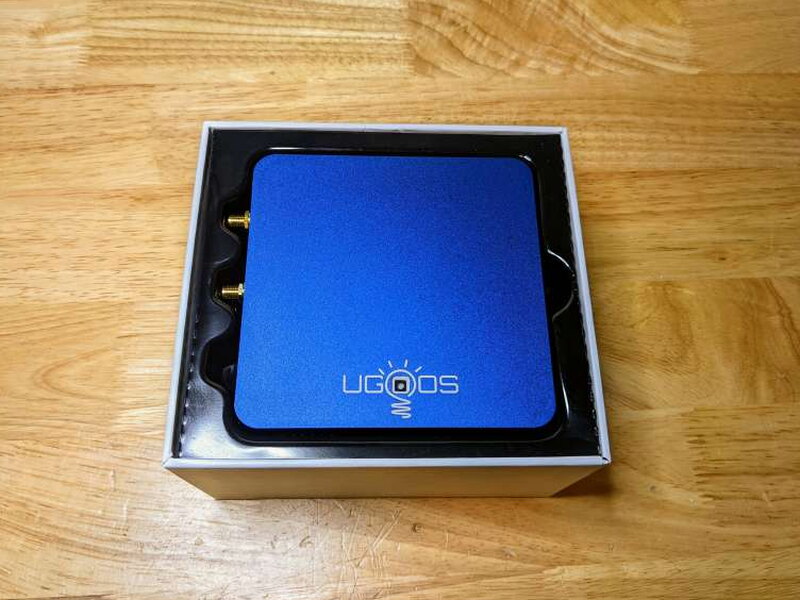
What You Get
- UGOOS UT8 Pro Android TV Box
- Remote Control
- 5V Power Supply
- HDMI Cable
- 2 Dual-Band WiFi Antennas
- User Manual

By the Numbers
- Processor: Rockchip RK3568 Quad-core Cortex-A55 processor with NEON and FPU
- GPU: Mali-G52 2EE with OpenGL ES 1.1 to 3.2, Vulkan 1.1, OpenGL 2.0
- Memory: 8GB DDR4
- SDRAM: 4GB
- Internal Storage: 64GB (EMMC)
- Storage Extension: MicroSD Card up to 32GB (SD2.X, SD3.X, SD4.X, eMMC ver5.0)
- OS: Android 11
- Wireless Connectivity: IEEE 802.11 a/b/g/n/ac/ax WiFi 6 2×2 MIMO
- Network: IEEE 802.3 10/100/1000M Ethernet
- Bluetooth: Bluetooth 5.0 with LE technology
- HDMI Output: HDMI 2.1 Type-A 4K@60fps max resolution, CEC/HDR/RTC Supported
- Ports:
- 2 – USB 3.0 ports
- 1 – USB 2.0 port
- 1 – USB 3.0 OTG port
- 1 – HDMI 2.1 port
- 1 – 3.5mm audio out
- 1 – 3.5mm aux input
- 1 – Optical (SPDIF) port
- 1 – Gigabit LAN port
- 1 – TF Card slot
- Supported Video Formats: VP9 Profile-2, H.265 HEVCMP-10@L5.1, H.264 AVC HP@L5.1, H2.64 MVC, MPEG-4 ASP@L5, WMV/VC-1 5P/MP/AP, MPEG-2 MP/HL, MPEG-1 MP/HL
- Supported Audio Formats: MP3, AAC, WMA, RM, FLAC, Ogg
- Remote Control: IR Bluetooth remote with Voice
- Dimensions: 4.57″ (11.6cm) x 4.57″ (11.6cm) x 1.1″ (2.8cm)
- Power: 5V 3A
Design and Build
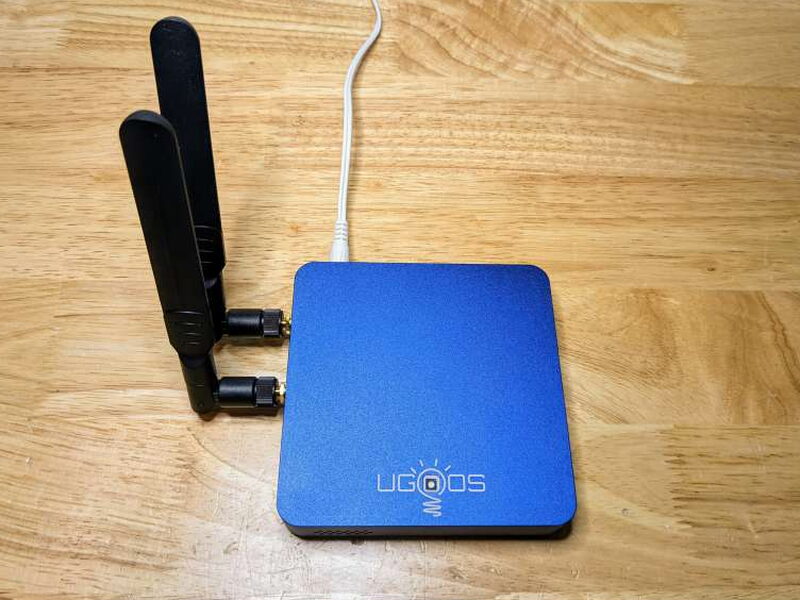
UGOOS clearly thought this one through. The UT8 Pro is loaded with ports that are all clearly labeled and easy to reach, and at roughly 4.5 inches square and 1 inch tall, it barely eats up any shelf space. The build feels top-notch too, and the solid textured blue aluminum case gives real confidence, especially compared to how most set-top boxes come wrapped in black plastic.
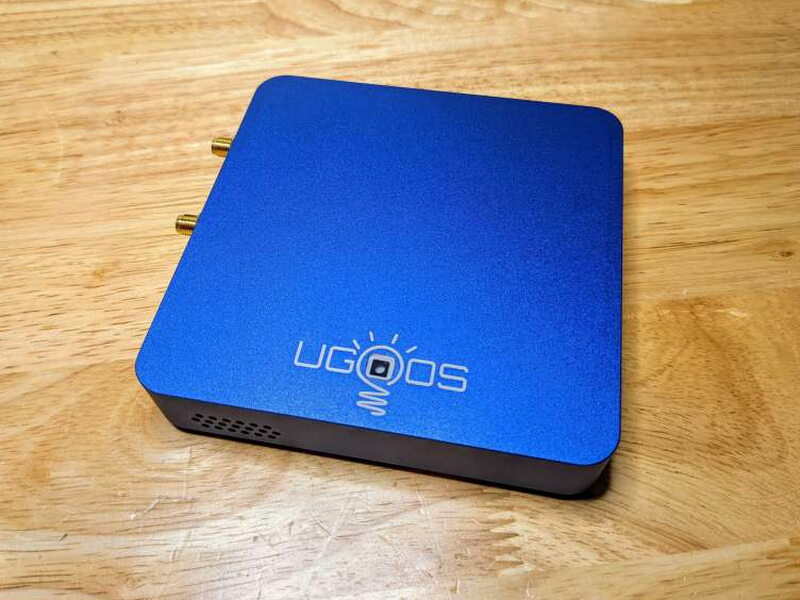
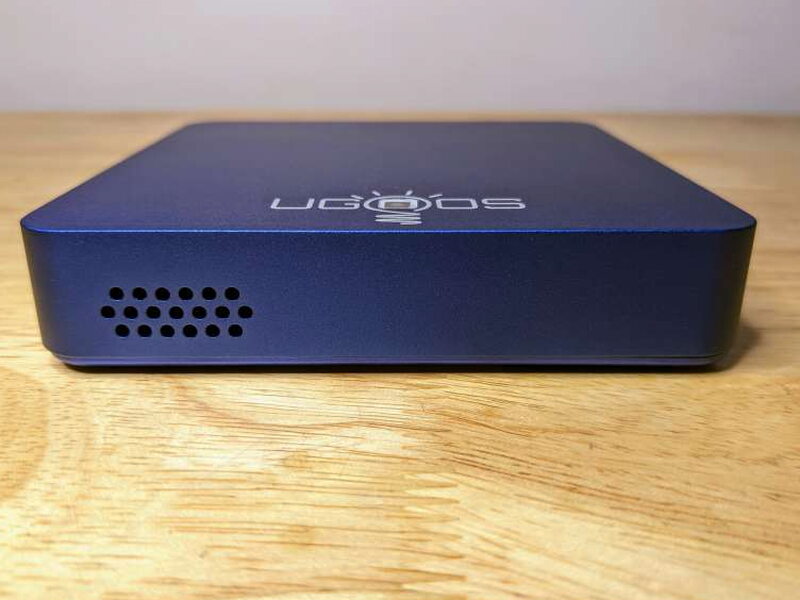
Aside from a small cluster of vent holes, the front of the unit stays clean. Up top sits the UGOOS logo, with a power LED tucked into the middle of it.
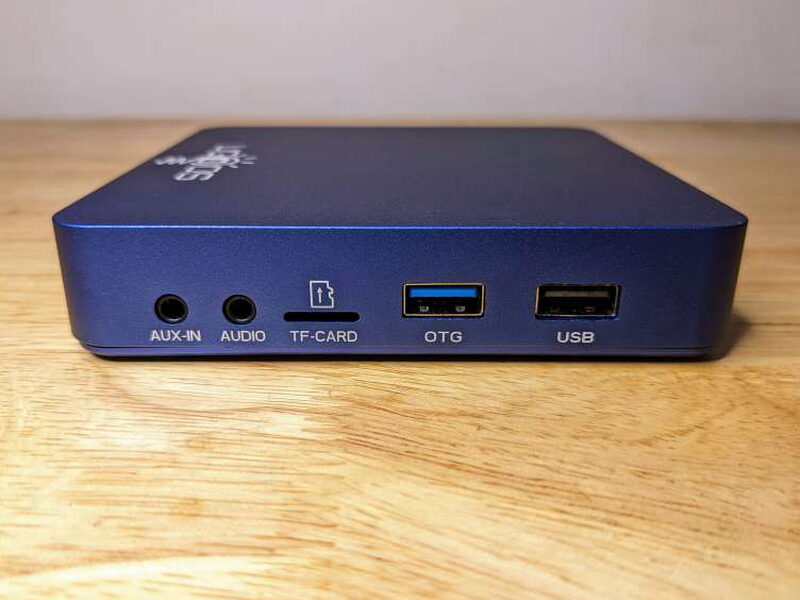
Working counter-clockwise around the box turns up the first batch of ports: the 3.5mm aux-in and audio-out jacks, the TF memory card slot, a USB 3.0 On-The-Go port, and one USB 2.0 port.
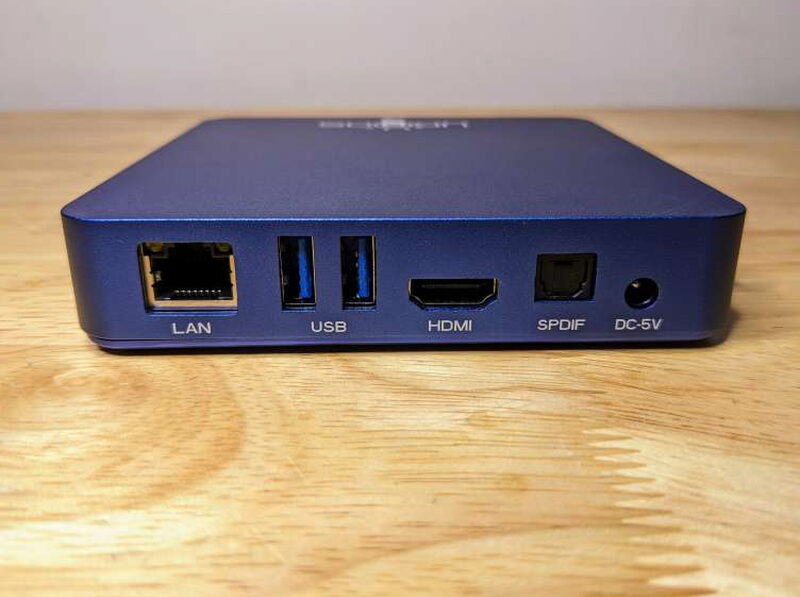
Around the back sits the gigabit LAN port, a pair of USB 3.0 ports, an HDMI port, an optical SPDIF audio-out port, and the input for the 5V power supply.
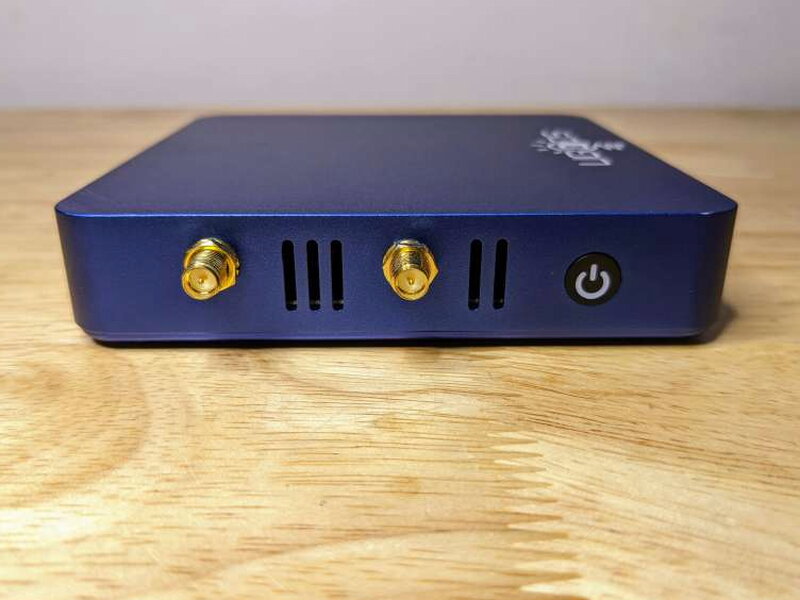
Over on one side sit the two WiFi antenna ports, a couple more vents, and the power button.
Flip the unit over and the bottom is basically one big vent, broken up by two small reset pinholes, one marked Recovery and the other Maskrom. The included manual says nothing about them, but the UGOOS blog has instructions on how they’re used to reflash the unit’s ROM.

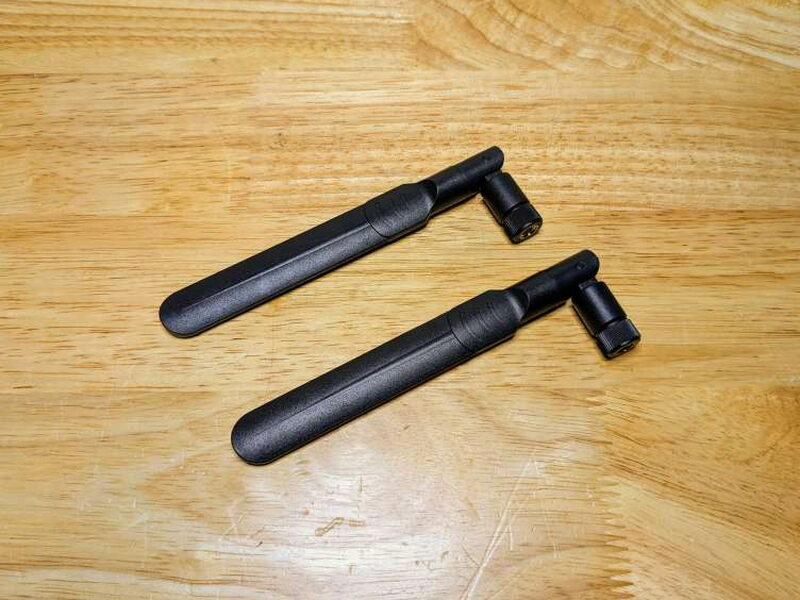
The UT8 Pro comes with two dual-band WiFi antennas that adjust on every axis, which makes chasing down a strong signal a lot simpler.

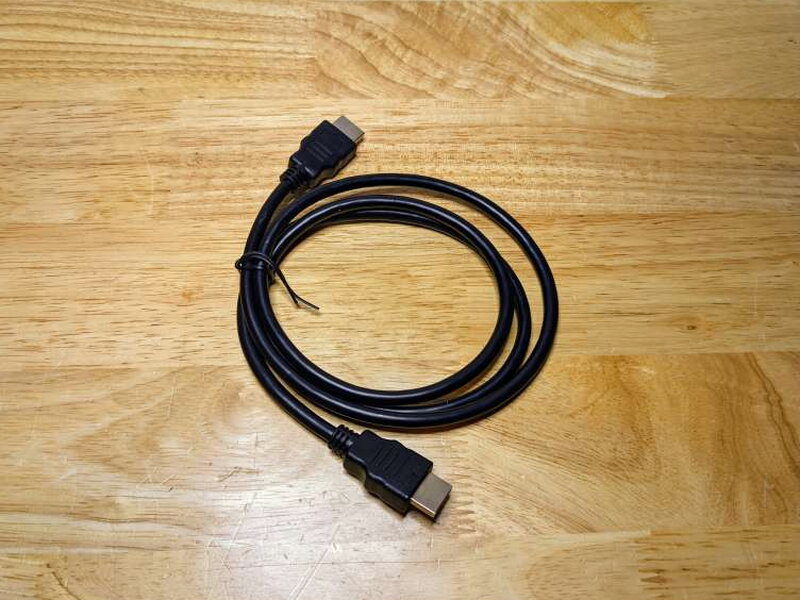
Besides the antennas, UGOOS throws an HDMI cable in the box, a nice bonus at this price.
UGOOS also bundles an infrared/Bluetooth remote. It’s pretty basic on the surface, but there’s deeper functionality tucked into the remote menu in the UT8 Pro’s settings. On top of infrared and Bluetooth, the remote packs a built-in mic for Google Assistant. It runs on two AAA batteries, which aren’t included.
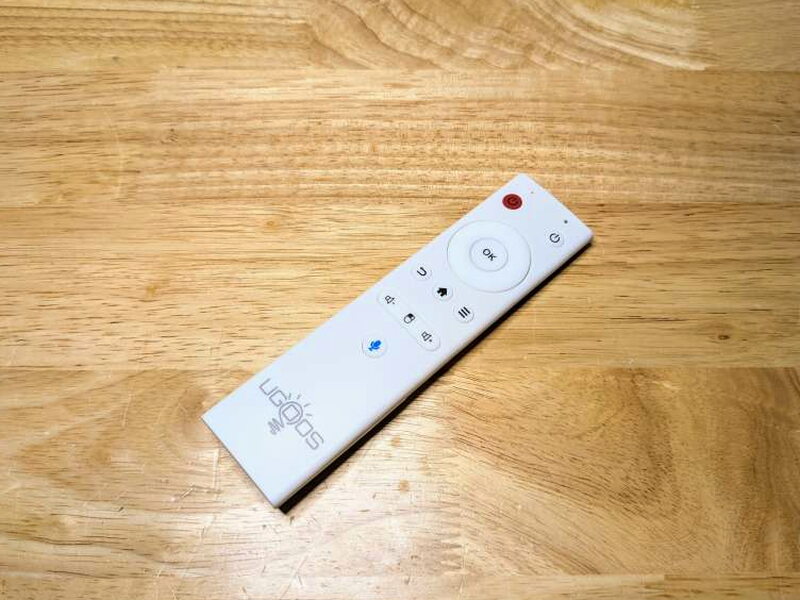

Once the remote has batteries, both antennas are screwed on, and the power supply is hooked up, the UT8 Pro is ready for setup.

Getting Started
After it powers on and hooks up to a screen, the green LED on top lights up to confirm the unit is running.
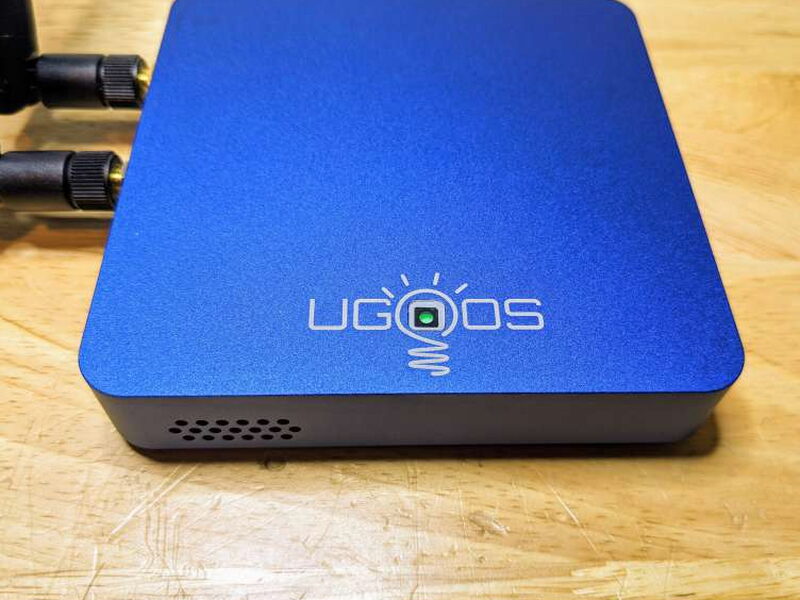
From there, getting the UT8 Pro going feels a lot like setting up any other Android device, with on-screen prompts guiding through the first-time setup.
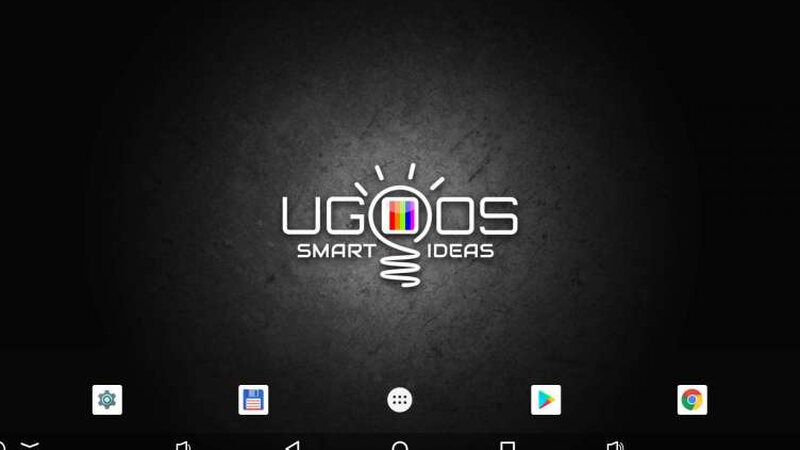
Step one has you pair the remote by following the on-screen prompts and holding Volume Up and Volume Down at the same time until the UT8 Pro spots it and pairs. It became clear fast, though, that the remote isn’t a great way to work through all the setup menus. Hooking up a keyboard and mouse made setting up and using the UT8 Pro much easier.

Next came loading the apps needed to put the unit through its paces, after signing into a Google account to speed things along. The UT8 Pro comes with a handful of standard Android system apps plus a few UGOOS extras like the UGOOS Remote Server and the Total Commander file manager.

The Google Play Store works just like it does on any Android device, but plenty of apps that would normally install elsewhere simply won’t load on the UT8 Pro. Netflix and Disney+, for example, refuse to install. Plex Media Server wouldn’t load either, which stung since I really wanted to push the Rockchip processor and see if it could handle the memory-hungry video transcoding Plex leans on. Weirdly, the Plex player app installed without a hitch, so the UT8 Pro can reach an existing Plex server just fine, it just can’t host one itself.
Living With It
Testing started with the UT8 Pro hooked up to a Dell monitor on the workbench to get every needed app installed and dialed in. Boot times are impressively quick, no surprise given a processor as strong as the Rockchip RK3568 running a stripped-down Android 11.
The menus and settings are plain old Android 11, aside from a few extra options tied to running the device in Android TV mode.
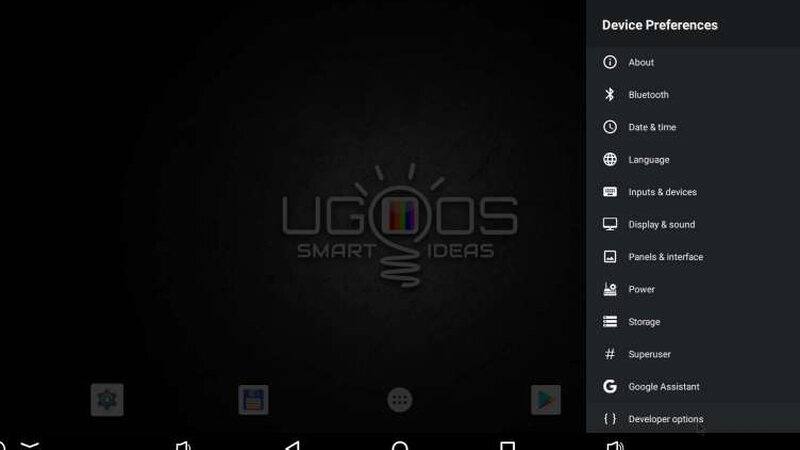
There’s all the usual OS info here, plus the ability to easily root the device and sideload APKs from outside the official Play Store, a real plus for anyone building a custom media box setup.
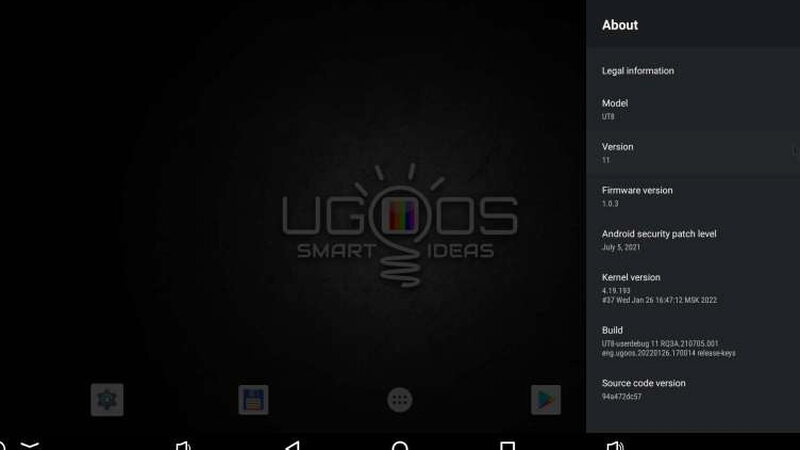
One menu option genuinely worth praising, and one not usually found on other Android builds, is the Hardware Monitor. It keeps a bunch of readouts on screen at all times: CPU load and temperature, RAM details, network usage, IP info, and various video and audio stats.

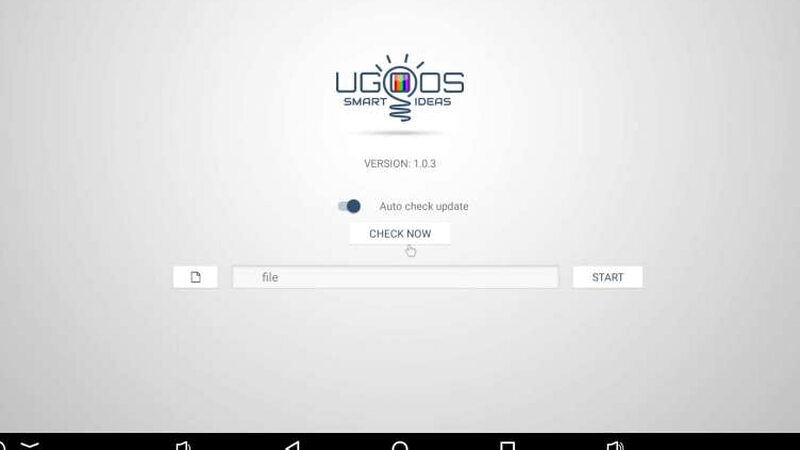
Before loading up apps and tweaking settings, it’s worth checking whether UGOOS has a software update waiting. Over The Air updates really boost the UT8 Pro’s value, since UGOOS can squash issues without requiring manual downloads, and there are a lot of bugs to squash. On top of certain apps refusing to install, otherwise stable apps would often run fine one minute and crash out of nowhere the next.
Kodi, a staple on media boxes, would crash whenever it felt like it, cut out video after a couple minutes, or just restart on its own.
Plex did the same kind of thing, playing videos for maybe 5 to 10 minutes before stopping and dumping out of the app for no clear reason.

A handful of benchmark apps always posted strong scores, so processing power definitely isn’t the issue. The best guess is that the software is just still too buggy to run reliably, a real shame given how much potential the UT8 Pro’s hardware has.
All told, it was hard not to want to fall for the UGOOS UT8 Pro Android TV, but it’s just too unstable to be much use as a streaming box, let alone a media server. Here’s hoping UGOOS keeps pushing OTA updates that tackle app stability and compatibility before long.
The Good
- Solid aluminum construction
- Includes Bluetooth remote and HDMI cable
- Ability to root the device and sideload APKs
The Not So Good
- Buggy and inconsistent performance overall
- Not compatible with some official 4K streaming apps like Netflix and Disney+ as well as Plex Media Server
- Remote doesn’t always work with onscreen options
Quick Questions
Q: Does it work with Netflix and Disney+?
A: No, those official 4K apps refuse to install, one of the review’s biggest complaints.
Q: Can it host a Plex Media Server?
A: No, the Plex Media Server app wouldn’t load, though the Plex player app installs fine and can connect to an existing server elsewhere.
Q: Can you root the device?
A: Yes, rooting and sideloading APKs outside the Play Store is straightforward, a genuine plus for custom setups.
Q: Is an HDMI cable included?
A: Yes, along with a Bluetooth/IR remote with a built-in mic for Google Assistant.
The Verdict
On paper the UGOOS UT8 Pro Android TV looks fantastic, but in everyday use it falls flat. Between a buggy UI that doesn’t always cooperate with the bundled remote, shaky performance and crashes across a slew of well-known apps, and outright incompatibility with the official 4K versions of Netflix and Disney+, the UT8 Pro simply isn’t ready for prime time. Being able to root it easily and sideload APKs takes some of the sting out, but not enough to justify $159 when spending a bit more gets the rock-solid Nvidia Shield instead. UGOOS may well iron out most of the performance issues with future OTA updates, but with so many other capable set-top boxes already available, it’s hard to recommend holding out for that.
Price: $159.90
Product Link: UGOOS
Source: The sample of this product was provided by UGOOS.


