
REVIEW – After moving to a city where car break-ins are an everyday worry, I started looking for a low-cost way to add some protection to my 2007 Toyota FJ Cruiser. The truck is not exactly a collector’s item, but I still do not want to wake up to a smashed window. I also did not want to spend much, which is why the $49.99 Technaxx TX-100 Car Alarm caught my attention.
Why I Tried It
The TX-100 is a compact gadget that looks at first like a two-port USB car charger. Inside that charger-style body, Technaxx also built in a passive infrared motion detector, a 110dB siren, and a rechargeable battery. While the car is running, it sits in the cigarette lighter socket, charges its internal battery, and can charge other devices through its two USB ports. When the car is off, the alarm runs from that internal battery and can be armed with the included remote. Motion inside the cabin, such as a door opening or a window being broken, triggers the siren.
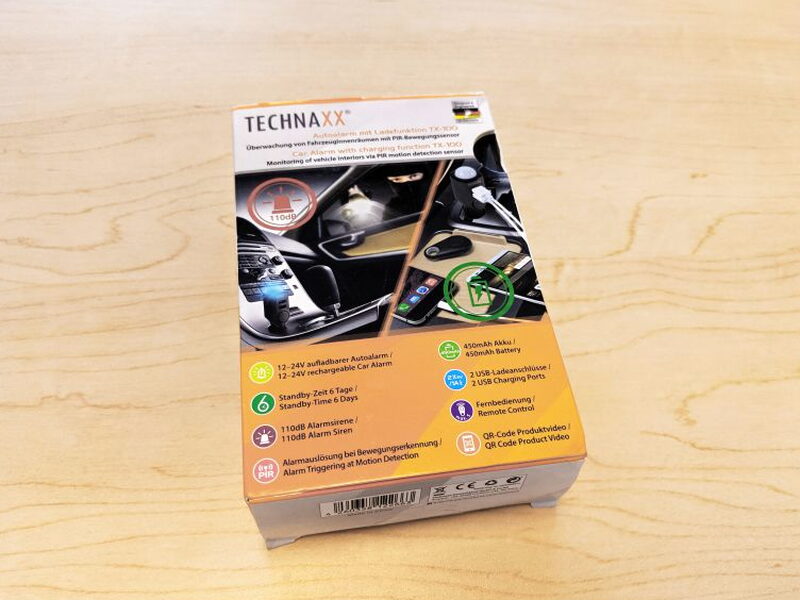
The packaging is small and multilingual, with English and German on the front. The box also includes pictures showing how the unit works in a vehicle.
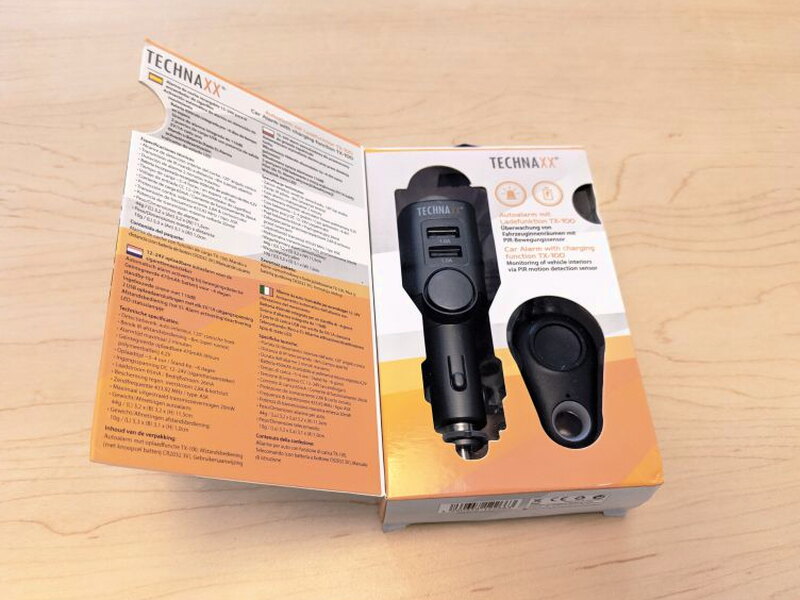
Opening the flap reveals the device through a window and adds more specifications in four additional languages.
Package and Contents
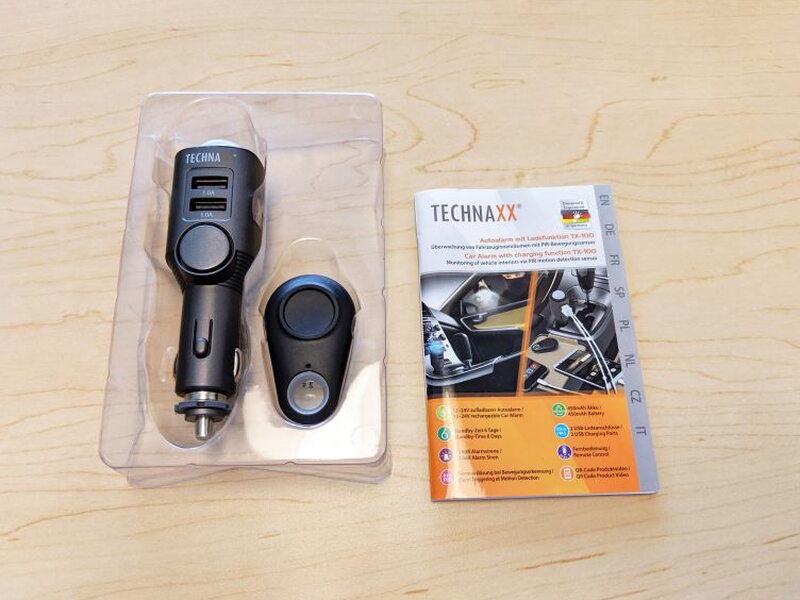
- 1 Technaxx TX-100 Car Alarm
- 1 Remote control with CR2032 battery
- 1 User manual
Specs
- Detection range: Car interior, 120° cone angle
- Remote control distance: 8m (open areas)
- Alarm time: 2 minutes maximum
- Alarm loudness: 110dB
- USB charging ports: 2 5V/1A ports
- TX-100 battery: Built-in rechargeable 450mAh lithium polymer battery
- Remote control battery: Included CR2032 battery
- Charging time: 3-4 hours
- Battery standby: 6 days
- Input voltage: DC 12-24V (cigarette lighter socket)
- Charging current: 65mA
- Operating current: 26mA
- Over current protection: 2.8A
- Maximum transmission power: 20mW
- Transmission frequency: 433,92 MHz
- Dimensions:
- TX-100: 1.25 in (L) x 1.25 in (W) x 4.52 in (H)
- Remote control: 2 in (L) x 1.22 in (W) x .4 in (H)
Hardware
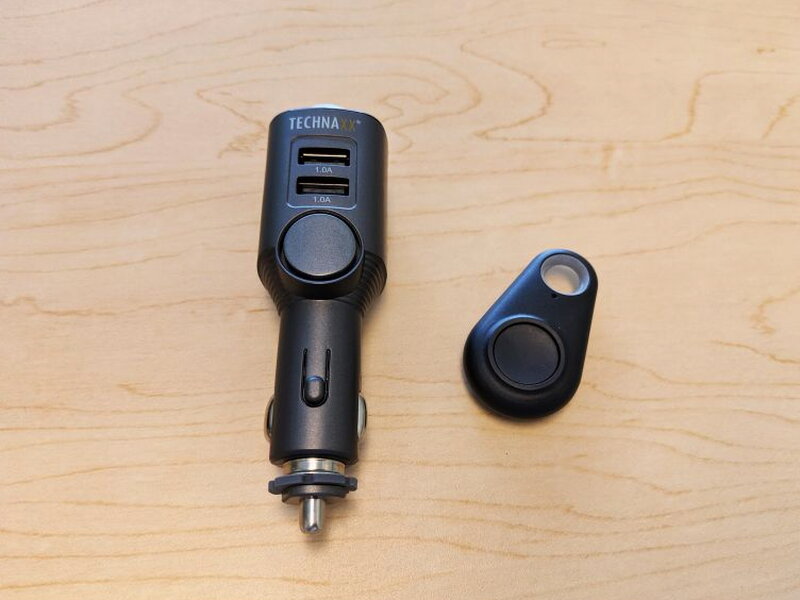
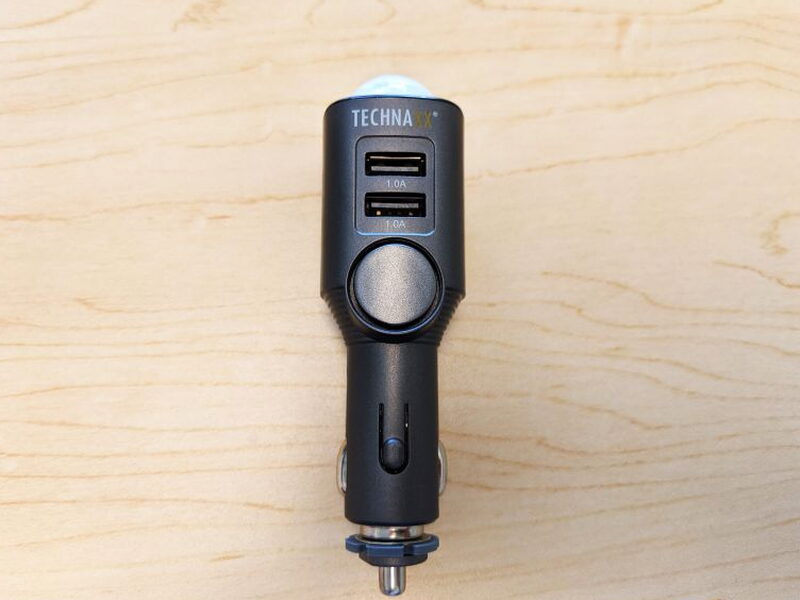
The first impression is that the TX-100 is more clever than rugged. Both the alarm body and remote are very light, made from gray ABS plastic, and feel fragile rather than durable.
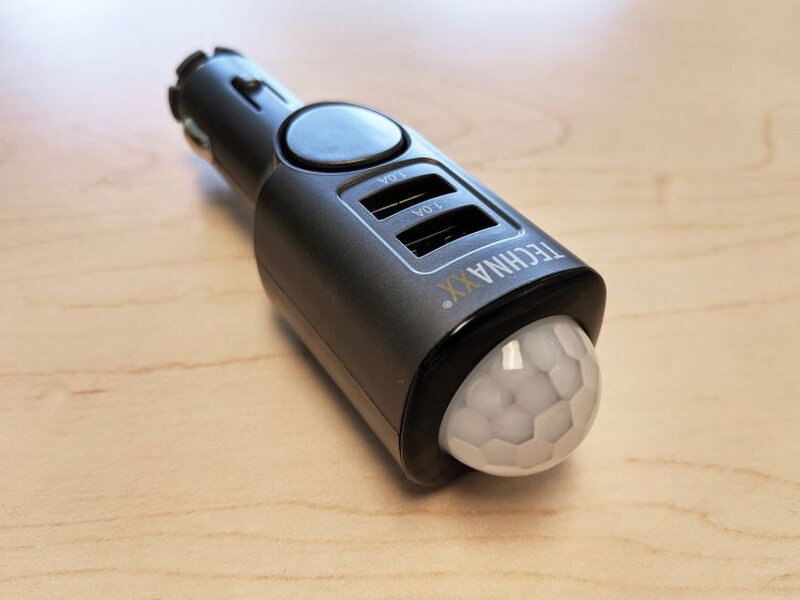
The giveaway that this is not just a plain USB charger is the large shiny PIR dome on the end of the unit.
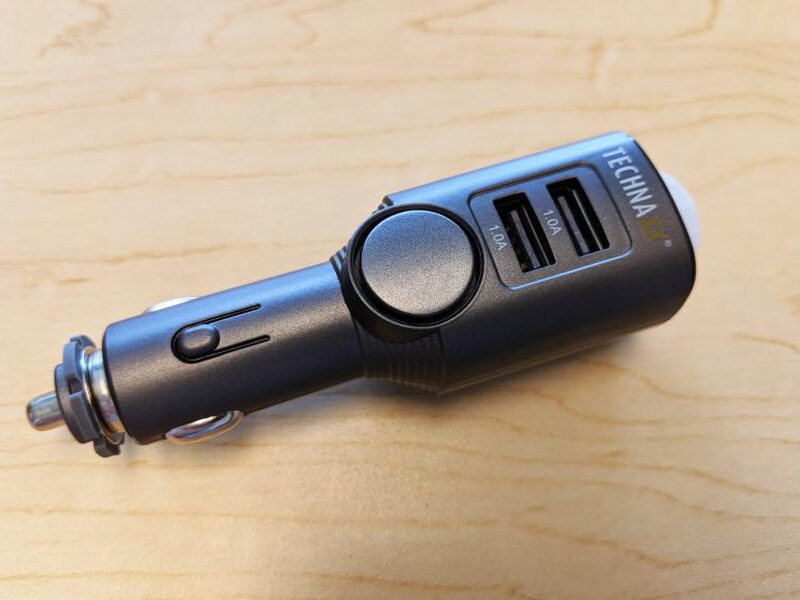
Near the two 1A USB charging ports is the round siren opening, another clue that this is an alarm first and a charger second.
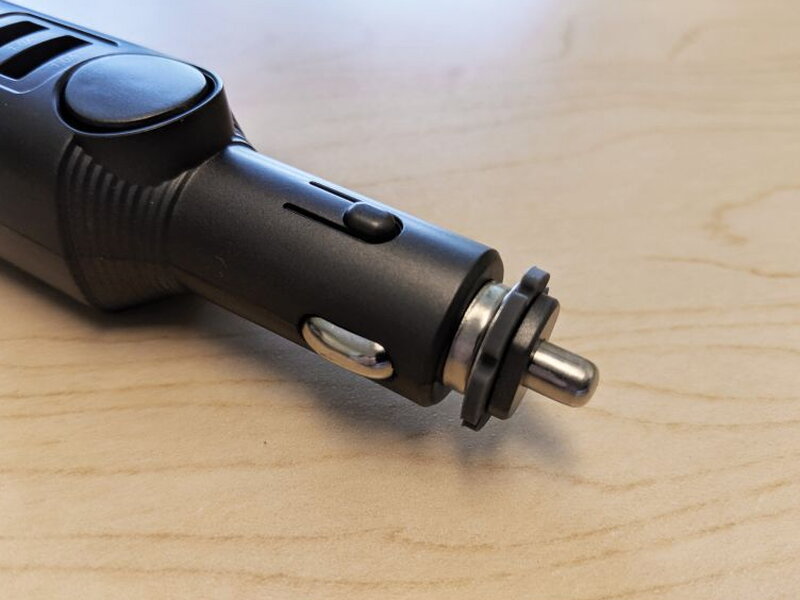
The only metal part you really notice is the plug tip that goes into the cigarette lighter socket.
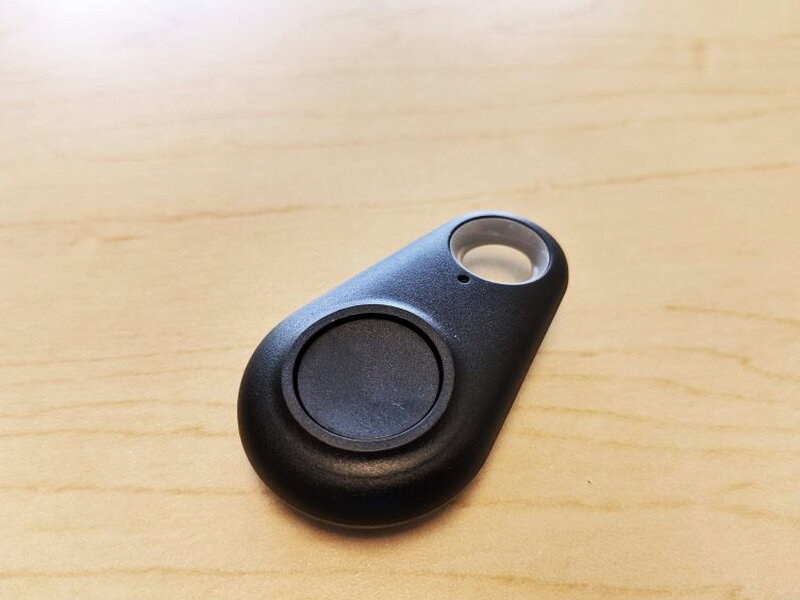
The remote resembles a tiny car alarm fob. It is smaller and lighter than a typical vehicle remote and has just one button.
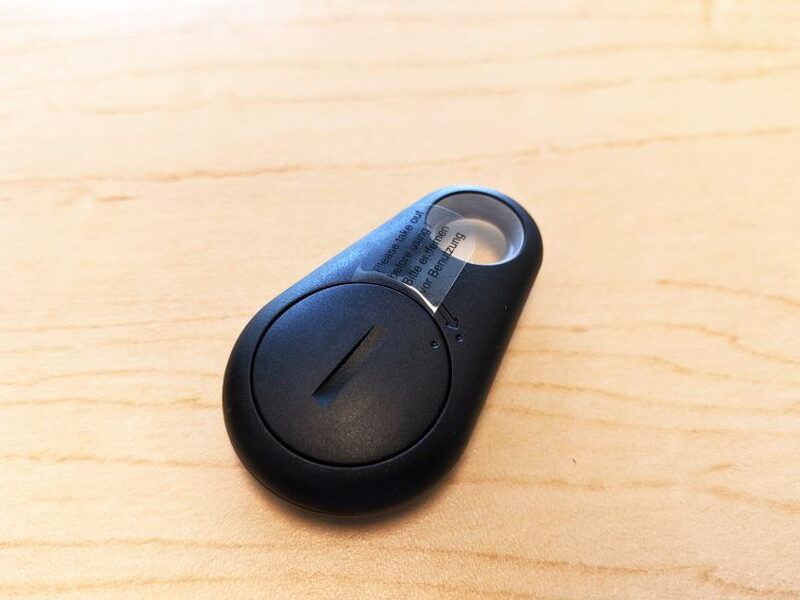
A CR2032 battery is already installed in the remote. Before using it, you pull out the thin plastic battery tab.
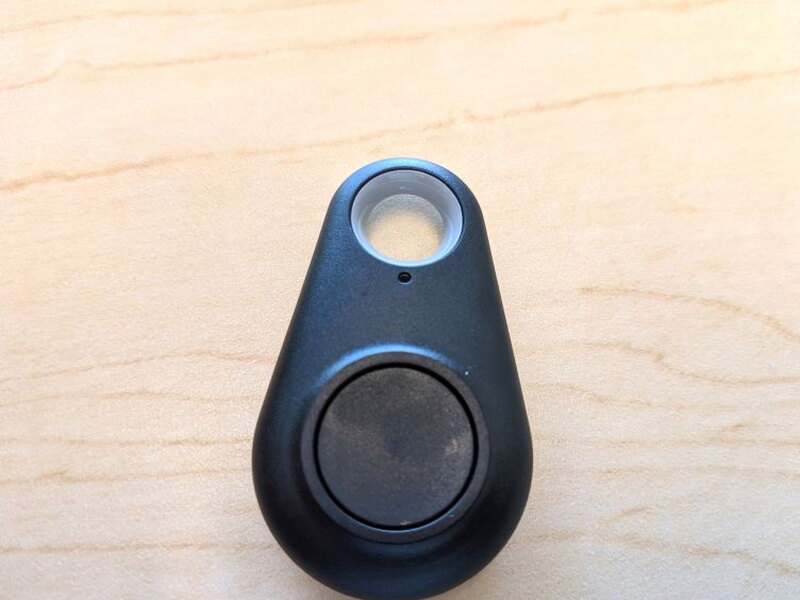
The small status light near the top of the remote blinks whenever the button is pressed.
Charging and Pairing
The manual says to fully charge the TX-100 before the first use. That sounded simple, but charging turned into my biggest complaint.
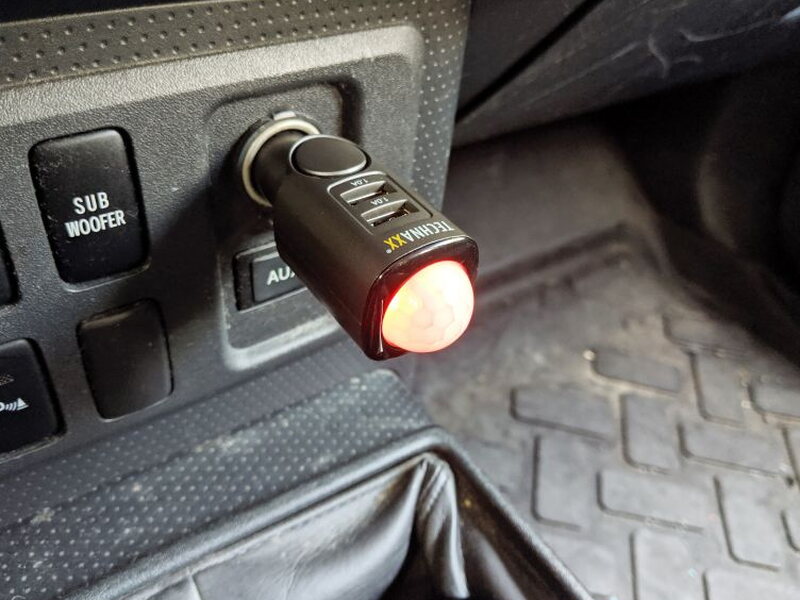
A full charge takes 3-4 hours, but the only supported charging method is the cigarette lighter socket in a vehicle or an external cigarette lighter power adapter. I do not own an external cigarette lighter adapter, and I suspect many people do not either. With my commute of about 35 minutes each way, it took roughly five days of driving with the TX-100 plugged in before the battery was finally ready.
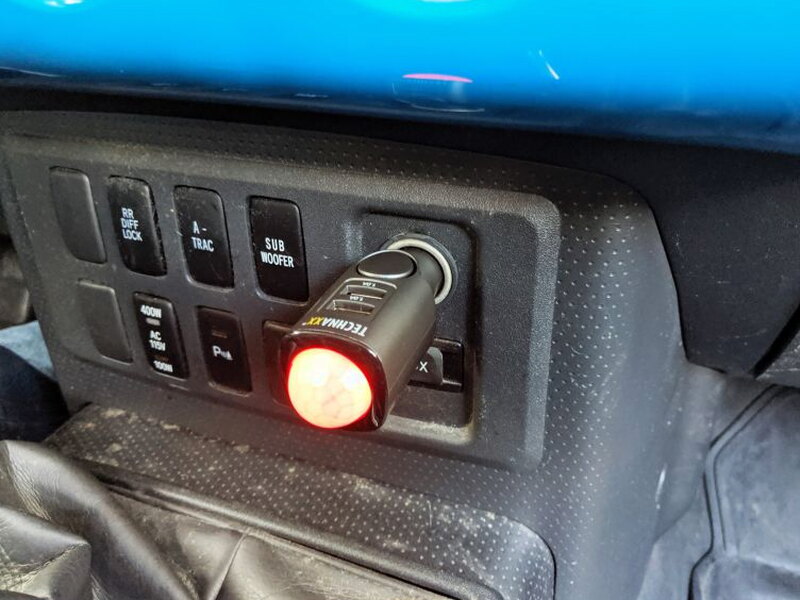
This device really should have had a micro USB input or the ability to recharge through one of its own USB ports. Watching the red charging light stay on for nearly a week was frustrating, and anyone with a shorter or longer commute will have a different first-charge experience.
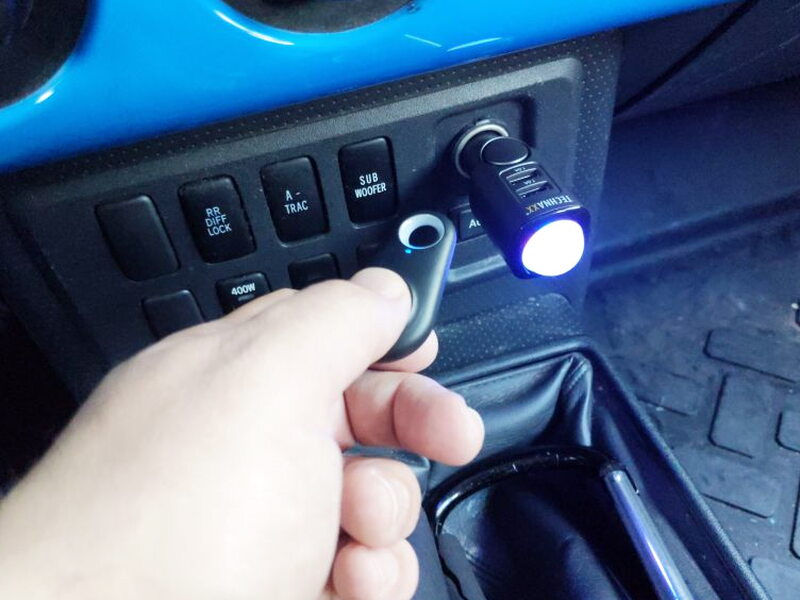
When the TX-100 is fully charged, the red light turns off. Pairing the remote has to be done during the first five seconds after the fully charged unit is plugged into the cigarette lighter socket. Press and hold the remote button until four beeps sound. The light blinks blue, and after those beeps the remote is paired. A single remote can also be paired with more than one TX-100.
Daily Use
The two 1A USB ports were not impressive with iPhones or Android Pixels. Charging felt inefficient, although I cannot say whether that was because modern phones want more than 1A or because the TX-100 was also trying to charge its own battery at the same time.
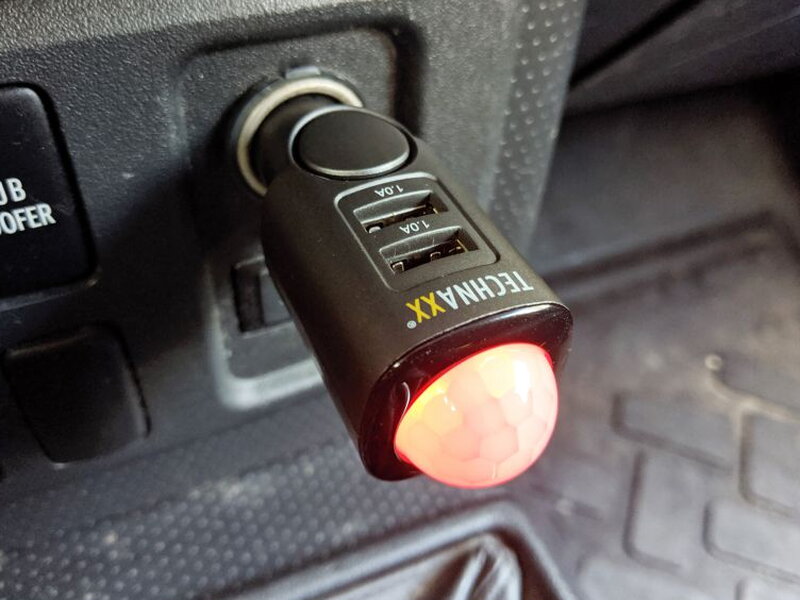
As an alarm, however, the TX-100 worked well in my testing. No one appeared to try breaking into my car, but every time I opened the door while the unit was armed, the siren sounded immediately. I also tried to make it false alarm from movement outside the windows and could not trigger it without opening the doors.
Arming it after parking is easy. The TX-100 gives an audible confirmation beep and then waits five seconds before becoming active. My problem was remembering to disarm it in the morning. I am used to unlocking the vehicle with its own key fob, and adding a second button press before climbing in was not something my sleepy brain always handled well.
When armed, the blue light flashes every five seconds. If the sensor detects activity, that blue light flashes quickly and the siren runs continuously for about two minutes. A thief could still grab the screaming TX-100 from the cigarette lighter socket, toss it aside, and break it fairly quickly. At this price, that limitation is part of the deal.
Because the alarm uses its internal battery when the vehicle is off, it needs regular recharging. My normal daily commute was enough to top it off for overnight use. For storage or to save battery, holding the remote button for four seconds shuts the unit down completely.
Pros
- Affordable alarm option for late model cars
- Easy to operate
- Worked reliably in testing
Cons
- Initial charging through the cigarette lighter takes far too long, and USB charging should have been included
- Build quality feels poor
- The USB charging ports are low-powered and inefficient
Quick Questions
Q: How is it charged?
A: Only through a vehicle cigarette lighter socket or an external cigarette lighter adapter; there’s no Micro USB charging option, so a full charge on a daily commute can take several days.
Q: How loud is the alarm?
A: 110dB, running for up to 2 minutes once triggered.
Q: What triggers the alarm?
A: A passive infrared motion sensor that detects movement inside the cabin, like a door opening or a window breaking.
Q: Can it charge phones while parked?
A: Yes, it has two 5V/1A USB ports, though charging speed was unimpressive with modern phones in testing.
Bottom Line
The Technaxx TX-100 Car Alarm is a smart, inexpensive, and reliable little deterrent for a vehicle that does not already have much protection. Its weak construction, visible placement, and easy removal keep me from calling it a complete security solution, and the lack of a better charging option is annoying. Even so, for $49.99, it could be a useful preventative measure for someone with a late model car who parks where break-ins are common.
This isn’t the only one I’ve put through its paces. Check The Best Car Tech Accessories I’ve Tested for the full lineup.
Price: $49.99
You can also find it at QVC for $47.88 and Walmart for $50.28.
Source: The sample of this product was provided by Technaxx.


