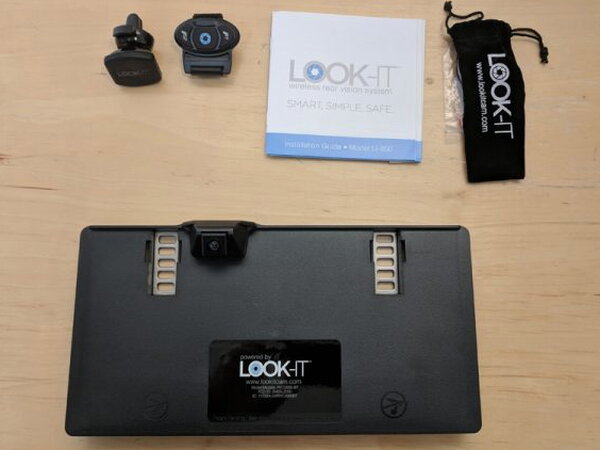
REVIEW – The LOOK-IT Wireless Rear Vision System is meant to give older cars a backup camera without running video cables through the vehicle. It pairs a license plate frame camera with a Bluetooth enabled smartphone and a remote fob. The installation is mostly painless and the idea is useful, but the $249.99 price is hard to swallow when the VGA image is rough and the system does not always wake up when asked.
What LOOK-IT Is
If your car predates factory backup cameras, LOOK-IT tries to add that safety feature with a battery powered license plate frame and a phone app. Instead of a dash screen, your iPhone or Android phone becomes the display.
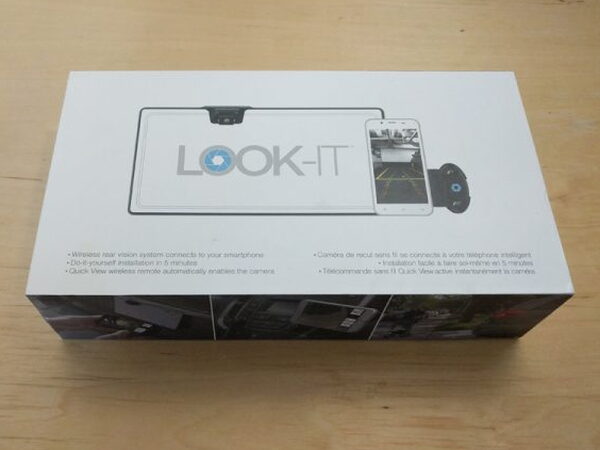
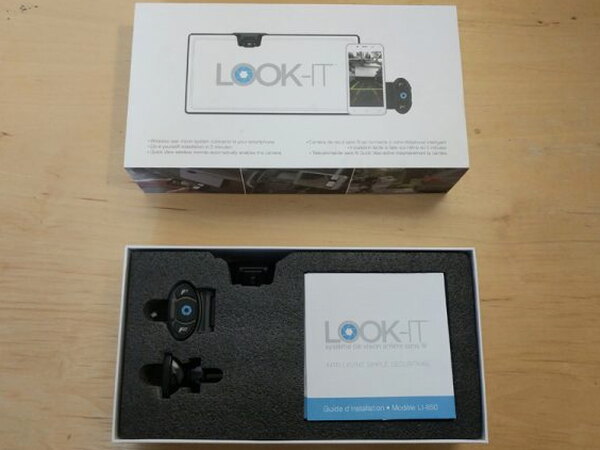
The packaging is polished and explains the system clearly. Inside, the main pieces are held in a custom foam insert.
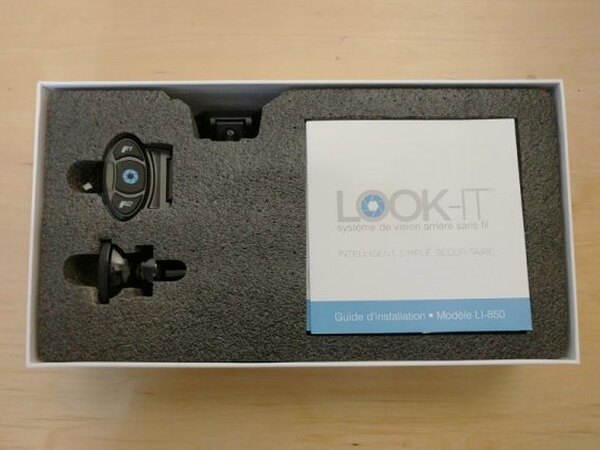
In the Box
- LOOK-IT Plate Frame
- QuickView Wireless Remote
- Magnetic Phone Mount
- LOOK-IT Manual
- Mounting screws, adhesive, and attachment for hardwiring system
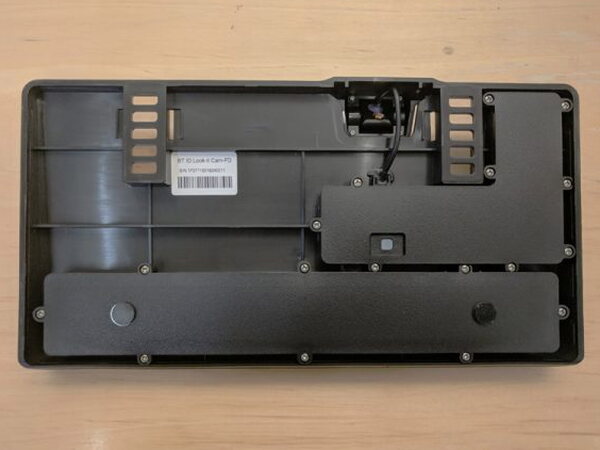
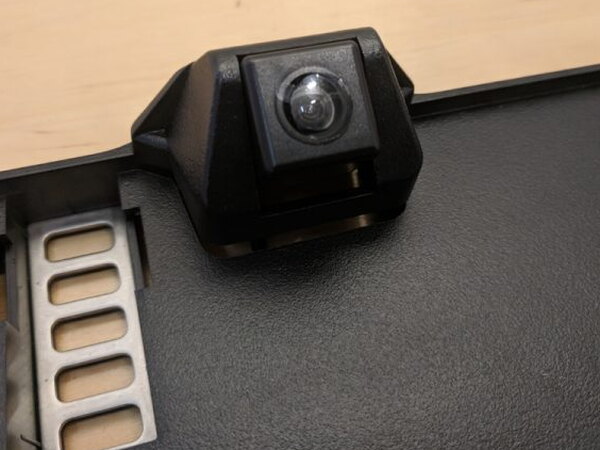
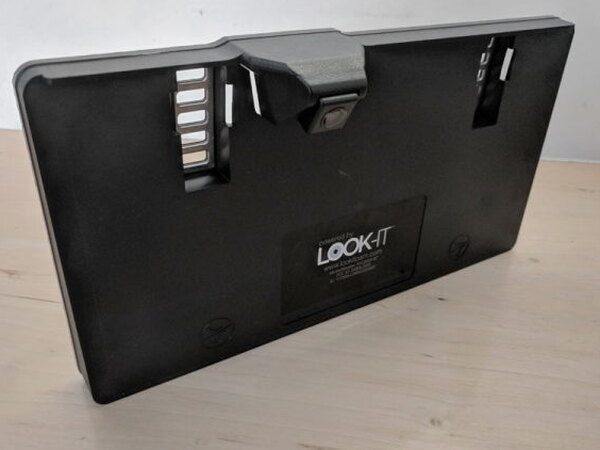
The plate frame is larger than a standard license plate holder because it carries the camera, battery, and electronics in one piece.
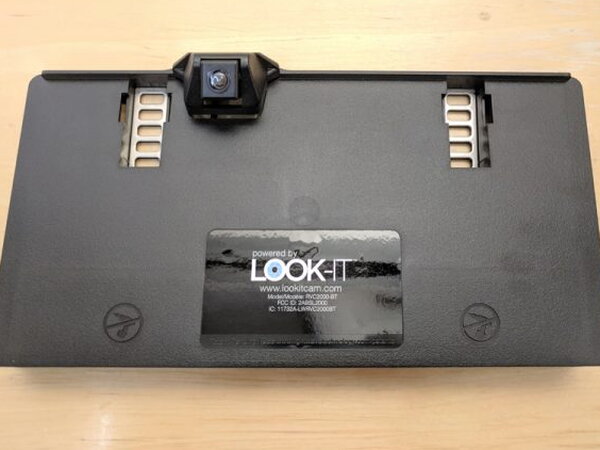
The frame is waterproof and powered by a self-contained, long-life battery. LOOK-IT says the battery should last more than three years in normal use, and replacement batteries are supposed to be available through LOOK-IT authorized retailers.
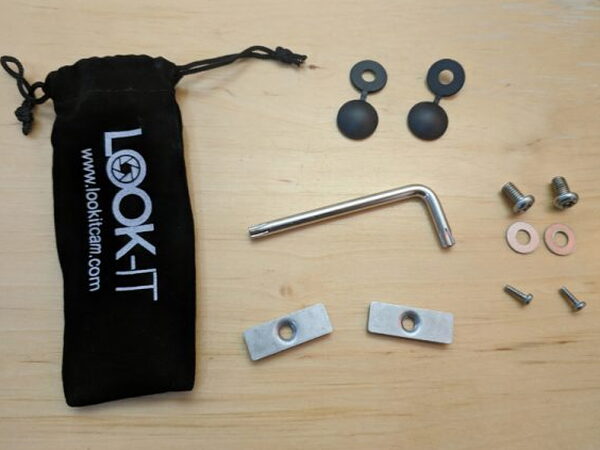
LOOK-IT also includes brackets, caps, small hardware, and a wrench with a special tip that is intended to discourage theft.
The other essential piece is the QuickView Wireless Remote, since that is what you press when you want the camera view to appear.
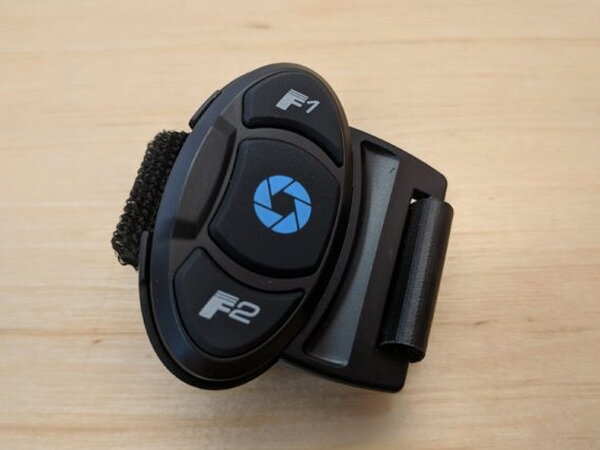
Only the center button worked during my testing. The other buttons are marked for future expansions. LOOK-IT’s website says those extra buttons will launch map apps on iPhone and Android devices, but I could not get that feature to work.
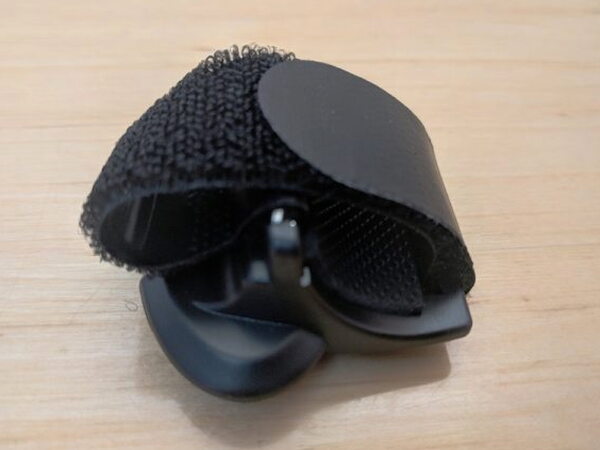
The strap lets you put the fob on a steering wheel, parking brake, or another spot that is easy to reach.
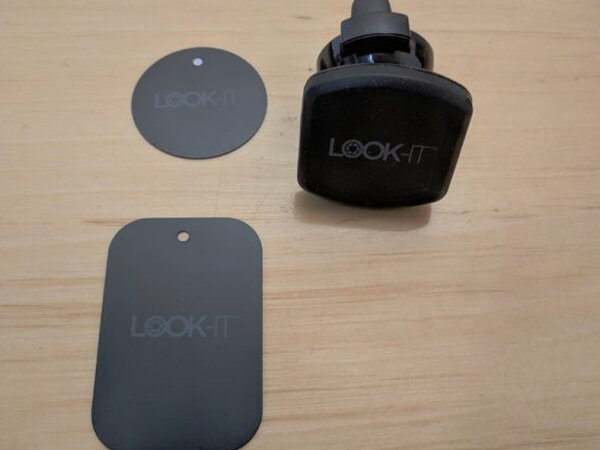
The magnetic phone mount is a useful extra. You slip a metal plate into a phone case, then attach the mount to a vent. It is nice to have, although at $249.99 it also feels like the least they could include.
Phone Compatibility
- iPhone 5 and up with Bluetooth 4.2
- Android smartphones running Android 5.0 and up and equipped with Bluetooth 4.2. BLE (Bluetooth Low Energy) is required for updates and settings. Some Android smartphones are not capable of BLE operation.
Hardware Specs
- Horizontal viewing angle of 100 degrees
- Camera resolution: VGA 600 x 480
- Three year self-contained replaceable battery
- Waterproof molded plastic casing
- Bluetooth 4.2
Setup and Pairing
Before mounting anything, the LOOK-IT battery has to be awakened. You press and hold the single button on the back of the frame for four seconds.
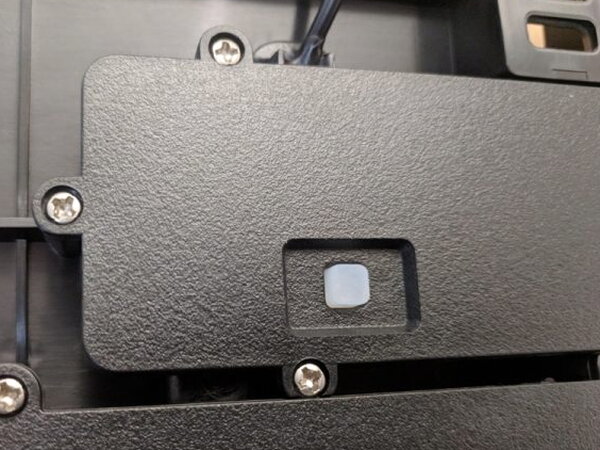
Once active, the button light flashes red. From that point, the unit stays on continuously for up to three years, depending on battery life.
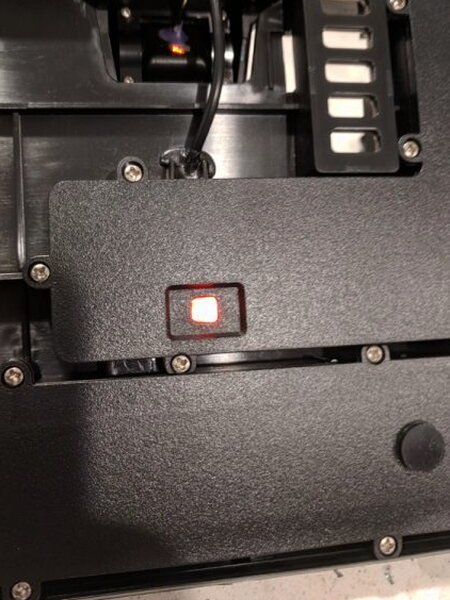
Pairing is supposed to happen through the LOOK-IT app after you install it and make sure Bluetooth is enabled on your phone.
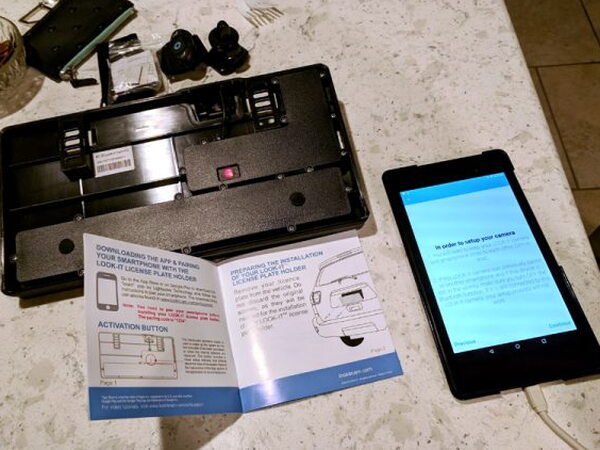
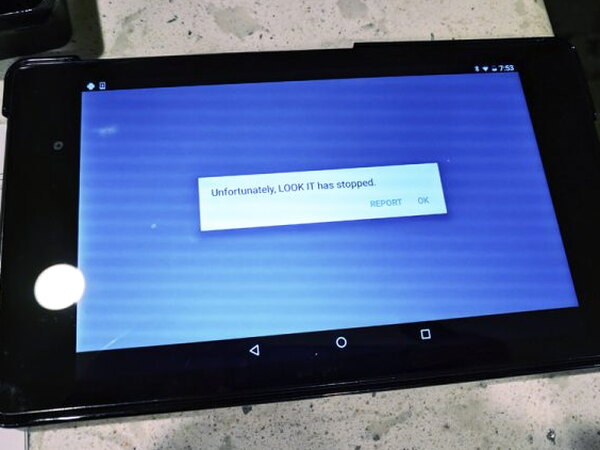
I went through the app setup several times and could not get the unit to pair that way.
Each attempt failed at the same point, which made the first experience more frustrating than it should have been.
The workaround was to leave the app and pair the LOOK-IT from the phone’s normal Bluetooth settings, just as I would with any other Bluetooth accessory. After that, the rest of the installation was straightforward.
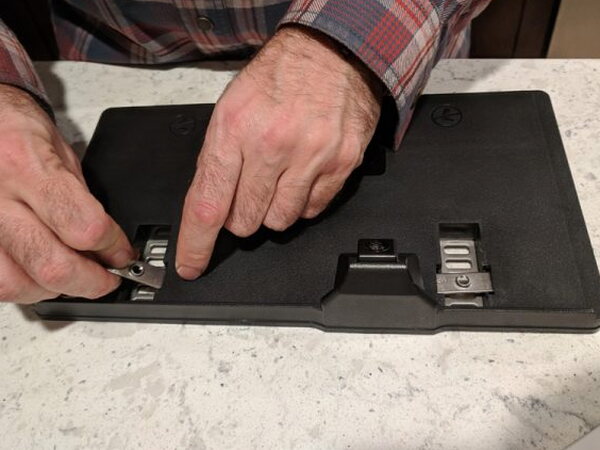
The brackets need to be inserted and adjusted so the frame lines up properly with the mounting points on the car.
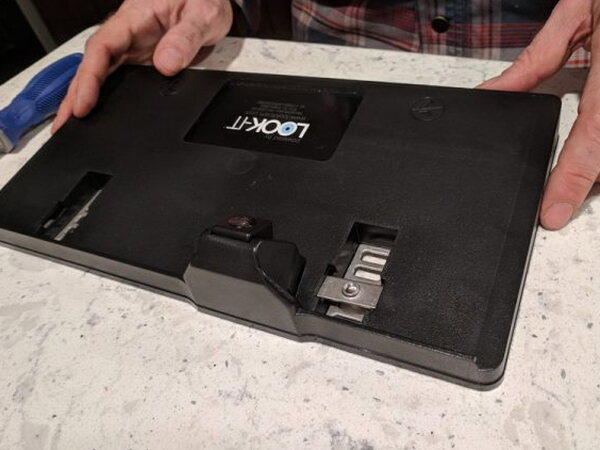
Because the license plate sits over the LOOK-IT frame, the old plate has to come off first. Keep the original license plate screws nearby, because they are used again.
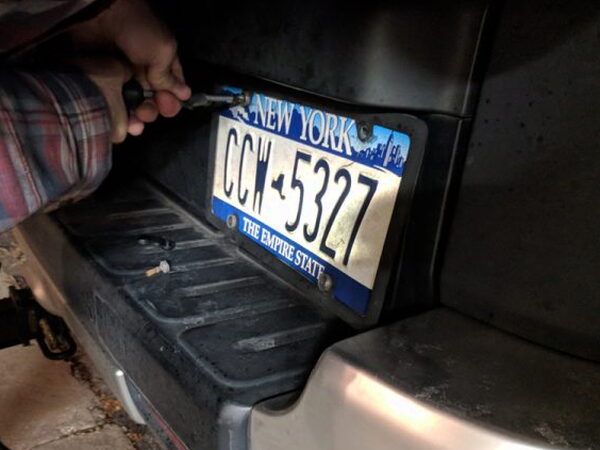
The LOOK-IT frame attaches to the vehicle with those original license plate screws. Then the plate fits under the camera housing and fastens to the LOOK-IT with the included screws and the special Allen wrench. Do not lose that wrench, because removing the plate later depends on it.

My least favorite part of the physical design is the bottom edge. There are no lower holes to secure the license plate, so the bottom is held with adhesive tape behind the plate. On a $249.99 product, that solution feels awkward and cheap.
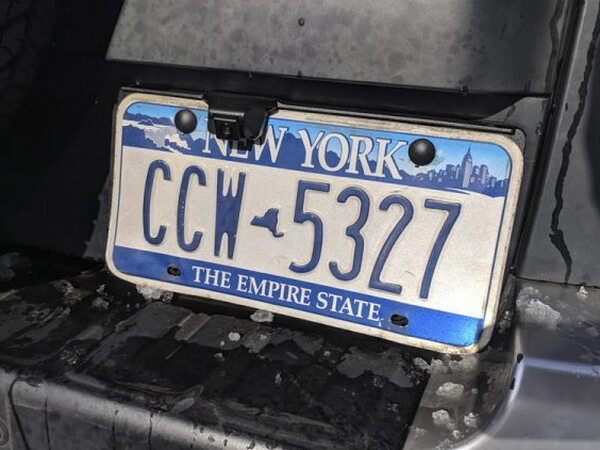
Using the Camera
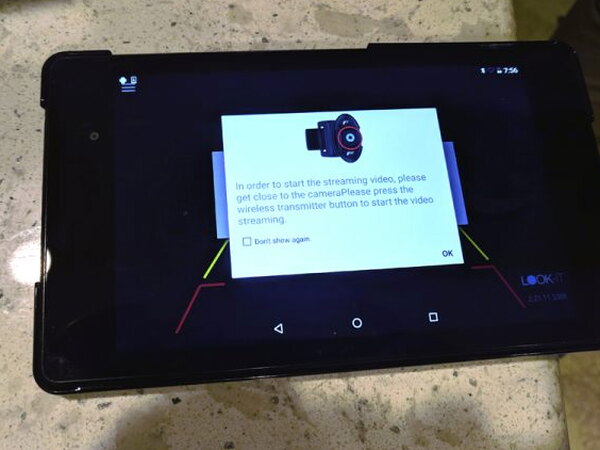
To bring up the rear view, you press the center button on the fob. I mounted the fob on my parking brake handle because it was easy to reach there.
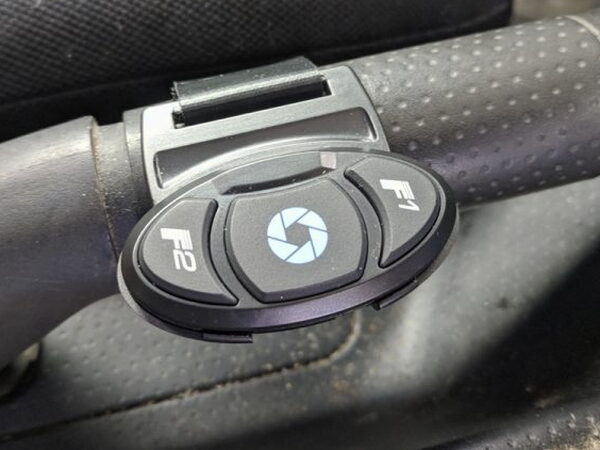
When everything works, pressing the fob opens the LOOK-IT app and shows the backup camera feed on the phone. In my testing, that happened only about 75% of the time. For $249.99, I expected it to be much more dependable. When the button did nothing, the only fix I found was to open the app manually, close it, and try again.
I also worry about the app’s effect on phone battery life. The app has to be running for the camera to work. On Android, a small logo appears in the upper left corner when it is active. If that logo is missing, the app has to be launched manually.
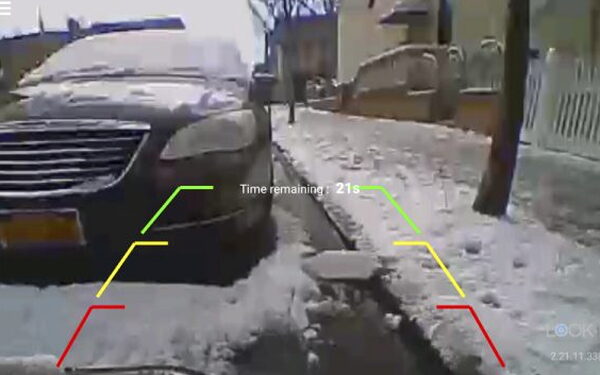
When the fob and app cooperate, the rear camera view stays on screen for 30 seconds. The overlay shows safety boundaries to help judge how close objects are to the vehicle.
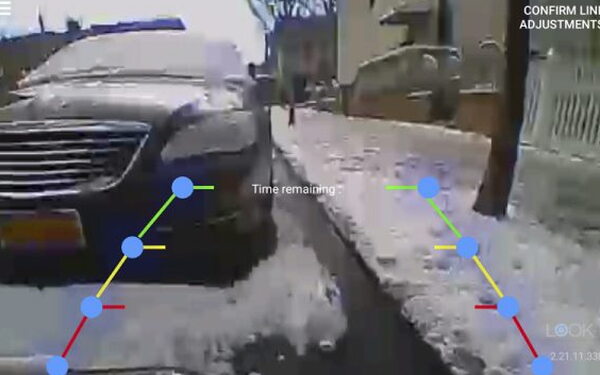
The image is usable, but not impressive. It is VGA, grainy, and pixelated. With small camera sensors getting better and cheaper, putting a 640 x 480 VGA camera in a $249.99 system feels unreasonable. Night vision is included, but the night image is even rougher.
What I Liked
- Easy installation
- Unobtrusive design
What I Did Not Like
- Expensive
- Poor Camera quality
- Unreliable
Quick Questions
Q: How reliable was the camera at actually turning on when the fob was pressed?
A: Not very. It worked only about 75% of the time in testing; when it failed, the fix was opening the app manually.
Q: What’s the camera resolution?
A: VGA, 640×480, described as grainy and pixelated, with night vision that’s even rougher.
Q: How long does the battery last?
A: LOOK-IT says the self-contained battery should last more than three years in normal use.
Q: Does the phone app need to stay running for the camera to work?
A: Yes. The app has to be actively running for the camera feed to display.
Final Thoughts
The LOOK-IT Wireless Rear Vision System can show what is behind the car, but it does so with a grainy picture and inconsistent behavior. If this were a $50-$100 gadget, I could understand the tradeoffs. At $249.00, and with so many other options available, it is asking too much.
For a wider look at what else is out there, I rounded up more of these in The Best Car Tech Accessories I’ve Tested.
Price: $249.00
Product Link: LOOK-IT
Source: The sample for this review was provided by LOOK-IT.


