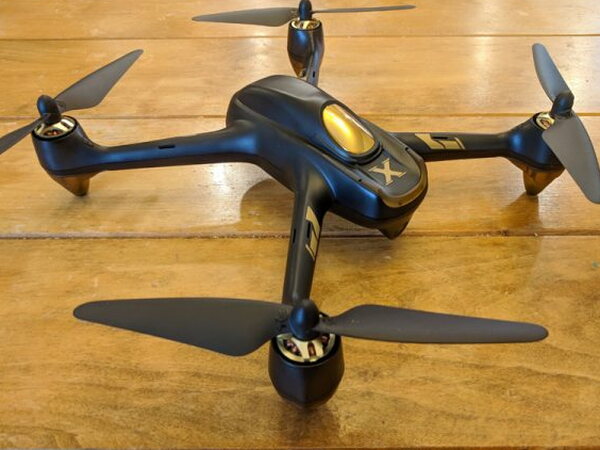
REVIEW – The Hubsan H501A X4 Air Pro Advanced Drone looks like a tempting way to get GPS tricks, FPV flying, a 1080p camera, and a real controller without paying DJI or Yuneec money. At around $200, and with a listed price of $219.99, it promises a lot for a compact quadcopter. The best parts are real: it is fun, quick, sturdy, and capable of good-looking photos and video. The frustrating parts are just as real: setup is harder than it should be, the instructions are poor, and during testing the drone sometimes stopped responding until I power-cycled my way back to control.
What It Is
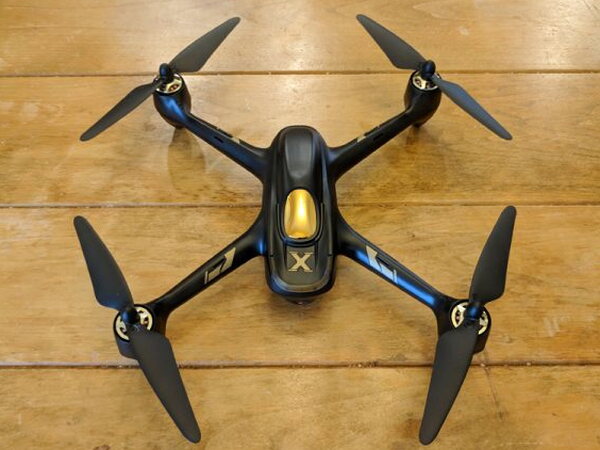
The H501A X4 Air Pro is Hubsan’s attempt to move beyond its usual affordable, fun, and generally dependable toy-style drones into a more advanced GPS waypoint-enabled FPV, or first person view, quadcopter. The feature list includes Follow Me, Automatic Take-Off, Orbiting, Return-to-Home, and Waypoints. That sounds impressive for the money, but my experience was that the basic aircraft was far better than the advanced software features.
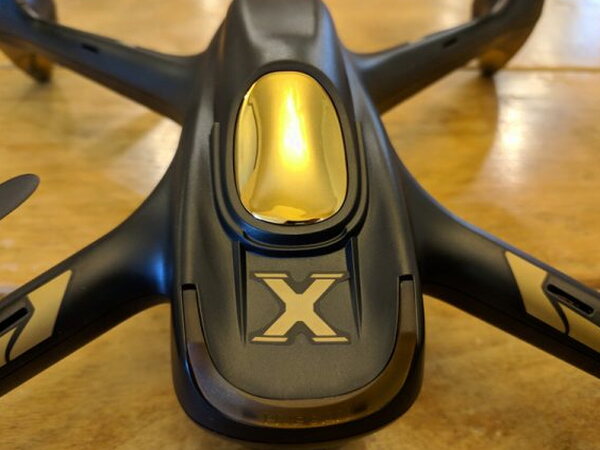
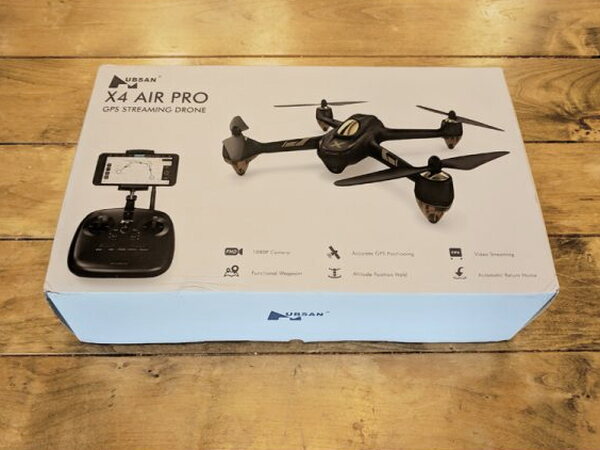
Hubsan ships the drone in a nice retail box with photos of the aircraft, the included controller, and a quick list of its advanced functions on the front.
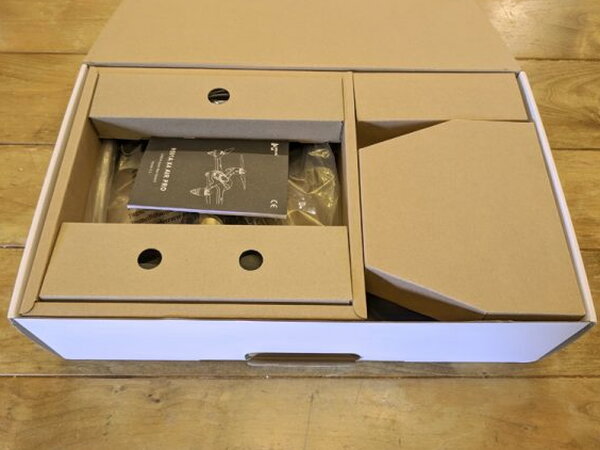
The packaging is also practical. Other than the propellers, the aircraft arrives assembled, and everything fits back into the box after use. Because the box has a handle, it can serve as a simple carrying case.
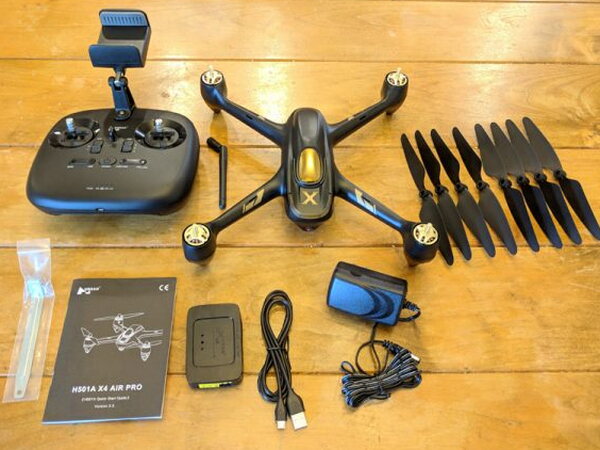
In the Box
- 1 x H501A Aircraft Body
- 1x HT011A Remote Control
- 1 x 7.4V 2700mAh LiPo Battery
- 4 x Propeller A
- 4 x Propeller B
- 1 x USB Charging Cable
- 1 x AC Adapter
- 1 x Balance Charger
- 1 x Prop Wrench
- 1 x Instruction manual
Specifications
- Size: 8.6" x 8.6"
- Flying Weight: 450g
- Battery: 7.4V 2700mAh Li-Po
- Charging Time: 210 minutes
- Flight Time: 20 minutes
- Max Flight Distance: 400 meters
- Motors: 4 x Brushless KV1650 PM1806
- Camera Resolution: 1920 x 1080
- Main Rotor Diameter: 7.3"
- Frequency: 2.4G
- Supported SD Card Types: Micro SD max 16-32 GB. Class 10 or UHS-1 rating required
Design and Assembly
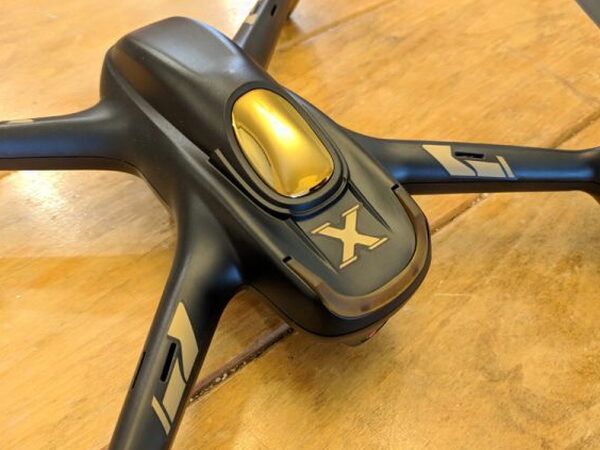
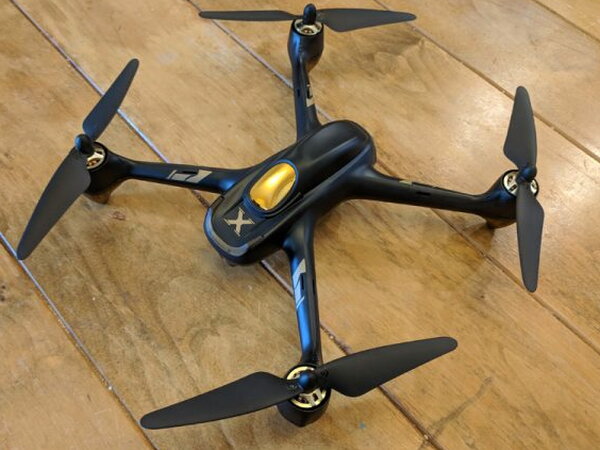
The H501A X4 Air Pro feels well built for casual flying. Even though I could not get most of the GPS features to behave properly, the drone itself is solid, responsive, and enjoyable once it is in the air. Before that can happen, you need to install the propeller blades on the motors.
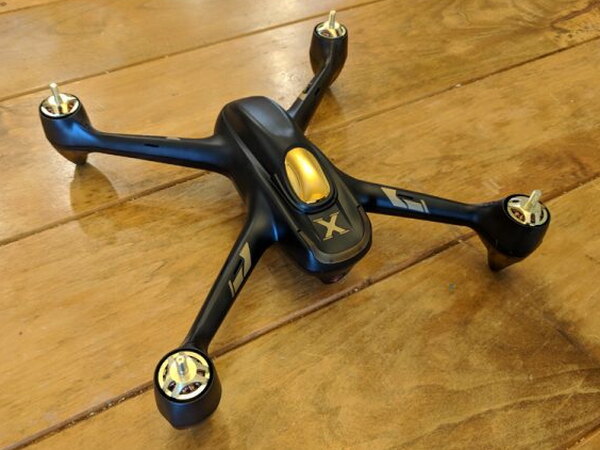
Hubsan includes a prop wrench to make that job easier and safer. There are four propellers for flying plus four spare propellers in the package.
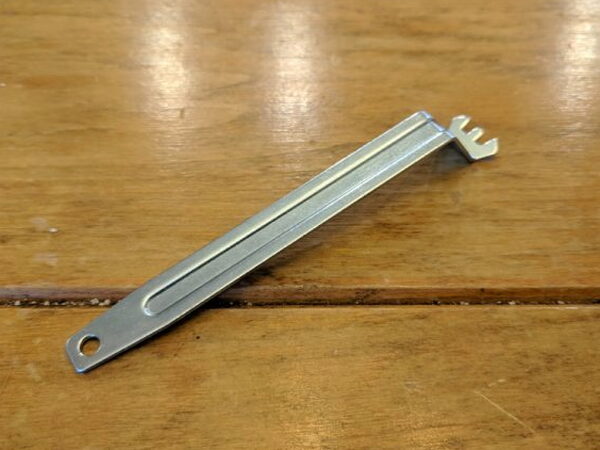
The wrench sits in the grooves on each motor and keeps the motor from spinning while you twist the propeller into place.
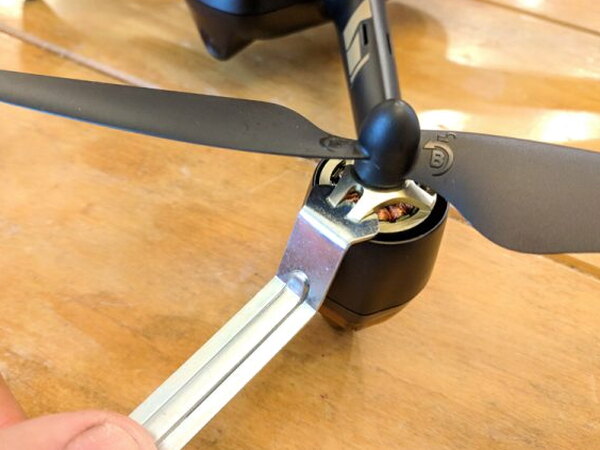
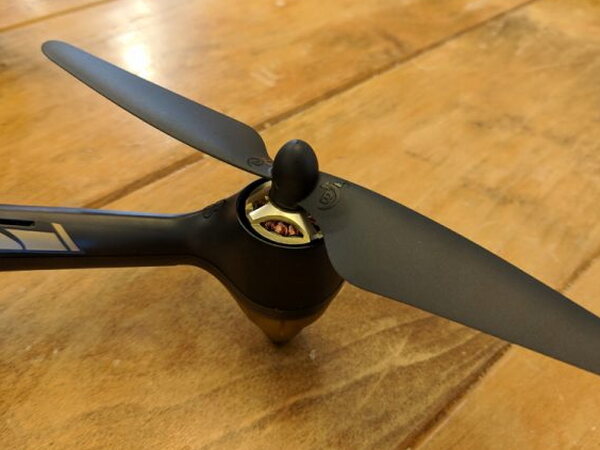
Pay close attention to the A and B markings on the motors and propellers. A propellers must go on A motors, B propellers must go on B motors, and the two types thread in opposite directions. They also should not be overtightened because that can damage them.
Controller and App Setup
After the propellers are installed, the next hurdle is the controller. This bundle includes Hubsan’s HT011A remote, which can operate the drone over WiFi or 2.4G. You can fly with the controller by itself, but the full feature set requires Hubsan’s X-Hubsan app on an Apple or Android device.
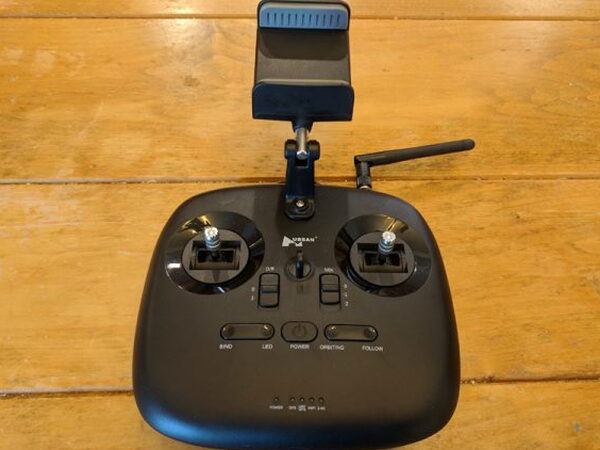
The manual is not much help here. In practice, setup means powering on the drone and controller, connecting the app to the drone’s WiFi, then switching to the controller’s WiFi signal so the controller and aircraft bind together. I needed about four attempts before everything connected correctly.
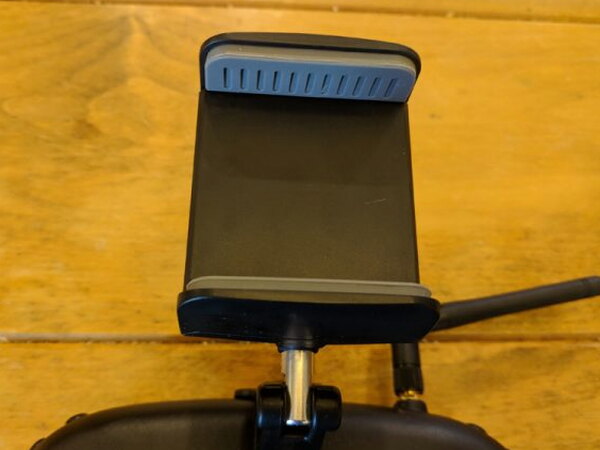
The phone mount is another weak spot. The documentation says a tablet can be used, but the clamp barely opens wide enough for a smartphone. Its shape can also press the side volume buttons on some devices.
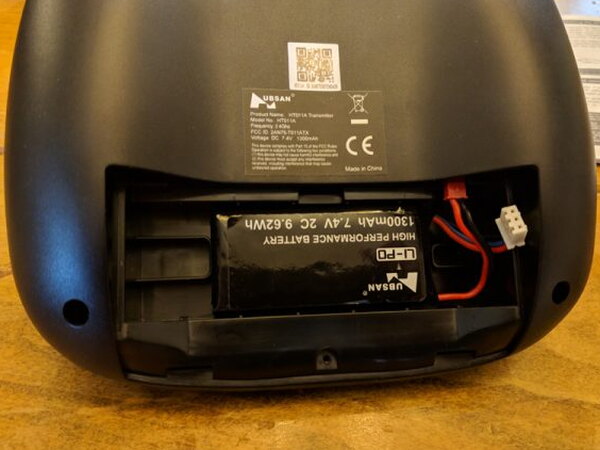
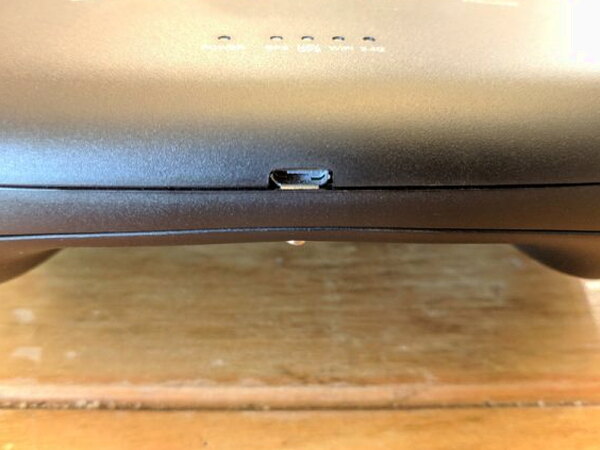
The controller battery is a 1300mAh Li-Po pack similar in style to the drone battery. There is a micro-USB port on the bottom of the controller, but it does not charge the battery. You only discover that by reading through the tiny, poorly written instructions. Since the package includes only one Li-Po charger, the controller and drone cannot be charged at the same time.
Batteries and Charging
The charging situation is one of the most annoying parts of owning this drone. The aircraft takes more than three hours to fully charge, then the controller still needs its turn on the same charger. Without spare drone batteries, that is a long pause between short 15-20 minute flights.
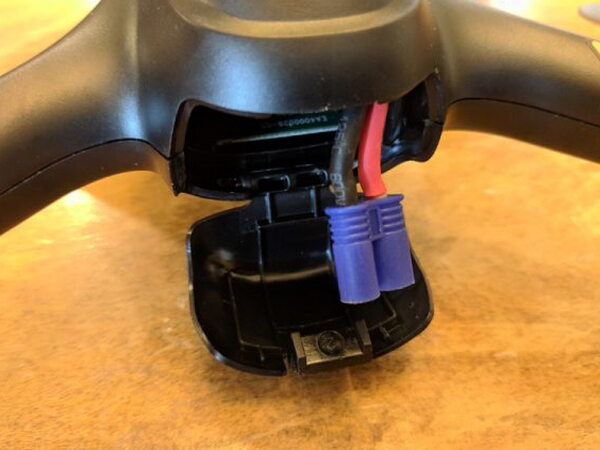
The rear battery bay is snug, and the LiPo connector sticks out just enough for the battery to fit into place.
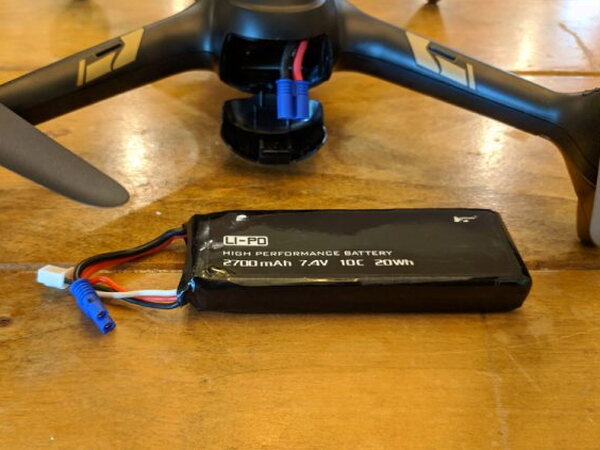
Instead of a more modern USB charging arrangement, Hubsan uses a standard LiPo charger and wall adapter.
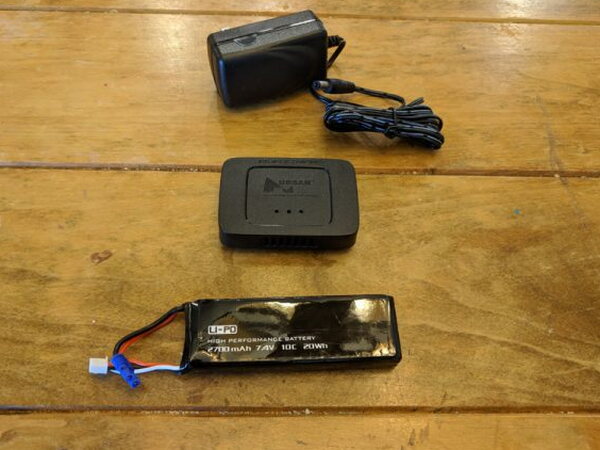
The battery has two connectors: the main lead for the drone and a smaller white plug for the charger.
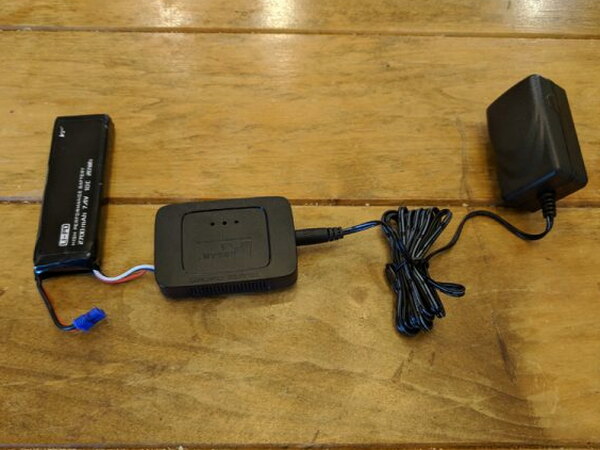
It is not elegant, but it does charge the pack.
Flying and Controls
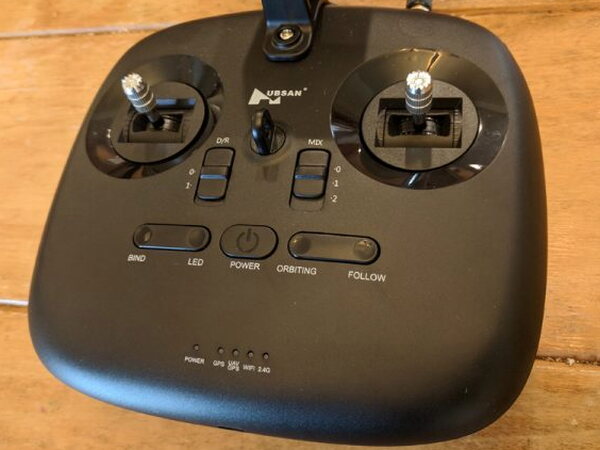
The HT011A feels good in the hands. The sticks are crisp, the layout is comfortable, and several physical buttons mirror controls in the app. You can switch the lights, change the control scheme, or try GPS functions such as Orbit and Follow. In my testing, those GPS options never worked properly. A row of LEDs shows the status of GPS, WiFi, and 2.4G.
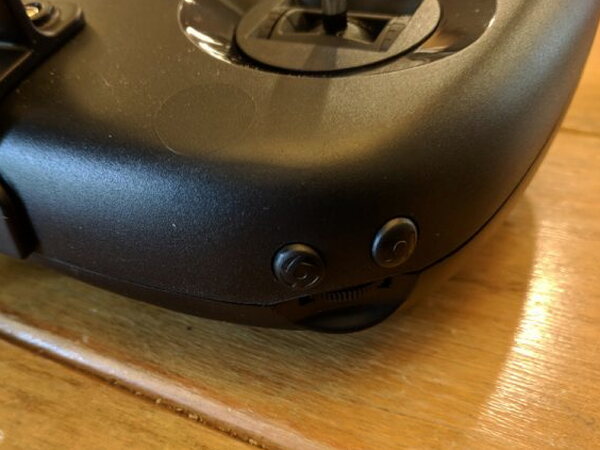
The shoulder buttons handle the camera. They let you change between photo and video modes and start or stop recording without digging into the app.
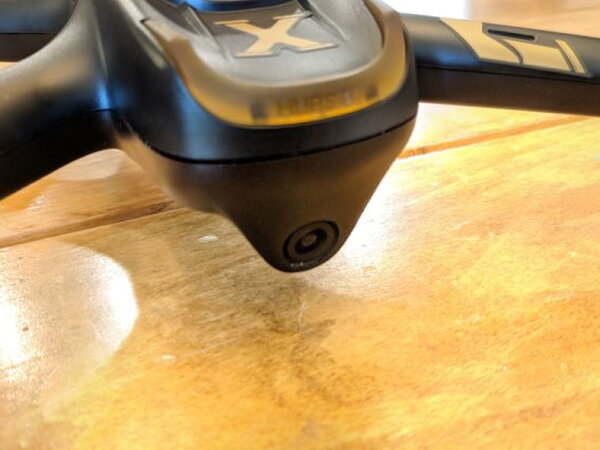
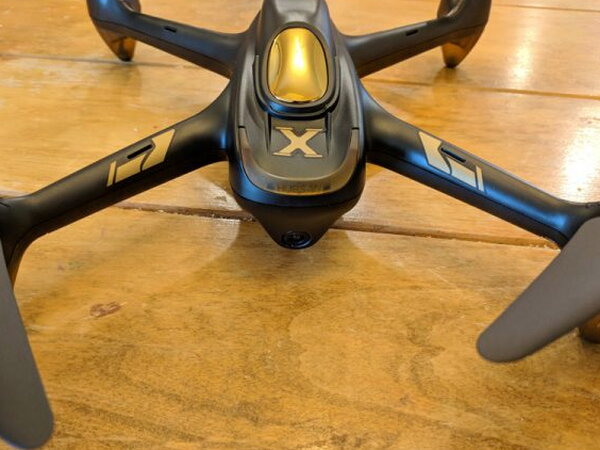
The 1080p front-facing camera is one of the drone’s highlights. Photos and videos are bright, colorful, and sharp for a small quadcopter camera.
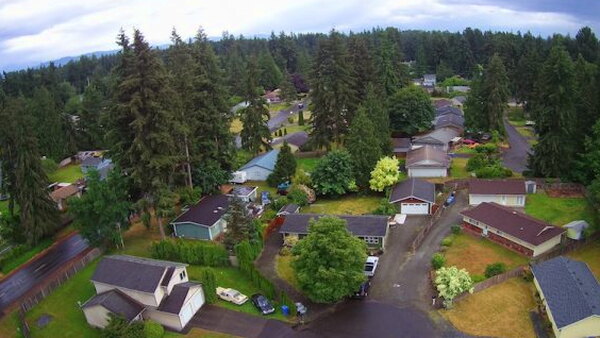
Bright sunlight can fool the automatic white balance and blow out parts of the image, but the results can still look surprisingly good.
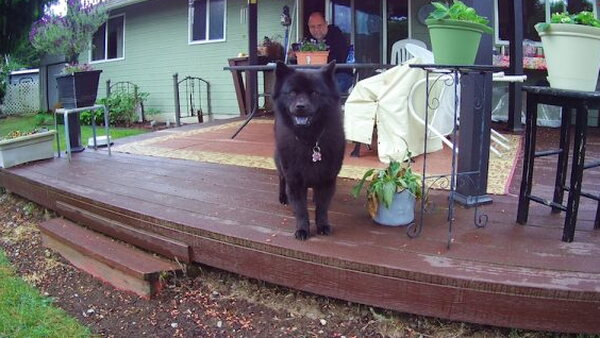
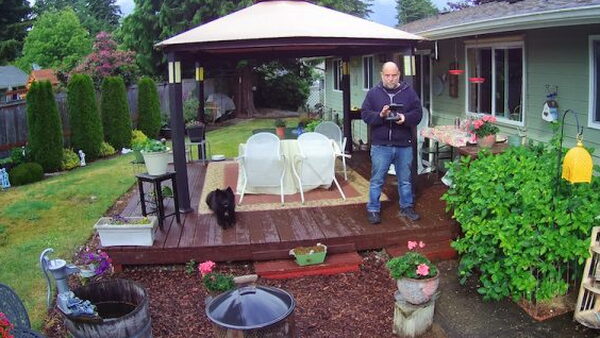
The untouched images have some cyan tint and visible fisheye distortion. For a tiny drone camera, that is expected rather than shocking.
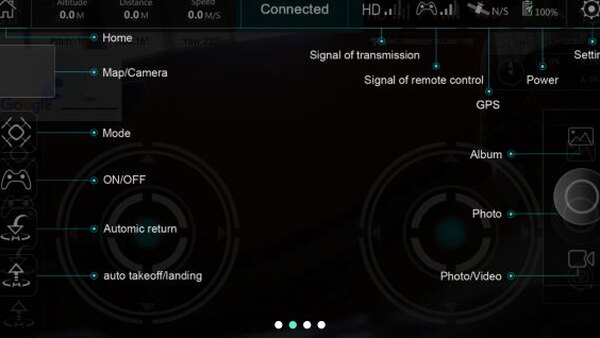
The X-Hubsan app gives you the information needed during flight, including signal levels, distance, speed, and altitude.
When the H501A is behaving, it is a blast to fly. It is fast, strong, and able to climb quickly. The serious problem is that, especially at higher altitude, the drone occasionally quit responding with no clear warning from the app. That is why you should always keep any drone within visual line of sight.
I never had the H501A fly away, although other reviewers have reported that problem. When I lost control, my unit hovered in place. That was better than watching it disappear, but it was still scary when it happened at altitude. Several times I had to turn the app and controller off and on for a minute or two before control returned and I could land safely.
The GPS features were even more disappointing. Return-to-Home sometimes made the drone twitch as if it were about to begin, but it never actually returned. Waypoints and Orbit never showed convincing signs of activating, whether started from the app or from the controller.
Pros
- Fun to fly
- Sturdy construction
- Great camera quality
Cons
- Difficult set up
- Frequent loss of control
- Poor instructions
- Single charger for remote and drone
Quick Questions
Q: Did the GPS features (Follow Me, Orbit, Return-to-Home, Waypoints) work reliably?
A: No. None of them worked properly in testing; Return-to-Home sometimes twitched as if starting but never actually returned.
Q: How long is the flight time per charge?
A: About 20 minutes, with a charging time of around 210 minutes (over 3 hours).
Q: Can the drone and controller charge at the same time?
A: No. Only one Li-Po charger is included, so the drone and controller batteries have to be charged separately.
Q: What’s the camera resolution?
A: 1920×1080 (1080p), described as bright, colorful, and sharp for a small quadcopter camera.
Final Take
The Hubsan H501A X4 Air Pro Advanced Drone is a mixed experience. As a basic flying camera drone, it is genuinely entertaining, strongly built, and able to produce attractive 1080p photos and videos. As an advanced GPS drone, it did not deliver for me. The setup process is aggravating, the documentation is weak, charging is inconvenient, and the intermittent control loss makes it difficult to trust. Because the price is fair, it may still interest patient pilots who can accept the drawbacks, but those drawbacks are not small.
Curious how this compares to the competition? I break it down in The Best Budget Drones I’ve Tested.
Price: $219.99
Product Link: Hubsan
Source: The sample of this product was provided by Hubsan.


