REVIEW – Travel makes me think about security in two very different ways. I want my bag, passport, and gear to stay safe, but I also want the data moving through my laptop and phone to be as protected as possible. Maybe that is the New Yorker in me, or maybe it comes from working around cybersecurity every day. Either way, I do not treat public Wi-Fi as harmless. Strong passwords, multi-factor authentication, and a little common sense help, but I also like having hardware that gives me a better fighting chance.
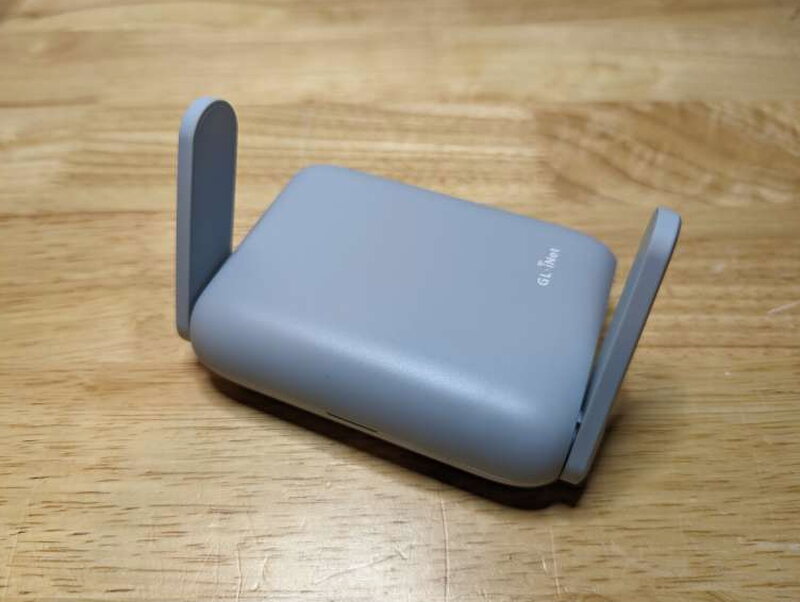
The GL-iNET Beryl AX GL-MT3000 Travel Router is one of those pieces of hardware. It looks like a simple gray travel router, yet it is loaded with privacy and networking tools that are useful at a hotel, in a coffee shop, or even at home. At its current $99 price, the GL-MT3000 feels like an excellent deal. Even if I ignored the security extras, it would still be a very capable compact router. After using it, it has earned a permanent place in my travel kit.
What It Is
The Beryl AX GL-MT3000 is a pocket sized dual band Wi-Fi 6 travel router built on OpenWrt 21.02 open source firmware. Inside are a 1.3GHz dual core processor, 512MB of RAM, and 256MB of NAND Flash storage that can be expanded through USB. GL-iNET also preloads the router with OpenVPN, WireGuard, Tor, and AdGuard Home, so it arrives ready for much more than basic internet sharing.
It can serve as a Wi-Fi repeater, a normal wireless router using Ethernet, USB tethering, or a cellular modem, and it can also work as private network storage using Samba or WebDAV. That mix of modes is what makes the GL-MT3000 so flexible. It is small enough for a backpack, but the feature list reads more like something meant to live on a desk.

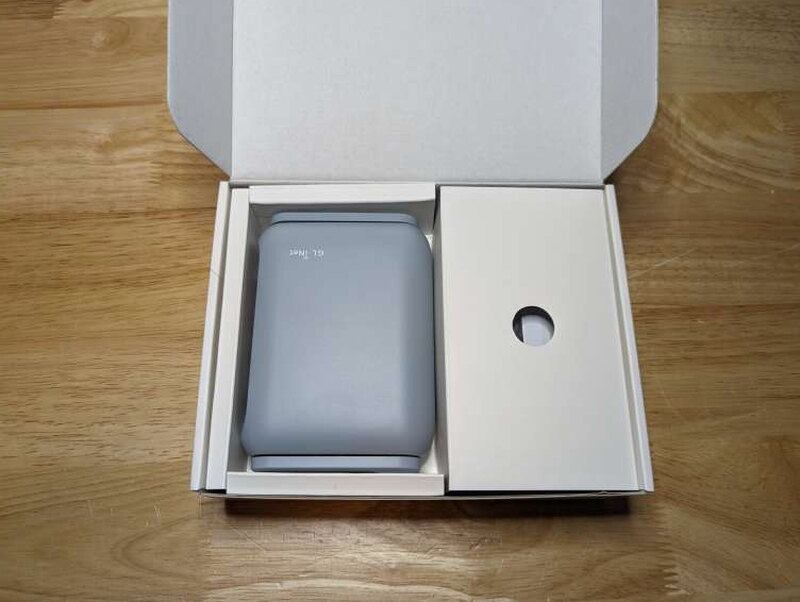
The router ships in a box that is about as compact as the device itself. A picture of the Beryl AX is printed on the front, and the contents are separated inside by cardboard compartments.
In the Box
- Beryl AX GL-MT3000 Travel Router
- Power adapter
- 3 country specific power adapter converters
- Ethernet cable
- User Manual

Specifications
- Operating System: OpenWrt v21.02
- Network modes:
- Routing
- AP
- Wireless Bridge
- Wired Bridge
- CPU: MT7981B 1.3GHz Dual-core Processor
- Memory: DDR4 512MB
- Storage: NAND Flash 256MB
- Wi-Fi Protocols:
- 802.11 b/g/n/ax, (2.4GHz)
- 802.11 a/g/n/ac/ax, (5GHz)
- Wi-Fi Speeds:
- 574Mbps (2.4GHz)
- 2402Mbps (5GHz)
- Antennas:
- 1 x Internal Antenna
- 2 x External Antennas
- Ports:
- 2.5Gbps WAN Ethernet port: 10/100/1000/2500Mbps
- 1Gbps LAN Ethernet port: 10/100/1000 Mbps
- USB 3.0 port
- Power Input: Type-C, 5V/3A
- Power Consumption: <8W
- Operating Temperature: 0 ~ 40°C (32 ~ 104°F)
- Dimensions: 4 x 3.2. x 1.25in. (106 x 83 x 33mm)
- Weight: 7oz. (196g)
- VPN speeds:
- OpenVPN (via Ethernet): Max. 150Mbps
- WireGuard (via Ethernet): Max. 300Mbps
Hardware Tour
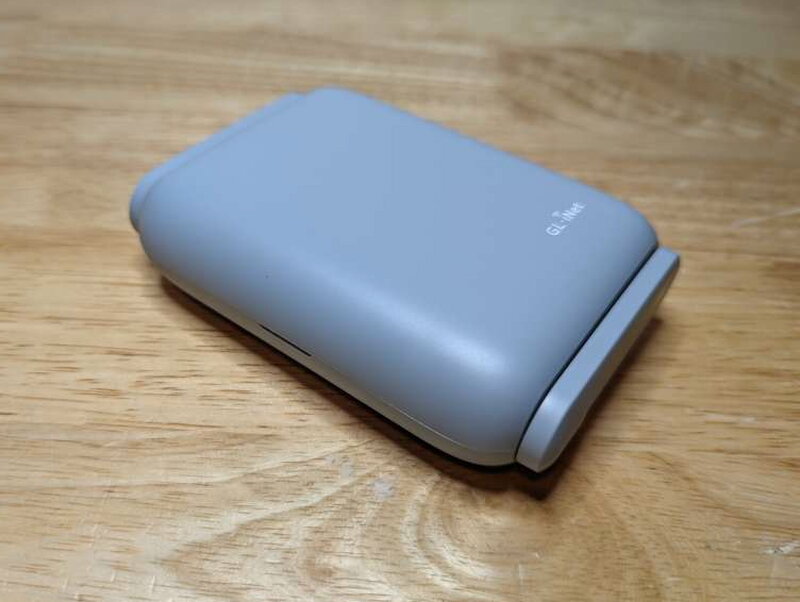
The GL-MT3000 earns its travel router label immediately. With both antennas folded down, it has a smooth pebble like shape and takes up very little room in a bag.

Flip the antennas up and the vented sides become visible. Those vents are important because they help the router stay cool during use, so they should not be blocked.
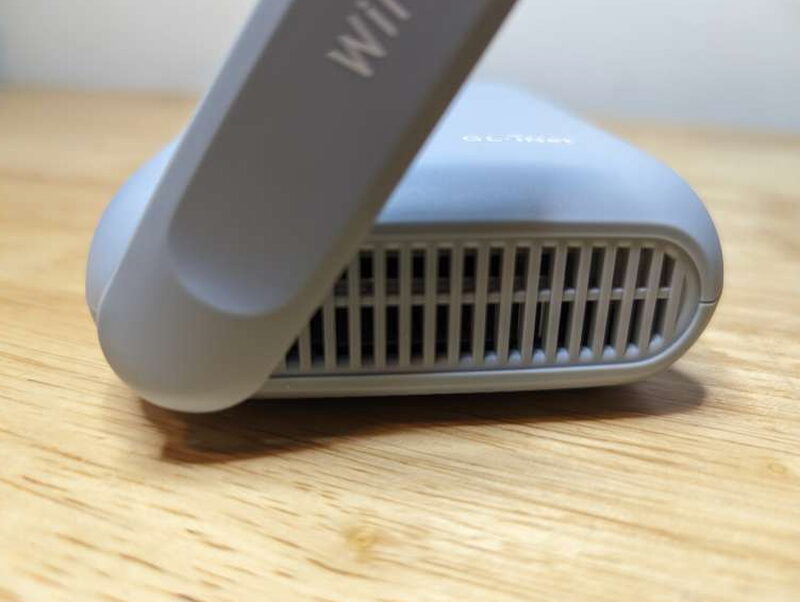
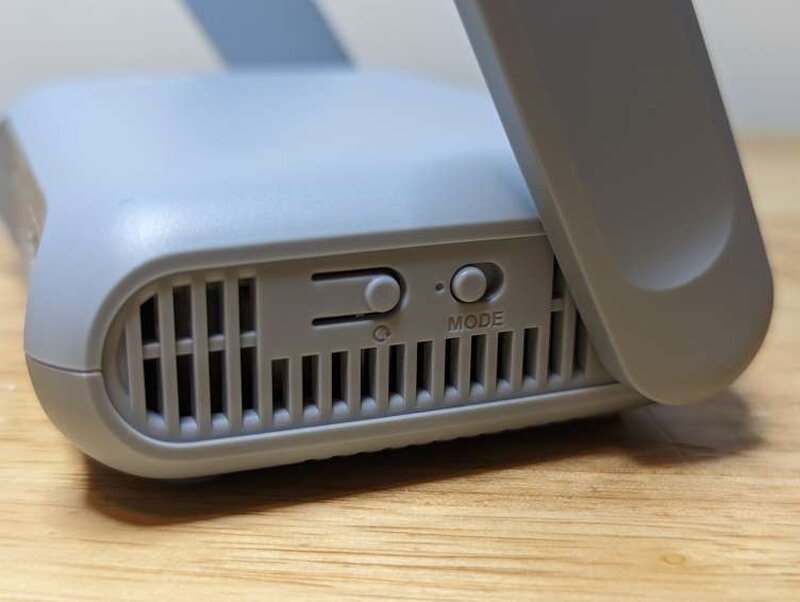
Vent slots run along both sides, but the left side also contains the router controls.
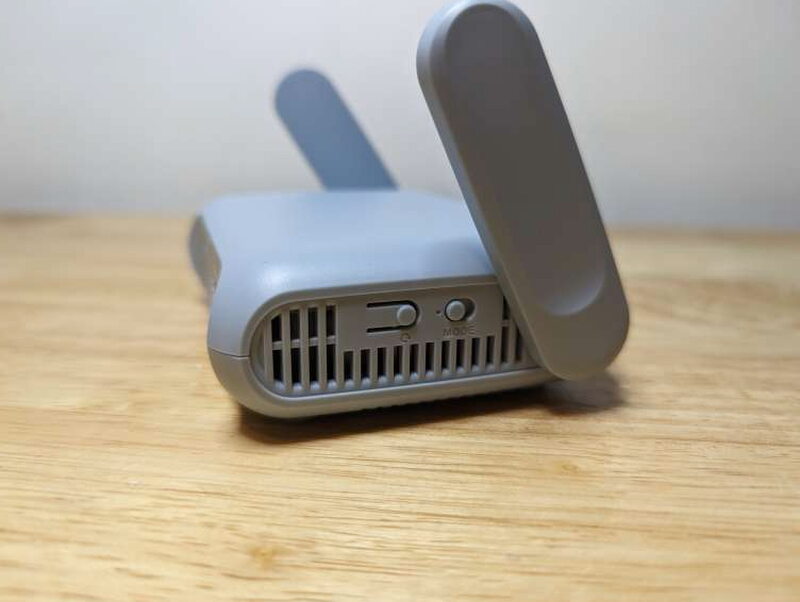
There is a small push button tab for power or reset, plus a mode switch. The switch can be configured from the GL-iNet app or the web interface, including options such as toggling OpenVPN or starting AdGuard.
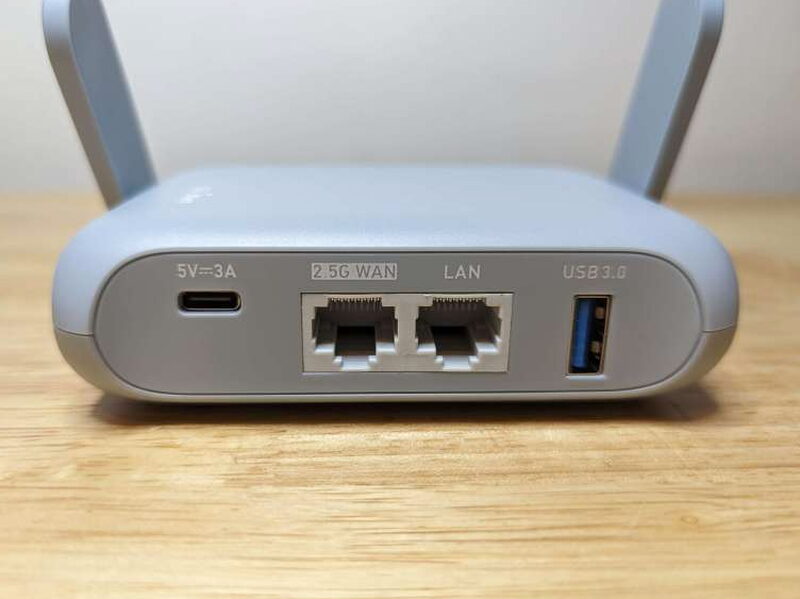
The rear panel is where the wired connections live: USB-C 5V power, a 2.5Gbps WAN Ethernet port, a LAN Ethernet port, and a USB-A 3.0 port.
The bottom is heavily vented too, with four small rubber feet to keep the router planted. The label underneath lists the technical details, including the SSID and default password. I blurred those details on my unit for security.
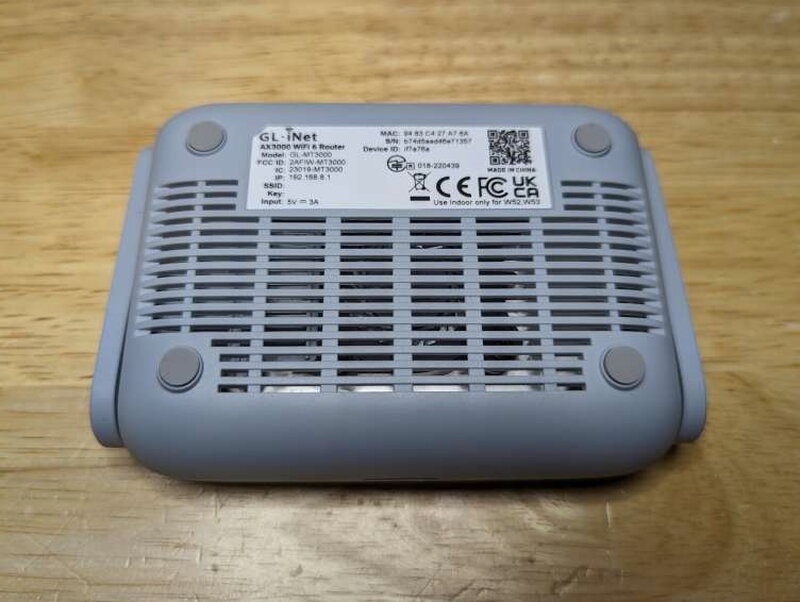
The rubber feet are small, but they help keep the GL-MT3000 from sliding around on a table while cables are attached.

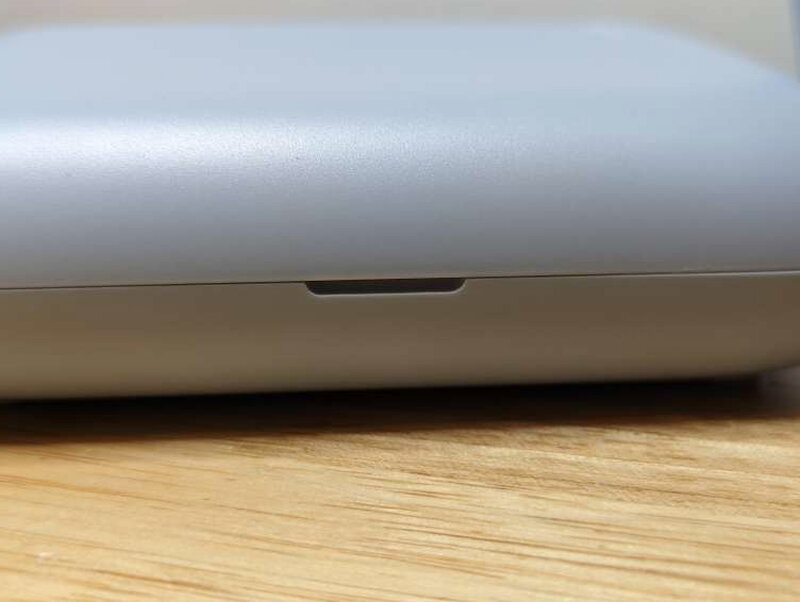
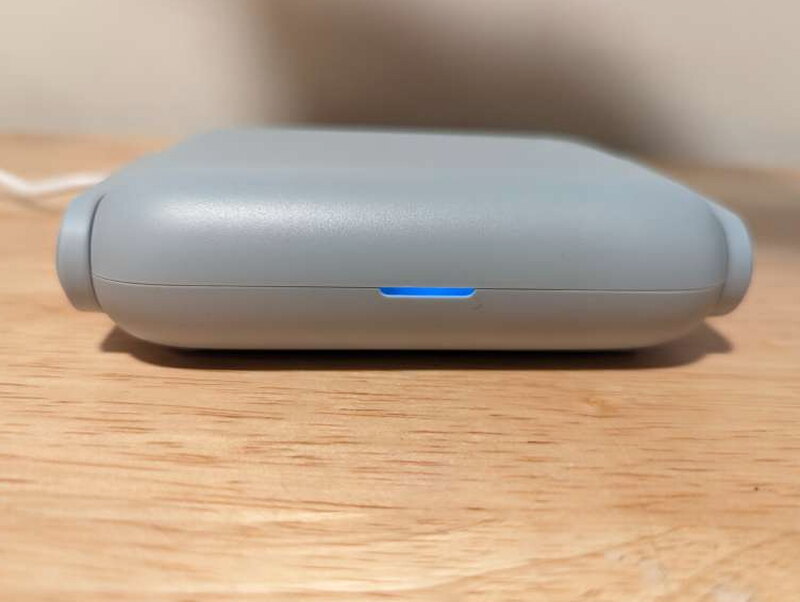
On the front, a narrow slot holds a dual color LED that shows the router status.
The included USB-C power supply is travel friendly because it accepts the three included plug adapters.

Each plug converter twists onto the charger and locks into place.

GL-iNET also includes a short flat Ethernet cable, which is exactly the kind of cable I want with a travel router.

Setup and Controls
Setup can be simple or extremely detailed. The GL-MT3000 has enough settings to satisfy people who like to tune everything, but the basics are still approachable.

The documentation is excellent. The online guides and walkthroughs do a good job moving you from opening the box to having the router online.

The app and web interface expose the main ways to connect, including Ethernet, wireless repeater mode, and USB tethering. The menus make the different configurations easy to find.
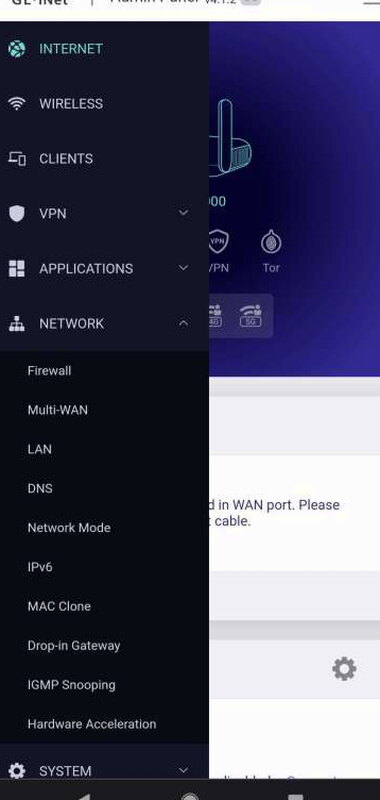
Those three connection choices appear repeatedly in the setup flow and online material. Even if you are new to travel routers, the explanations make it clear why you might use Ethernet, Wireless, or Tethering.

The programmable toggle gets its own settings page. You can assign it to a few different features, including VPN and AdGuard related actions.

Once the GL-MT3000 is configured, using it is just a matter of connecting your devices to the router and letting it handle the private, secure connection.

Everyday Use
I have used the GL-MT3000 at home for about a month as a network inside my existing network, and it has worked very well. One of my favorite parts is being able to choose between OpenVPN and WireGuard. Both are popular VPN options, but in my speed tests WireGuard was clearly faster.

The OpenVPN result of 116Mbps is still fast enough for most ordinary web use. WireGuard, though, comes much closer to the router’s stated maximum and feels like the better choice when speed matters.

The small size is what makes the security features so useful on the road. Whether I am in another country, another city, or just working from a local coffee shop, I like having the GL-MT3000 between my devices and the network I do not control. The app and web interface make the many options manageable enough that I can recommend it to travelers who care about privacy and security.
What I Like
- Great price
- Incredible amount of functionality
- Well-designed unit, app, and web interface
What I Would Change
- An included carrying case would be nice
- Options might be overwhelming for novice users
Quick Questions
Q: Does it support VPN out of the box?
A: Yes, both OpenVPN and WireGuard come preloaded, along with Tor and AdGuard Home.
Q: Which VPN protocol is faster?
A: WireGuard, which came much closer to the router’s rated maximum speed than OpenVPN in this review’s speed tests.
Q: Does it include a carrying case?
A: No, that’s one of the review’s noted wishes – no case is included.
Q: What connection modes does it support?
A: Ethernet (WAN/routing), wireless repeater, and USB tethering, all selectable through the app or web interface.
Final Thoughts
The GL-iNET Beryl AX GL-MT3000 Travel Router is an impressive little device that does far more than its size suggests. It helps keep you safer on the road, and it can also serve as a useful home router if your home networking needs are modest. At $99, it is priced well below what I would expect for a Wi-Fi 6 router with OpenWrt, VPN support, AdGuard, Tor, USB features, and so many connection modes. If you travel often, or if you have a trip coming up, this is a smart gadget to throw in your bag.
Price: $99.00
Product Link: GL-Inet
Source: The sample of this product was provided by GL-iNet.
RATING: 5 stars


