REVIEW – I did not want to buy a whole new desk just to stand up while I work, and the FlexiSpot M4B Corner Standing Desk exists for exactly that problem. It is a converter that sits on top of a desk you already own and turns it into a standing desk on command, built from fiberboard and steel, with an optional keyboard platform and a shape designed to work in either a regular or corner desk setup. Flexispot sent one over to try out on my own video editing and VR workstation.
Note: This FlexiSpot M4B Corner Standing Desk was provided free of charge by Flexispot for review. Flexispot did not have a final say on the review and did not preview it before publication.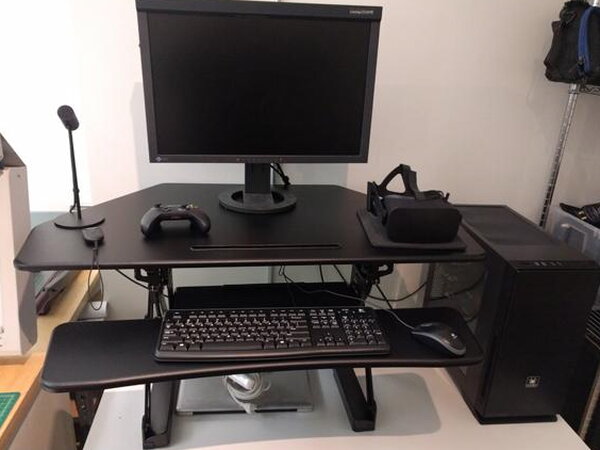
The Basics
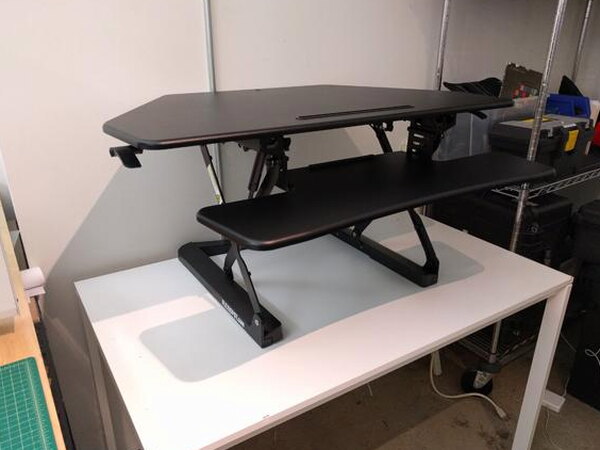
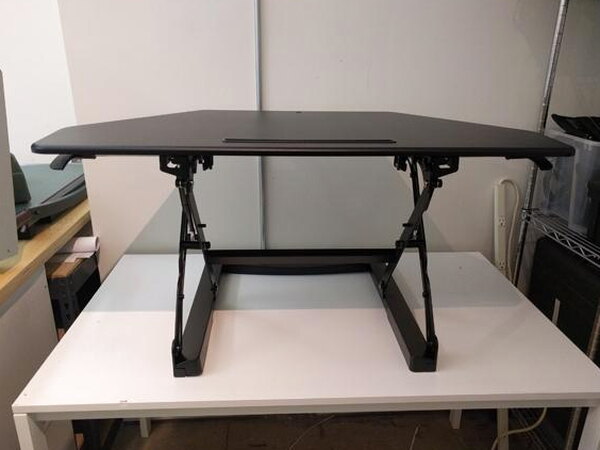
The M4B is a desk converter, not a full desk. It drops onto a desk you already own without any permanent attachment, and a pair of side levers let you raise or lower the whole work surface to switch between sitting and standing. It ships mostly assembled, and the only real building left is attaching the optional keyboard platform.
What You Get
- FlexiSpot M4B desk converter (partially pre-assembled)
- Keyboard platform and mounting brackets
- Two protective joint caps
- Four cord organizers
- Mounting bolt for an ergonomic monitor mount (mount sold separately)
- Phillips-head screws and assembly hardware
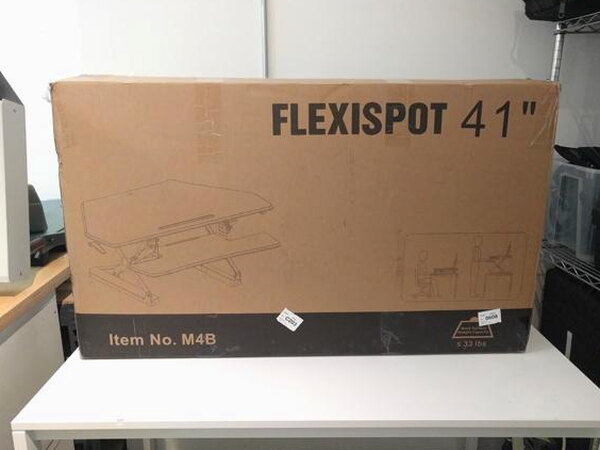
That box is heavy enough that I would not want to carry it alone. Pulling the desk straight out from the top proved nearly impossible, and the easier route was laying the box flat, cutting open the sides, and lifting the front flap out of the way instead.
By the Numbers
- Price: $349.99
- Weight of product: 53 lbs
- Maximum load limit: 33 lbs
- Height range: 5.9 in (lowest) to 19.7 in (highest)
- Base footprint: 23 in (W) x 22.3 in (D)
- Work surface: 41 in (W) x 31.5 in (D), including keyboard tray
- Keyboard tray: 34 in (W) x 11.8 in (D) center, 7.9 in (D) wings
- Color: black (white is listed by the manufacturer but was not actually purchasable on Flexispot’s site or Amazon)
Assembly
The desk arrives mostly built. What’s left is snapping the two protective caps over the left and right cross joints and attaching the optional keyboard platform, and none of it needs more than a Phillips screwdriver.


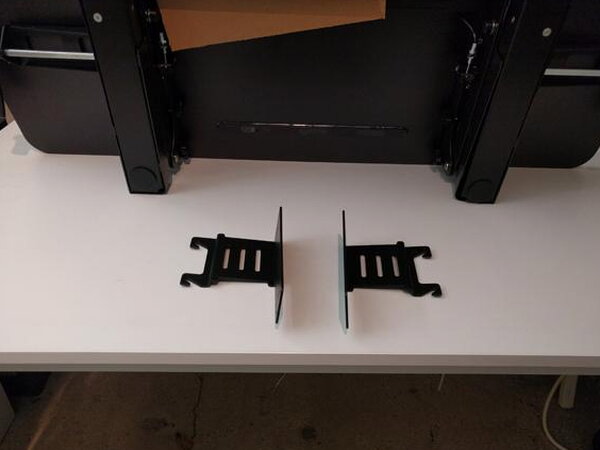
The keyboard platform itself is simple once you have the brackets facing the right way, and learn from my mistake here: check the instructions first, because the brackets will happily go on upside down if you guess. Oriented correctly, they slot into two indentations on the underside of the platform and fasten with eight wood screws. Go easy on the screwdriver, since it is very easy to strip right through the fiberboard if you overtighten.


The finished platform hooks in underneath the main workspace and hangs from a pair of pre-installed knobs. Loosen the knobs, hook the platform into place, then hand-tighten to lock it in.
Design and Adjustment
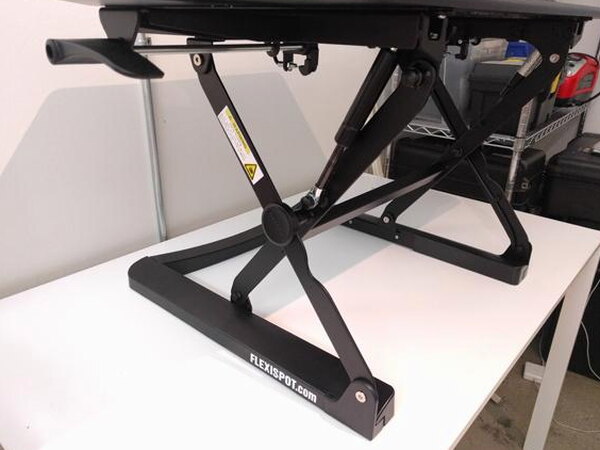
You do not fasten the M4B to your existing desk in any way, it just rests on top. Adjusting height is a simple squeeze-and-lift motion: grab both side levers at once while holding the platform, and it raises or lowers to wherever you stop it. Flexispot advertises 12 adjustment levels, but in practice I never felt the desk click or settle into any particular stop along the way, it just moves smoothly through the whole range.
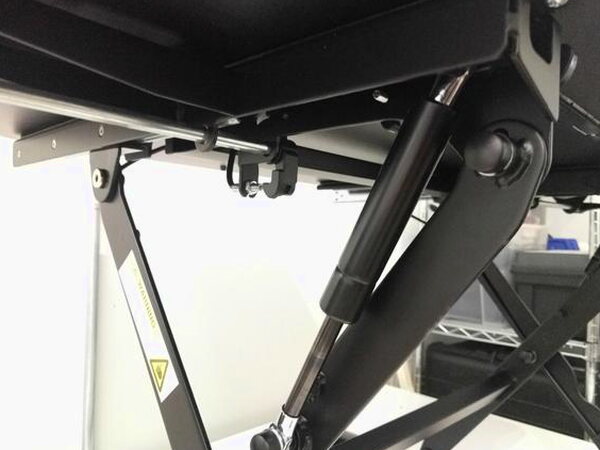
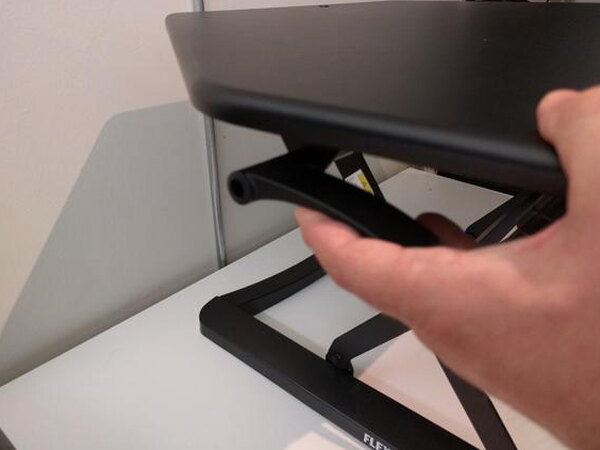
Flexispot calls this a “gas spring hovering system,” and it holds steady and adjusts smoothly even fully loaded, though the workspace and spring are only rated for a 33 lb maximum. The desk moves in a straight vertical line from a low of 5.9 inches up to a high of 19.7 inches, rather than extending outward the way some competing standing desks do, which keeps it inside its own footprint the whole time.

Everyday Use
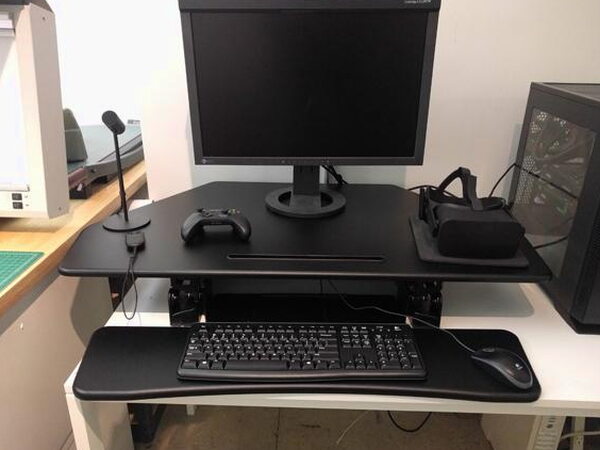
This desk lives on my video editing and VR workstation, a PC that spends its time rendering footage and testing 360 degree video and VR apps. Being able to drop the desk down to a normal seated height for long editing sessions and then raise it back up for VR demos has turned out to be genuinely useful rather than a novelty.
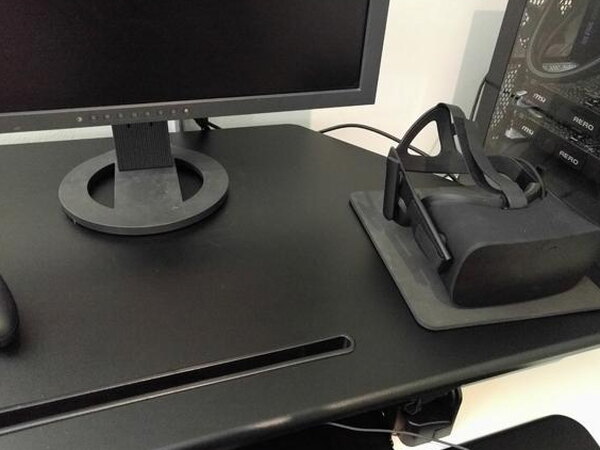
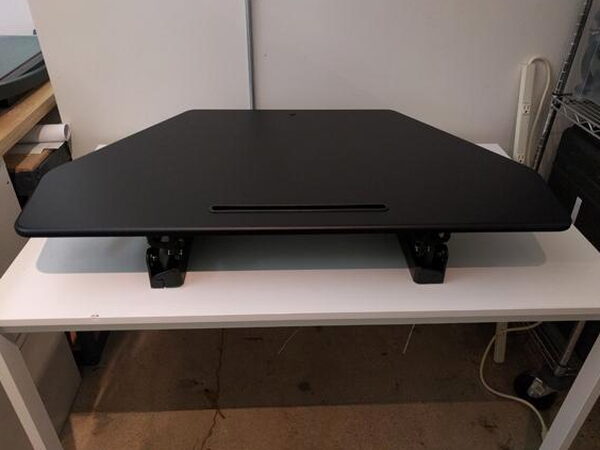
I expected the lowest setting to sit too high for comfortable seated typing, but that turned out to be exactly wrong. The low setting lines up nicely with a normal seated keyboard and monitor position, no awkward reaching involved.
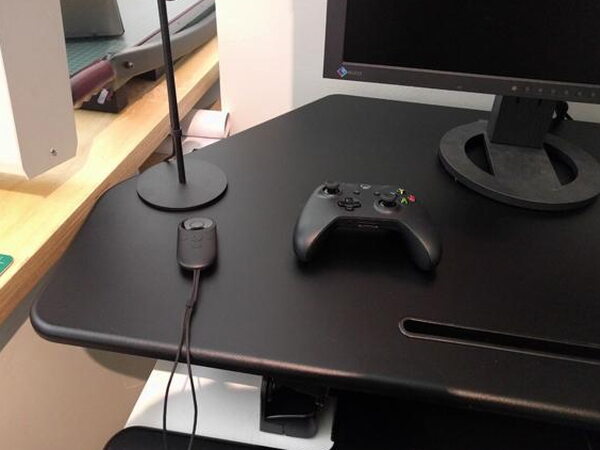
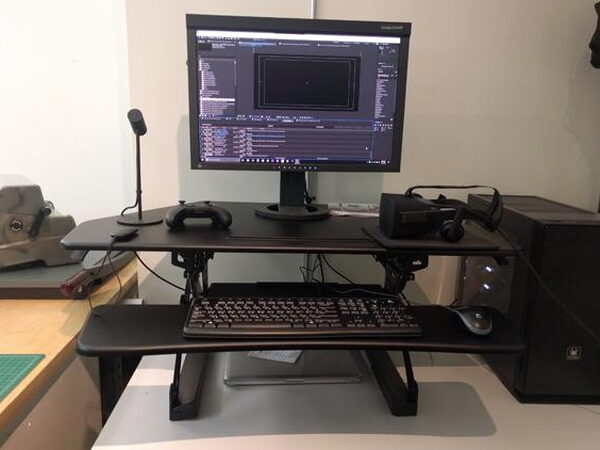
Even though this is built with a corner space in mind, the workspace is roomy enough for a 24-inch monitor and all my Oculus accessories with room to spare, and I could see squeezing in a second monitor if I needed to.
The Keyboard Platform
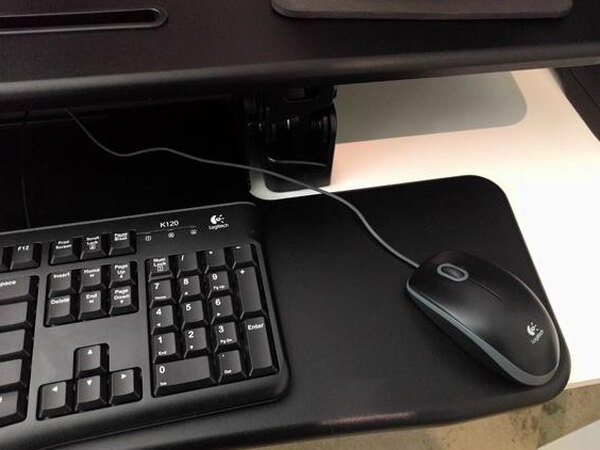
The keyboard shelf comfortably fits a full-size keyboard and mouse. There is not quite enough room for a proper mousepad, but a basic Logitech mouse works fine sitting right on the shelf surface itself.
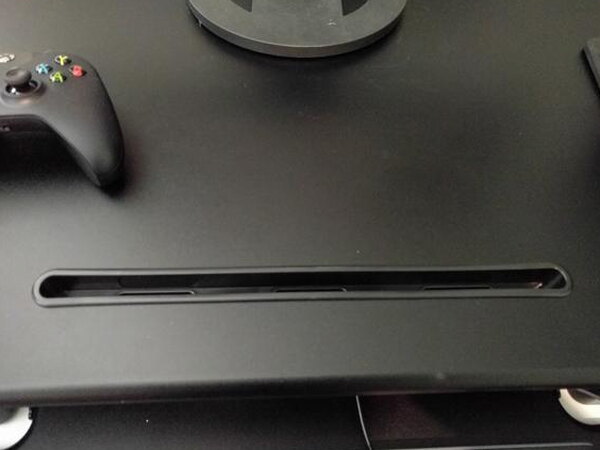
There is also a slot built into the front edge meant for a tablet or phone. I find the placement a little odd in practice and end up not using it for either, though it makes a fine spot to rest a controller.
What Could Be Better
The 12 adjustment levels Flexispot advertises do not translate into any felt stops, so finding a repeatable height each time takes a bit of eyeballing rather than a satisfying click into place. The tablet and phone slot is positioned somewhere I never find useful. And despite white being listed as an available color, black was the only option actually purchasable through either Flexispot’s own site or Amazon at the time I bought mine.
Quick Questions
Q: Does the M4B attach permanently to your existing desk?
A: No, it just rests on top. There’s no permanent attachment.
Q: How much weight can it hold?
A: A maximum load limit of 33 lbs.
Q: Do the 12 advertised height levels have felt stops?
A: No. Despite Flexispot advertising 12 adjustment levels, there were no felt clicks or stops; it just moves smoothly through the range.
Q: Was the white color option actually available to buy?
A: No. Despite being listed by the manufacturer, white was not actually purchasable through Flexispot’s site or Amazon.
Final Thoughts
The FlexiSpot M4B set out to turn an existing desk into a standing desk without demanding a full furniture replacement, and it does exactly that. Assembly is straightforward, the gas spring system holds steady at any height, and the corner-friendly shape still leaves plenty of room for a monitor, a VR headset, and then some. At $349.99 it is a solid buy for anyone who already likes their desk and just wants the option to stand.
Price: $349.99
Where to buy: Flexispot or Amazon
What I like: Straightforward assembly, sturdy gas spring height adjustment, roomy corner-friendly work surface, seated low height is genuinely comfortable
What I don’t: The 12 advertised adjustment levels have no felt stops, the front tablet slot is oddly placed, white was advertised but never actually available to buy


