
REVIEW – 3D printers are a lot like potato chips for me. I can never stop at just one. In that spirit, I recently picked up two new Elegoo machines: a Centauri Carbon FDM printer I reviewed a while back, and a Saturn 4 Ultra 16K Resin 3D Printer, which Elegoo releases on April 25, 2025. Since resin printing comes with its own safety prep and post-print cleanup, Elegoo also sent along their new all-in-one Mercury Plus V3 Wash and Cure Station to pair with it.
The only resin printer I’d run before this was an ANYCUBIC Photon, reviewed back in October 2019. It still makes good prints, but I reach for it less than I used to given how much prep and hassle resin printing usually involves. Elegoo has quietly stripped a lot of that hassle out of the Saturn 4 Ultra 16K. Beyond the everyday conveniences, it carries a 10-inch 16K LCD that produces genuinely detailed prints. Pair it with the Mercury Plus V3 on the back end and resin printing stops feeling like a chore. The pricing helps too: $499.99 for the Saturn 4 Ultra 16K and $159.99 for the Mercury Plus V3.

The Basics
The Saturn 4 Ultra 16K is a resin 3D printer built around a 16K LCD for high-resolution printing, with tilt release technology, a heated resin tank, and an internal AI camera for monitoring prints.
The Mercury Plus V3 is an all-in-one wash and cure station for post-processing resin prints, with dual cleaning modes, a 360-degree rotating curing platform, and an anti-UV cover for safe operation.
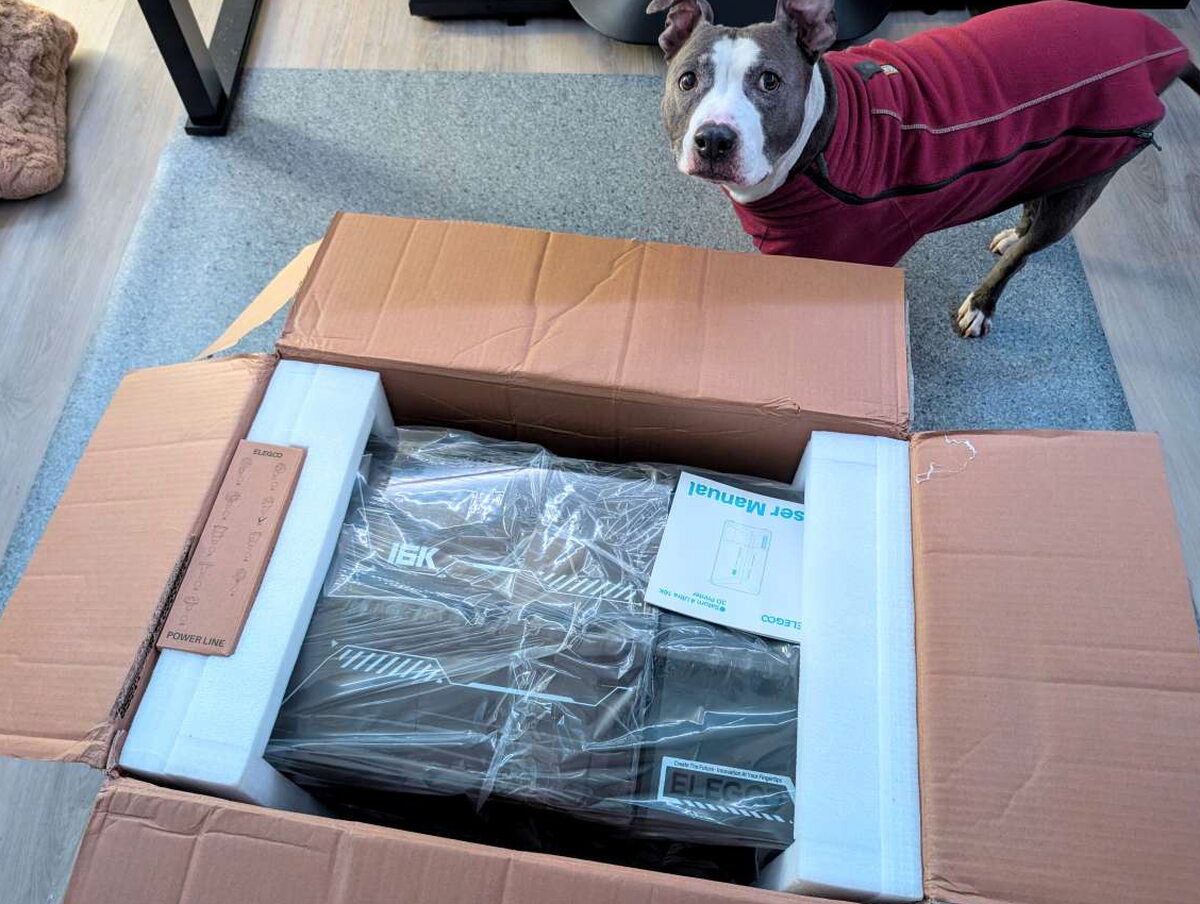
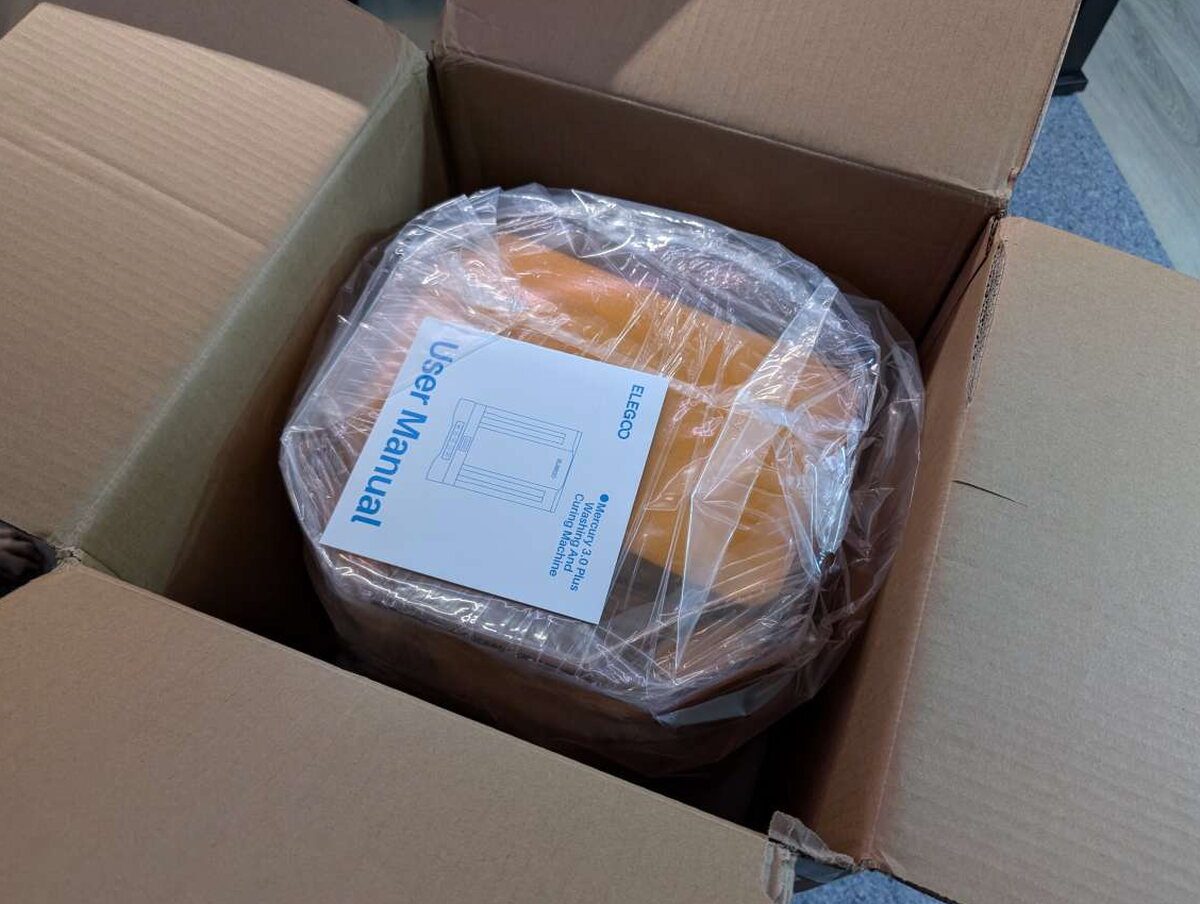
Both the Mercury and the Saturn arrive in plain cardboard, packed securely for the trip.
What You Get
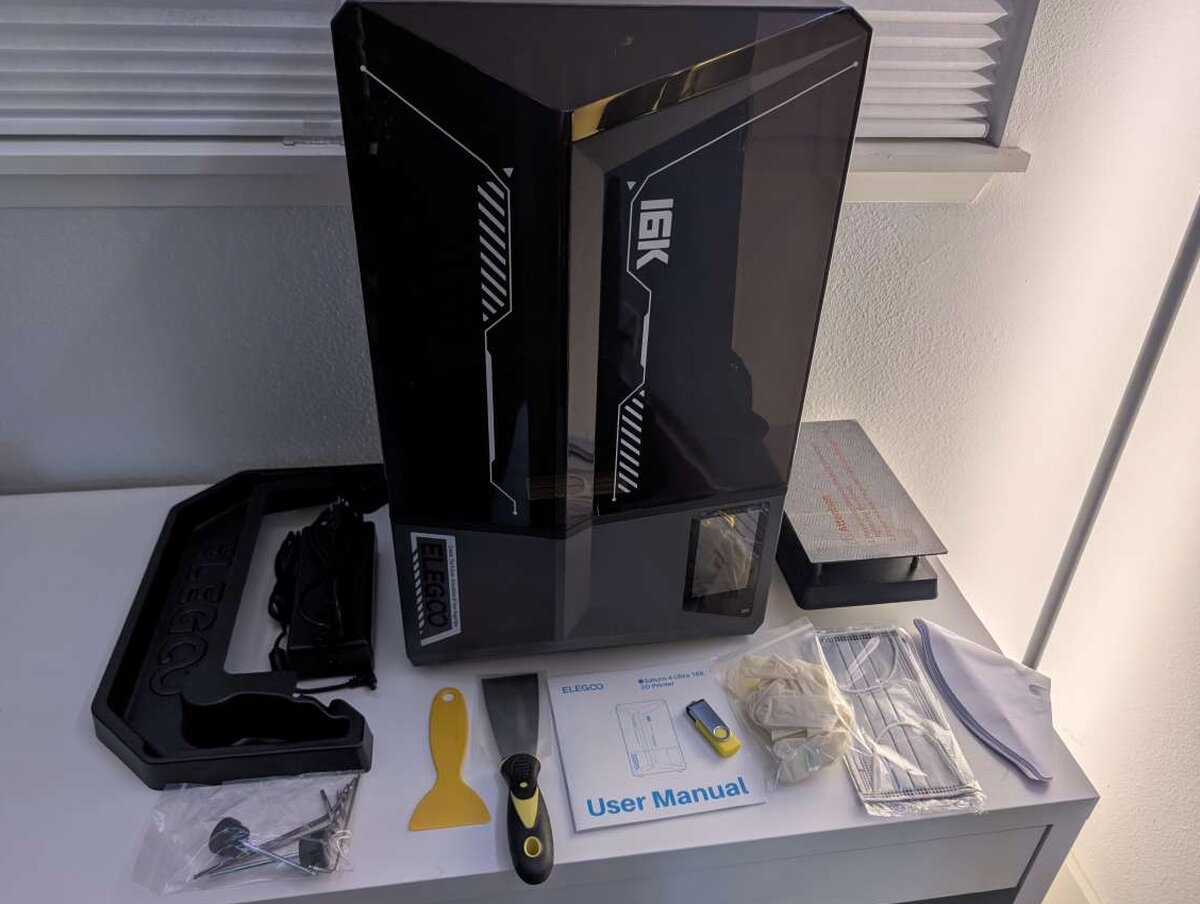
- Saturn 4 Ultra 16K 3D Printer
- Build Plate
- Power Adapter
- Resin Tank
- Funnel
- Resin Tray
- USB Flash Disk
- Gloves
- Mask
- Backup Screws
- Scraper
- Adapter
- Tool Kit
- User Manual
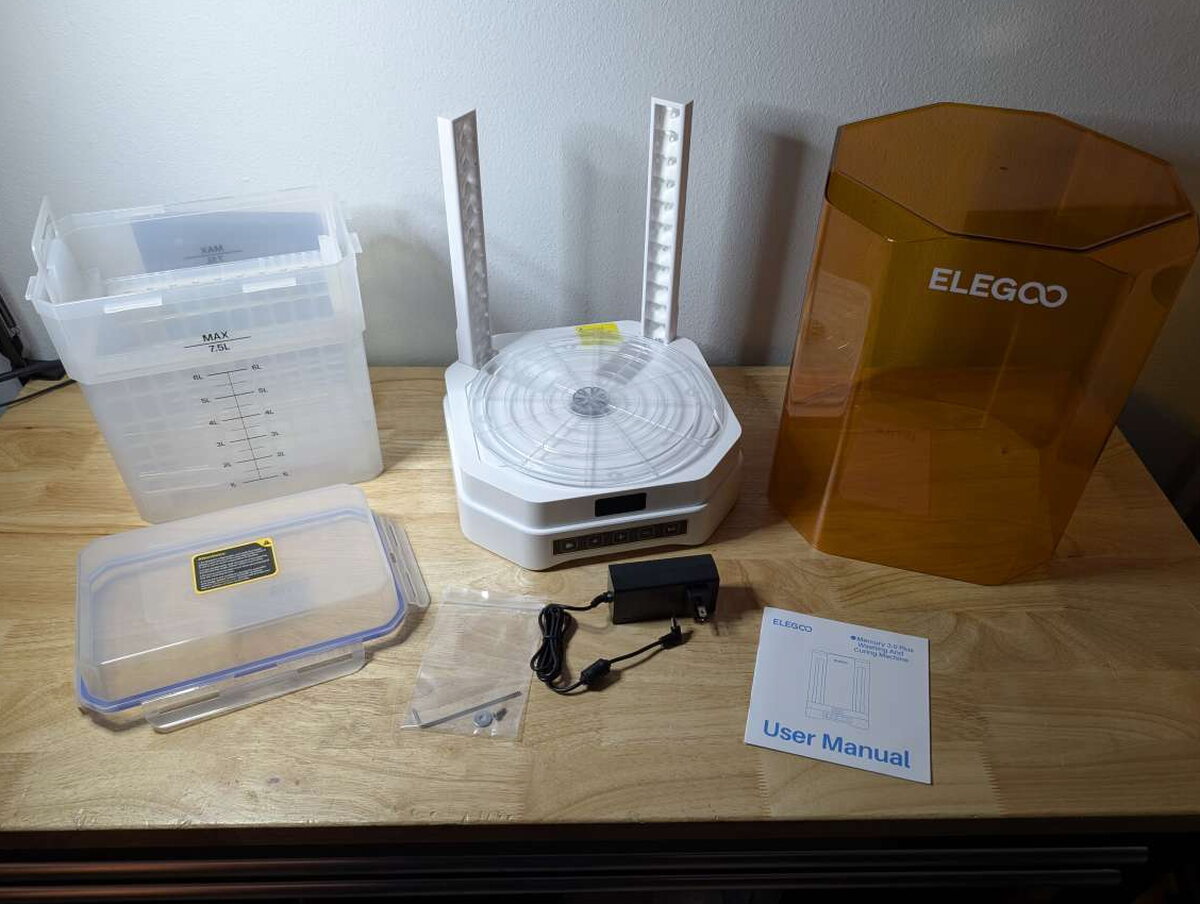
- Mercury Plus V3.0 Wash and Cure Station
- Cleaning Bucket
- Curing Turntable
- Cleaning Basket
- Adjustable Bracket
- User Manual
- Tools
- Power Adapter
By the Numbers
- Saturn 4 Ultra 16K 3D Printer
- LCD Screen: 10 inches 16K Mono LCD
- Resin Tank: Smart Heating Tank
- AI Camera: New AI Camera with Light
- Light Source: COB Light Source + Fresnel Collimating Lens
- Operating Screen: 4.0 inches Capacitive Touch Screen
- Build Plate: Laser-Engraved
- Release Film: PFA
- Build Volume: 8.33×4.66×8.66 inches (211.68×118.37×220 mm)
- Printing Technology: MSLA
- XY Resolution: 0.0006 0.0007 inches (14×19 μm, 15120×6230 pixels)
- Z-axis Accuracy: 0.0008 inches (0.02 mm)
- Layer Thickness: 0.0004–0.0079 inches (0.01–0.2 mm)
- Printing Speed: Up to 5.91 inches/h (150 mm/h), with Fast/Slow Modes
- Release Technique: Tilt Release
- Leveling Method: Auto Leveling
- Exposure Setting: Section-based
- System: EL3D-4.0
- Connectivity: USB & Built-in Wi-Fi
- OTA Firmware Upgrade: Supported
- Slicing Software: SatelLite & Chitubox
- Heat Dissipation Method: 4 Copper Heat Pipes + Single Fan
- Air Purifier: USB Unavailable; Compatible with Mars Mate
- Power Requirements: 100–240 VAC, 50/60 Hz, 24V 6A
- Printer Dimensions: 12.89×12.96×21.57 inches (327.4×329.2×548 mm)
- Net Weight: 35.49 lb (16.1 kg)
- Gross Weight: 41.23 lb (18.7 kg)
- Mercury Plus V3.0 Wash and Cure Station
- Control Method: Touch button
- Power Requirements: 100–240 V, 50/60 Hz, 24 V, 2.5 A
- Dimension: 11.91×11.91×16.24 inches (302.5×302.5×412.5 mm)
- Package Size: 14.92×14.92×19.57 inches (379×379×497 mm)
- Gross Weight: 13.89 lb (6.3 kg)
- Net Weight: 10.36 lb (4.7 kg)
- Maximum Washing Volume (with build plate): 8.43×5.31×7.09 inches (214×135×180 mm)
- Maximum Washing Volume (without build plate): 9.06×5.31×10.24 inches (230×135×260 mm)
- Maximum Curing Size: 9.84×11.42 inches (250×290 mm)
- Time Setting: 0–30 minutes

Design & Build
Saturn 4 Ultra 16K 3D Printer
The Saturn’s design changed how I feel about resin printers as a category. It resembles plenty of other machines at a glance, but a handful of small choices make it a genuine pleasure to use day to day. The all-aluminum body and the big tinted clamshell cover give off an industrial look that reads as sturdy and reliable. The white futuristic detailing running along the body helps too, and it’s a nice touch that the same styling carries over to my Centauri Carbon sitting right beside it.

Small vents run along the side of the printer to cool the internals without letting any of the toxic fumes inside the print area escape.

Up front sits the vertical touchscreen. It does the job, though it can feel a little cramped when you’re navigating a detailed menu.
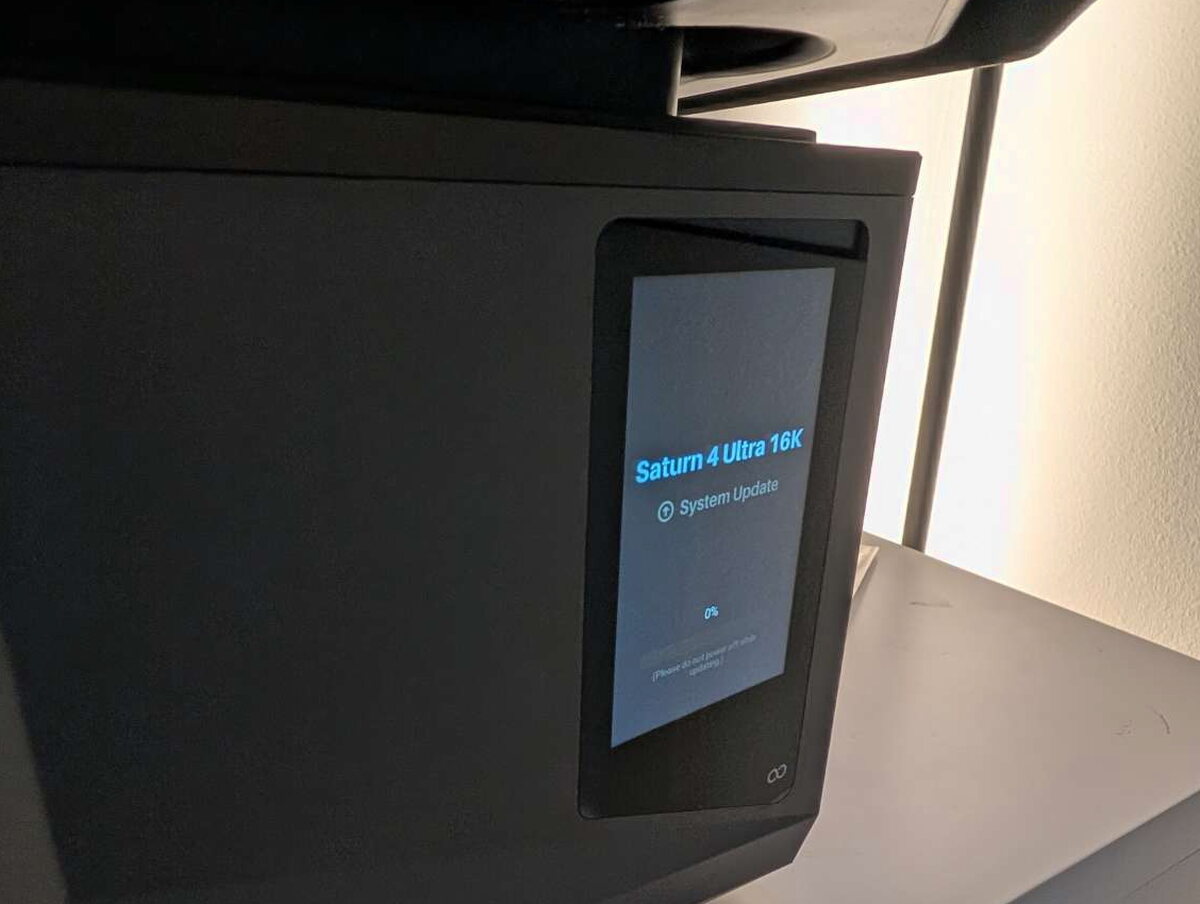
On the right side of the unit sit the power switch, a USB port, and the power port.

Inside the print chamber, a small camera lets you check on a print’s progress. I found it a bit useless in practice, since you can’t see much of anything until the build plate has climbed well clear of the resin. Elegoo brands it an “AI Camera,” but I never noticed anything resembling artificial intelligence at work through months of printing.

The resin tank is large and self-heating, holding resin at a steady 30 degrees Celsius. Dual pour spouts on opposite corners make pouring leftover resin back out a lot less painful than it could be.

Beneath the removable tank sits the Saturn’s headline feature, its 16K monochrome LCD. That resolution makes for genuinely crisp, detailed prints, even on smaller models.
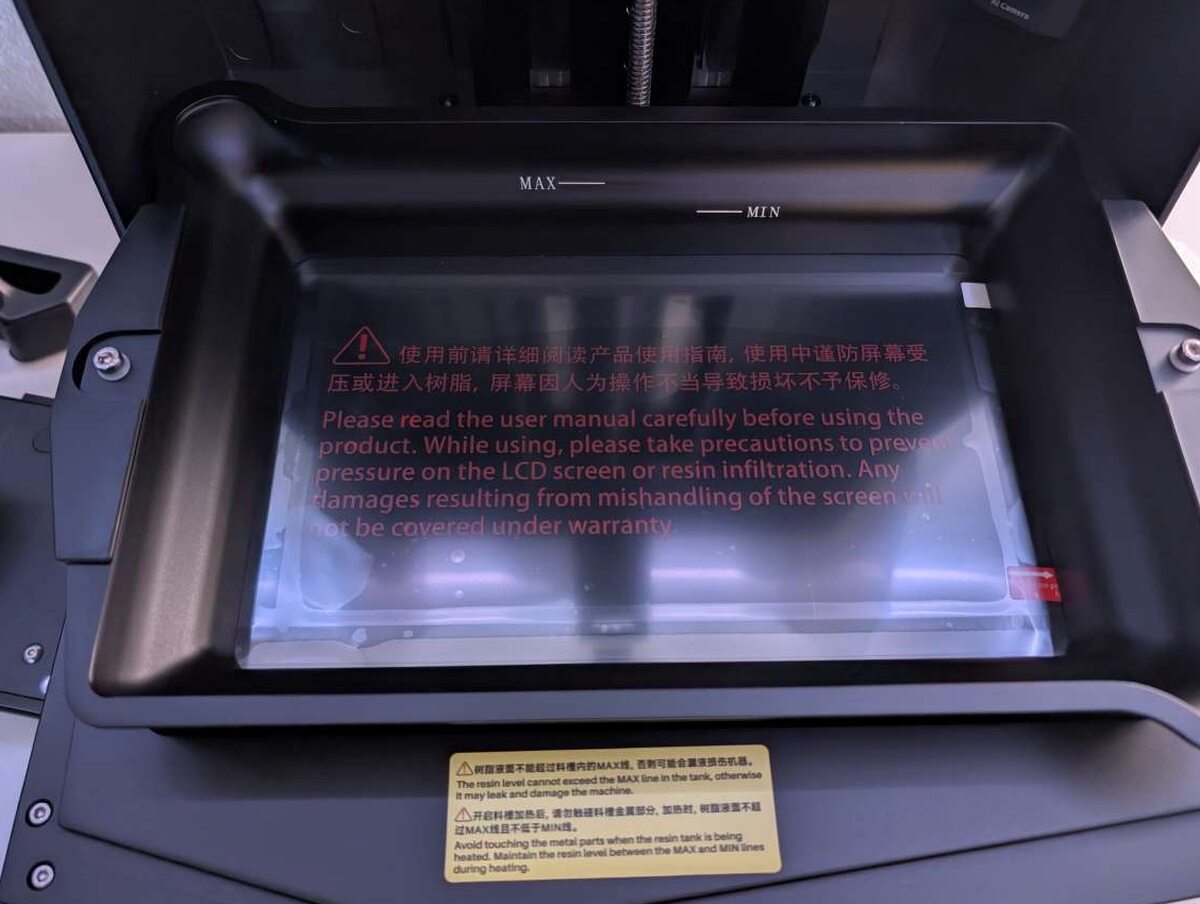
Running up the back of the interior is the Z-axis threaded rod, which drives the build plate’s precise movement in and out of the tank.

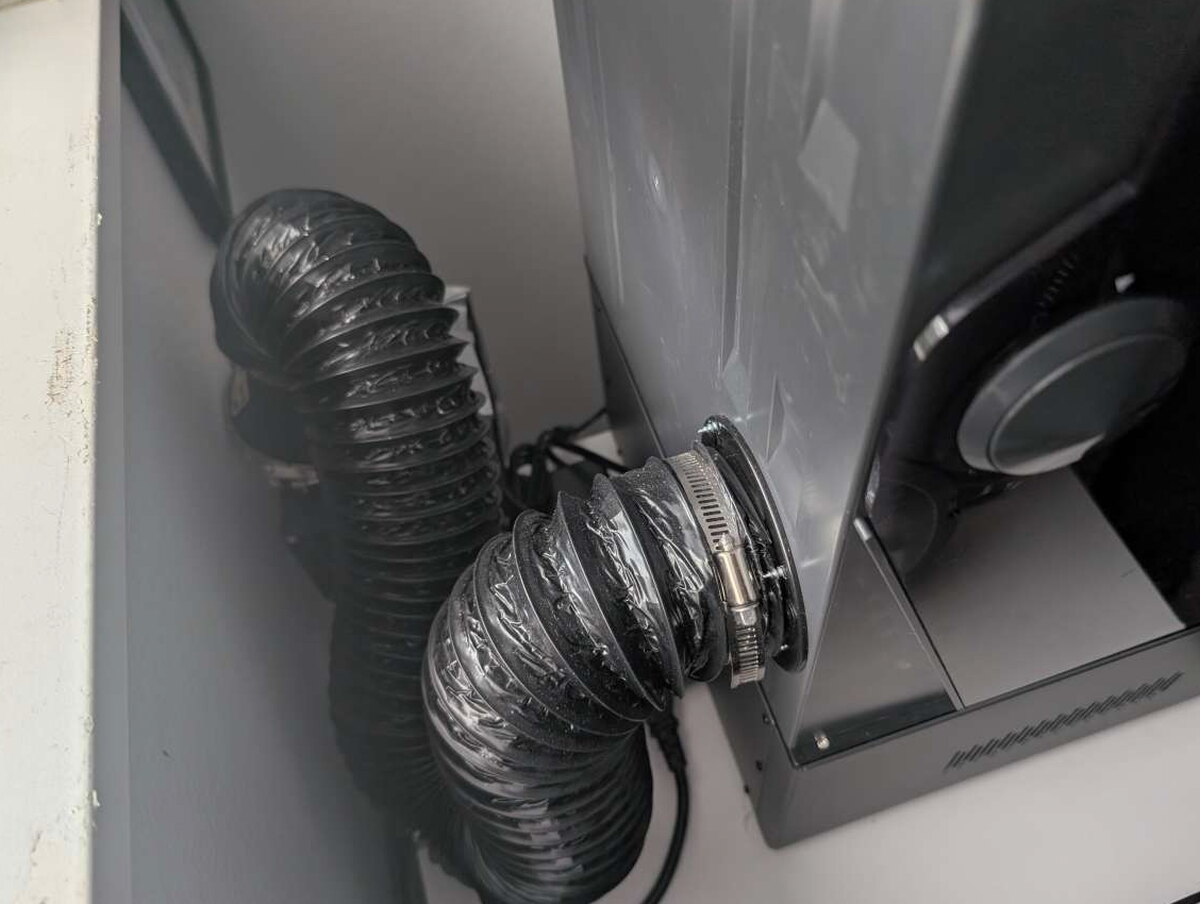
The back of the unit also has a three-inch venting port, a feature I love more than almost anything else on this printer. It let me rig up my own exhaust route straight out a window.

With some cheap dryer vent hose and an inline duct fan from Amazon, I can print whenever I want without worrying about what I’m breathing.
Another nice touch is the quick-release latch on the build plate, strong enough to hold it firmly but easy to pop with one hand.

The build plate’s surface is laser-engraved for strong adhesion, cutting down on warping and letting finished prints pop off cleanly.

Pulling the build plate on any resin printer means resin is going to drip somewhere. I usually catch it with a plastic bowl held under the plate with one free hand, which doesn’t always go well. Elegoo includes a drip tray that snaps onto the tank to help with exactly this.

It fits perfectly around the tank, and I appreciate the effort, but in practice it caught drips about as well, or as poorly, as my plastic bowl trick. Once resin lands on it, it’s one more thing to clean, so I mostly stick with disposable cups.

To make print removal easier, Elegoo includes both a plastic and a metal scraper.

Even with the Saturn’s solid network transfer options, there’s a USB stick in the box for moving files by hand.

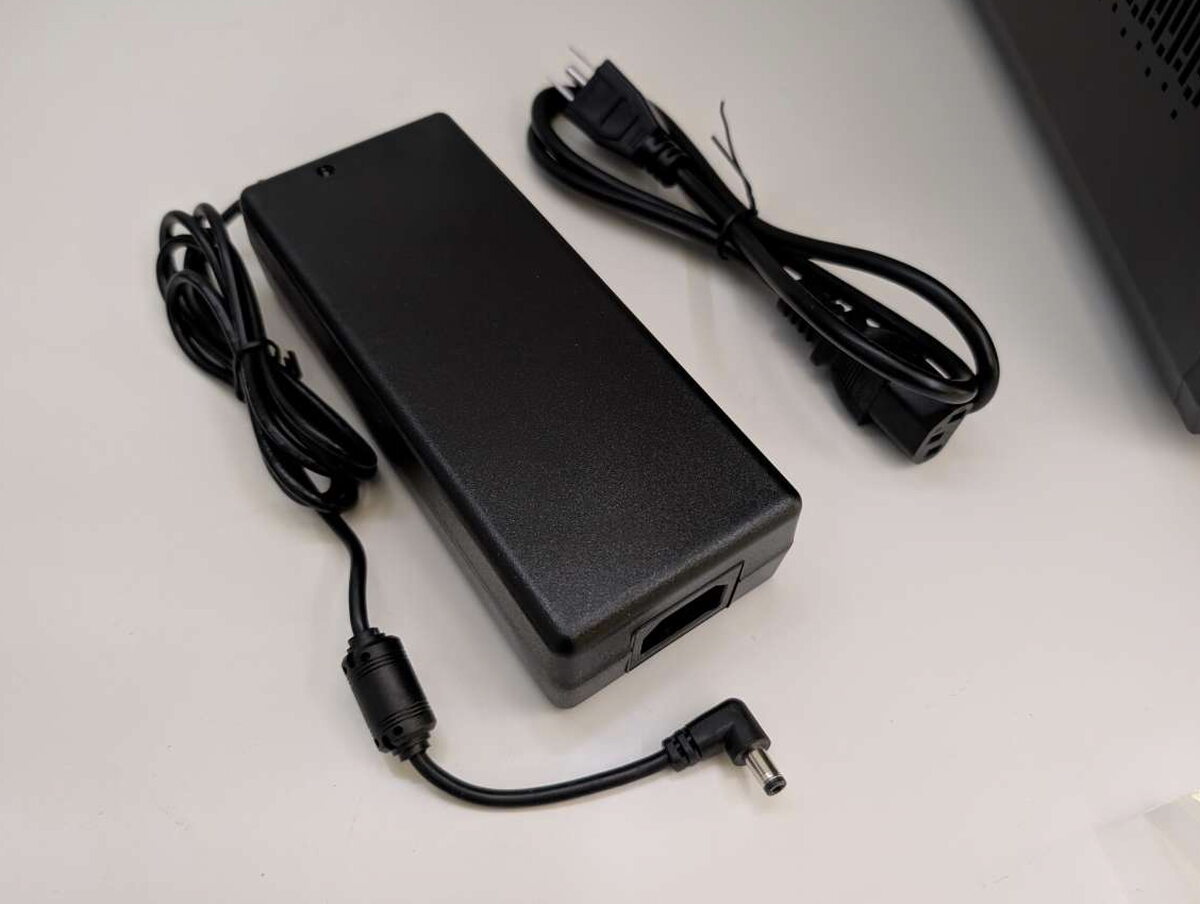
The power supply is on the larger side, typical of what a printer this size demands.
Mercury Plus V3.0 Wash and Cure Station
Folding a wash station and a cure station into one unit is a genuinely smart move on Elegoo’s part. It saves space, time, and money all at once.
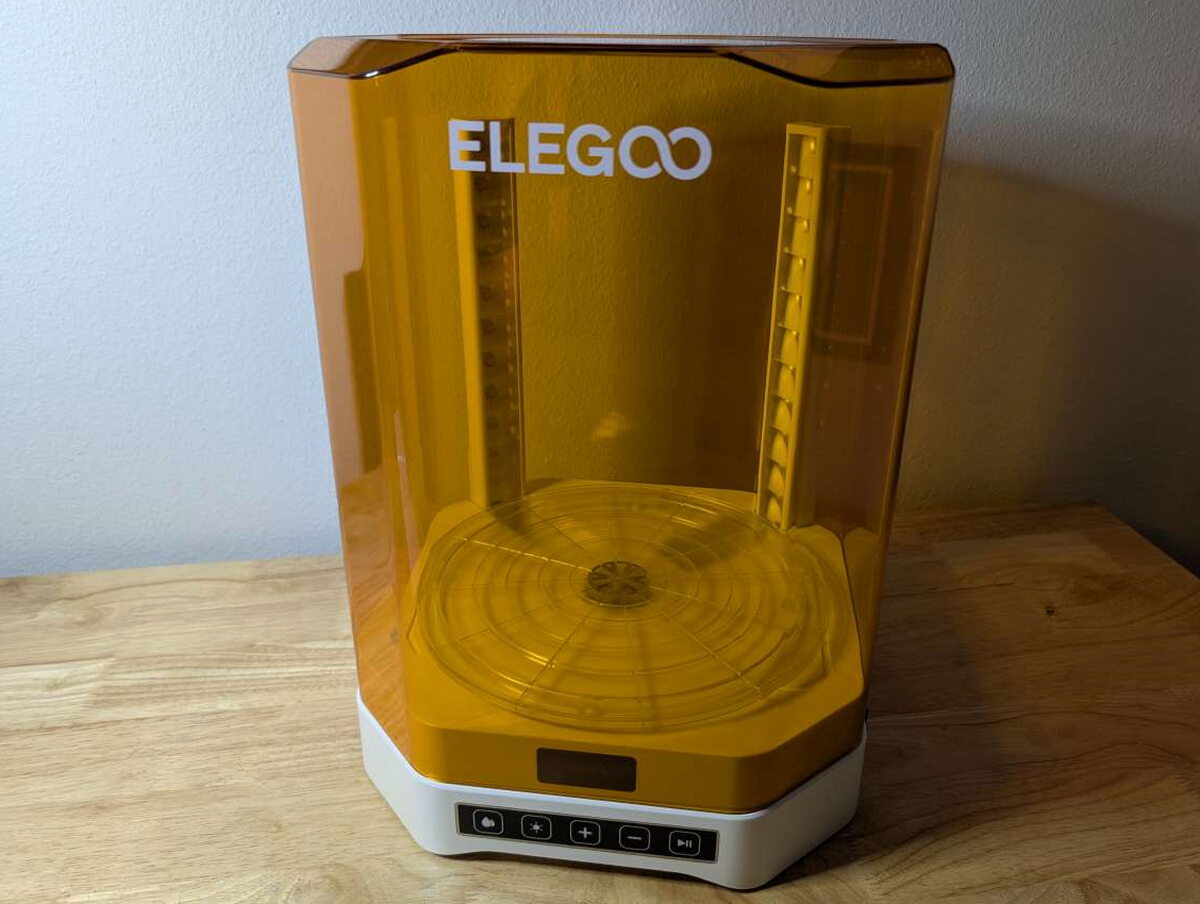

Built entirely from plastic, the Mercury isn’t as tough as the Saturn, but I appreciate how straightforward it is. Five membrane buttons on the front let you pick a mode, set a duration, and start, pause, or resume the cycle.
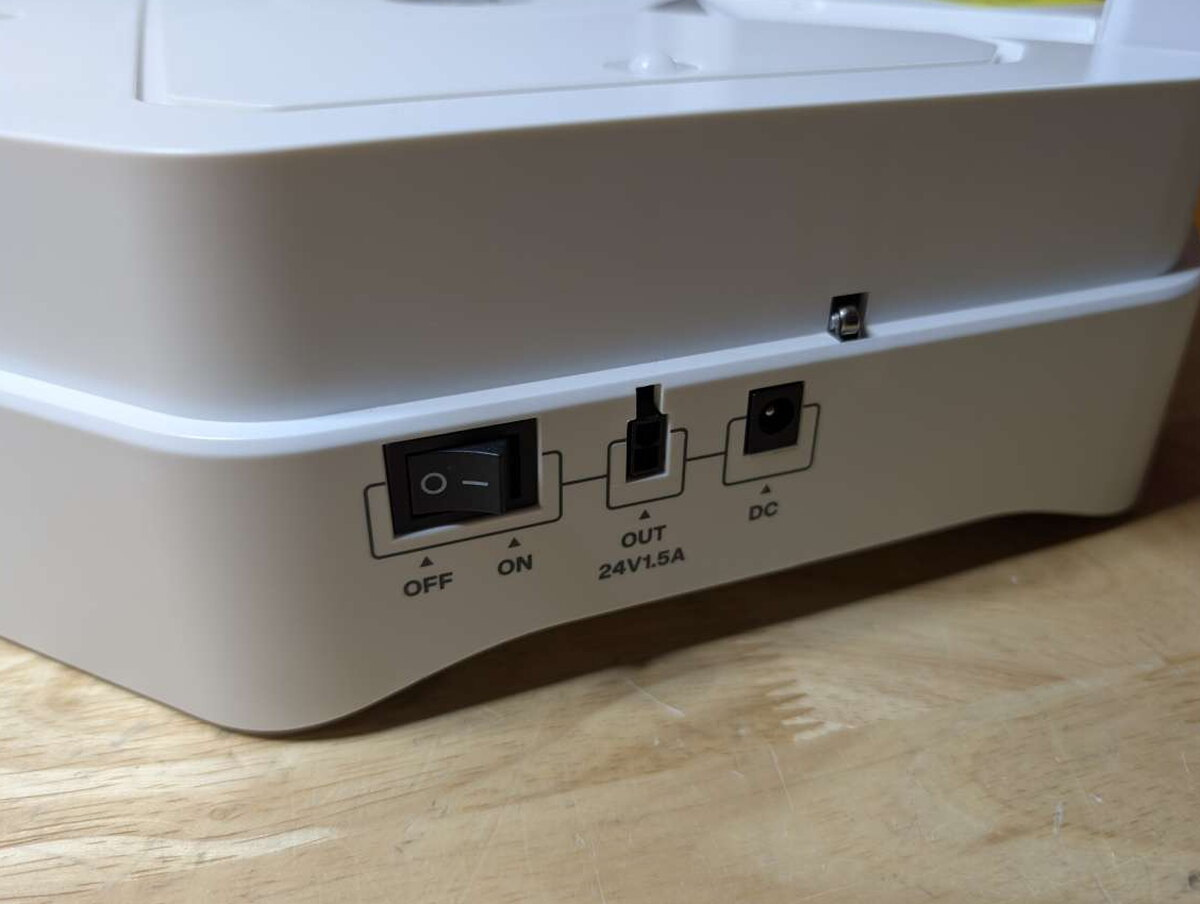
The side of the unit carries the power switch, a USB port, and the power port. The “Out” port is one I’m still not entirely sure what to do with.
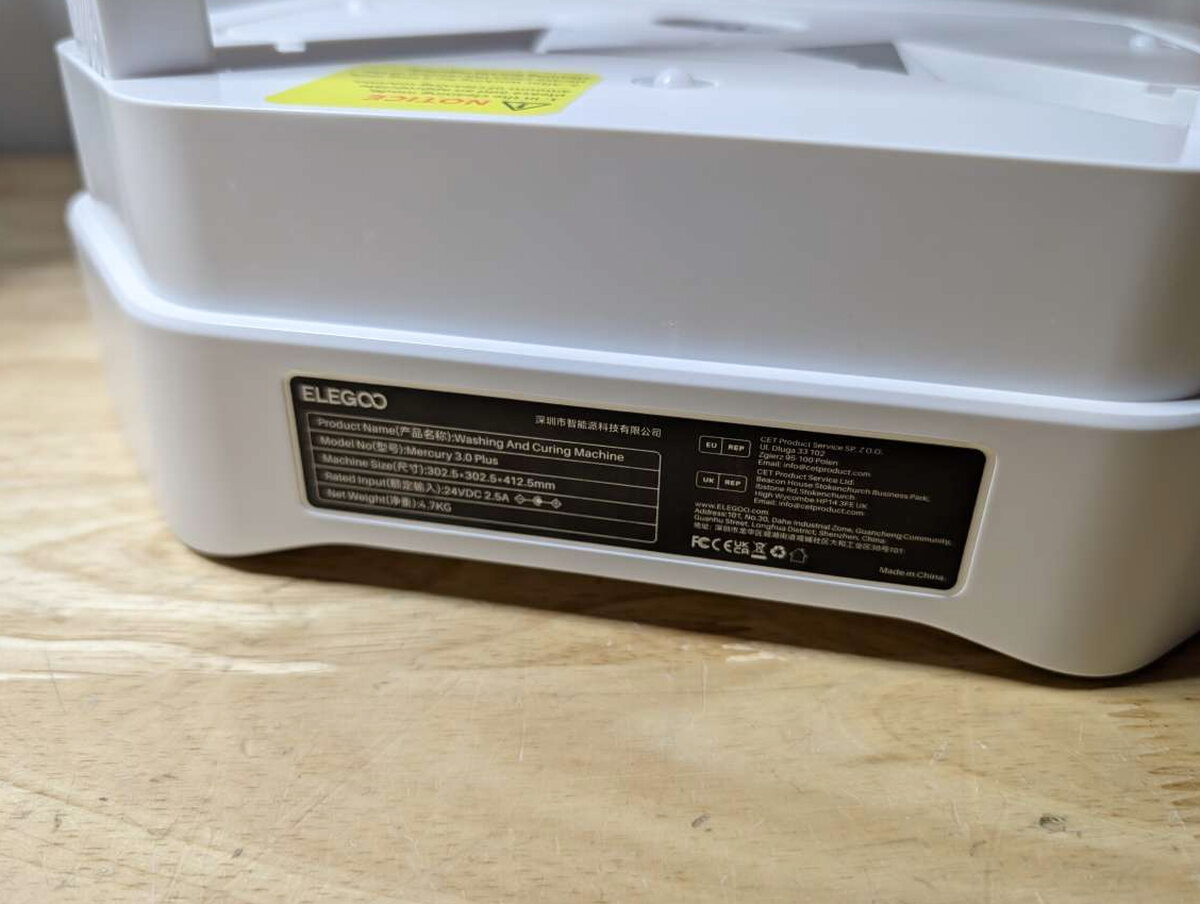
The back just holds the technical spec label.

For washing, Elegoo built a large basket and basin, roomy enough for anything the Saturn 4 Ultra makes, and usually the build plate right along with it.

My favorite thing about the Mercury is that I can, carefully, take a print straight off the printer and wash it in the Mercury while it’s still attached to the build plate, no resin anywhere it shouldn’t be. The process cleans the plate too.

The trick behind the wash cycle is a small magnetic propeller at the bottom of the basin, spinning fast enough to clean prints thoroughly as long as there’s enough cleaning solution in the basin.

That propeller draws its power from a spinning wheel at the center of the unit, the same wheel that’s central to the curing process too.

Two 405nm UV lights mount on the back of the unit. These are the “cure” in wash and cure, hardening resin after it’s printed.

Four small plastic ball bearings in the base let the included turntable spin, so every angle of a print gets even UV exposure.

The turntable itself is big enough for a large single print, or a handful of smaller ones together.

A protective cover keeps UV light away from you during the cycle. You can set the timer for up to thirty minutes, though most of my prints only needed six to eight. Lift the cover mid-cure and a micro switch instantly kills the unit and the UV lights.

Getting Started
Saturn 4 Ultra 16K 3D Printer
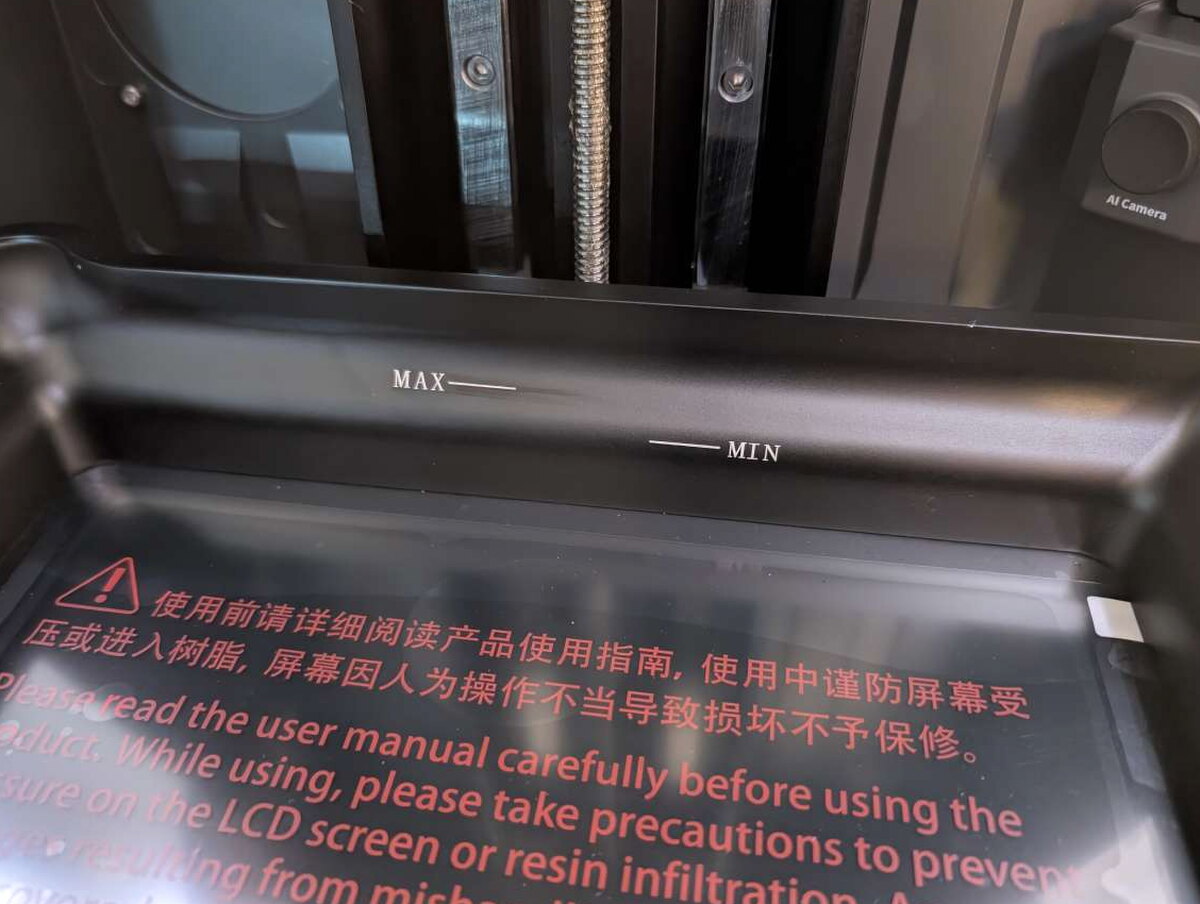
Setup is simple. Peel off a few protective stickers, including a big one inside the basin and one over the LCD.
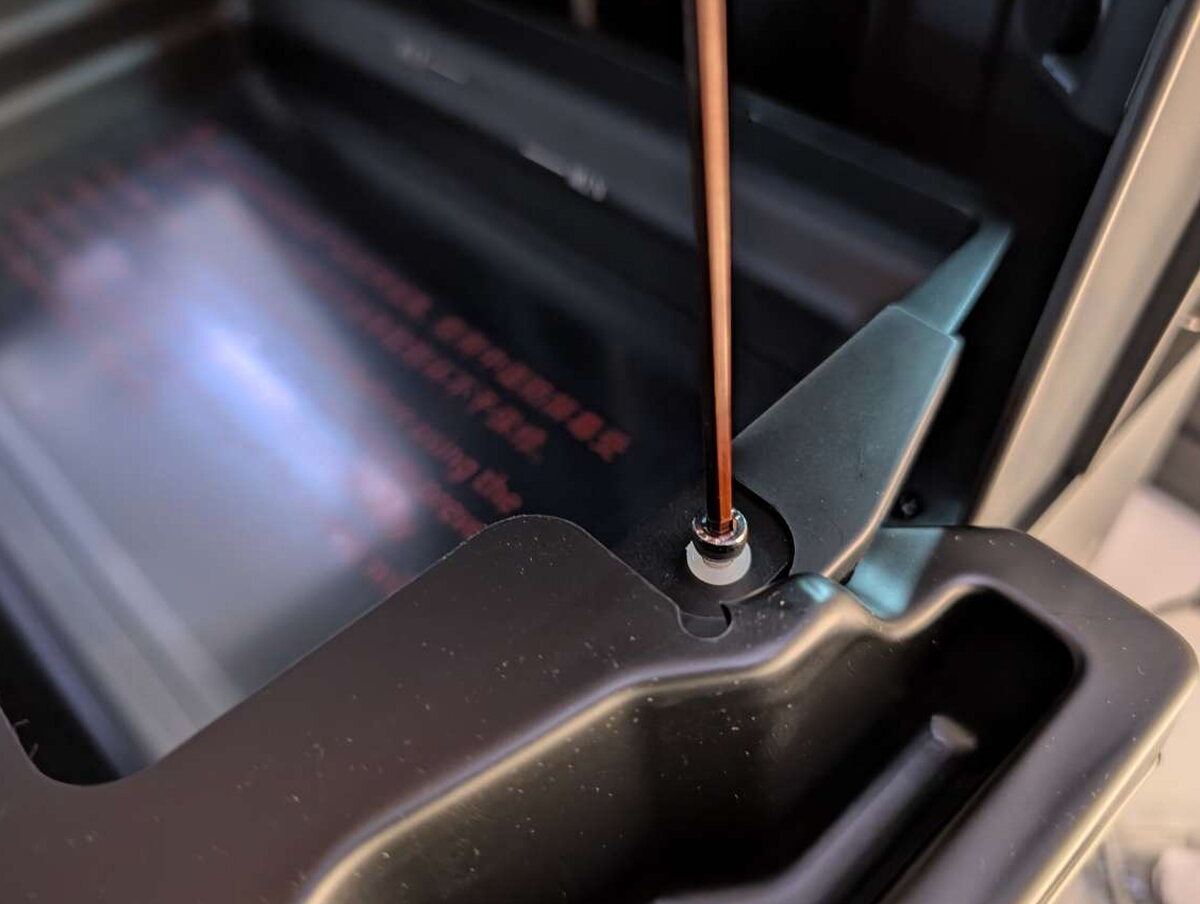
Two screws that lock the basin down for shipping need to come out, replaced with the included large-knob screws.
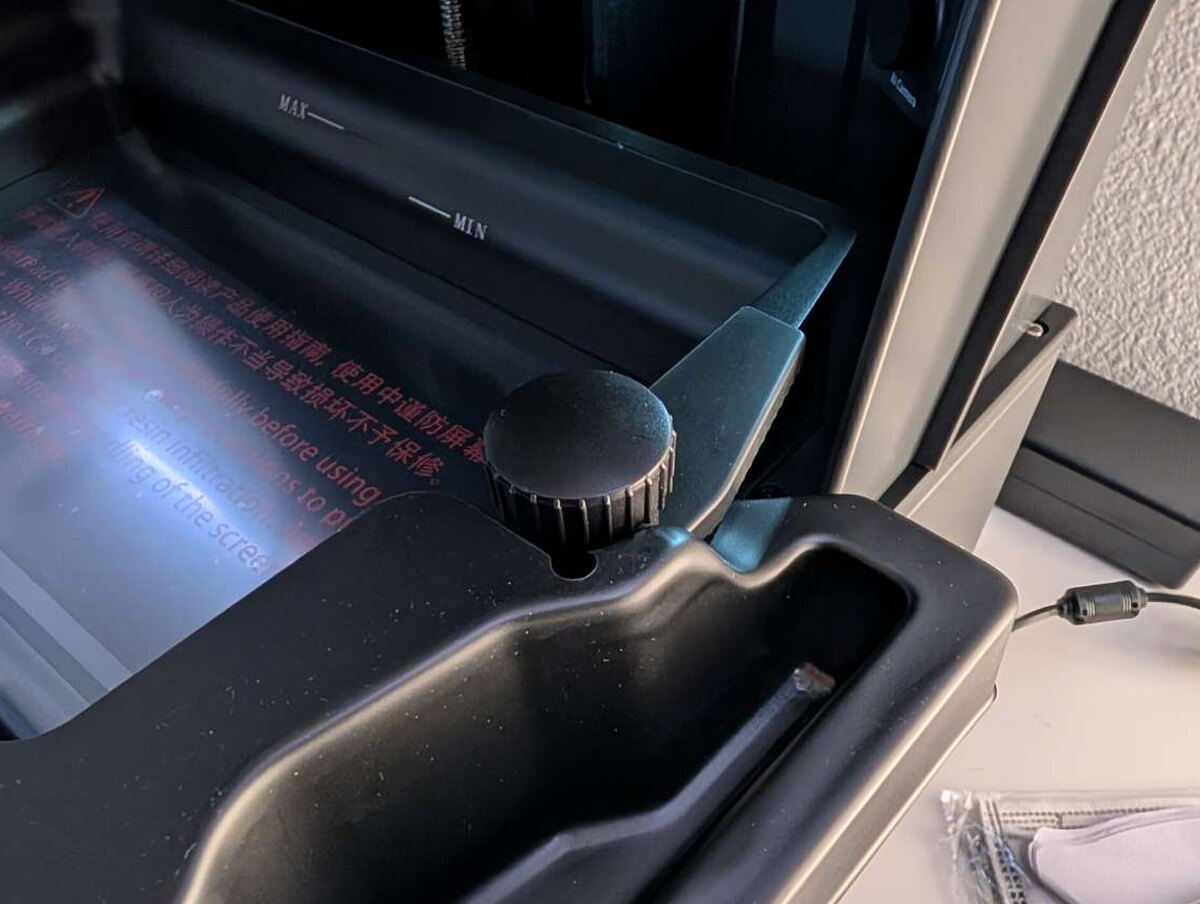
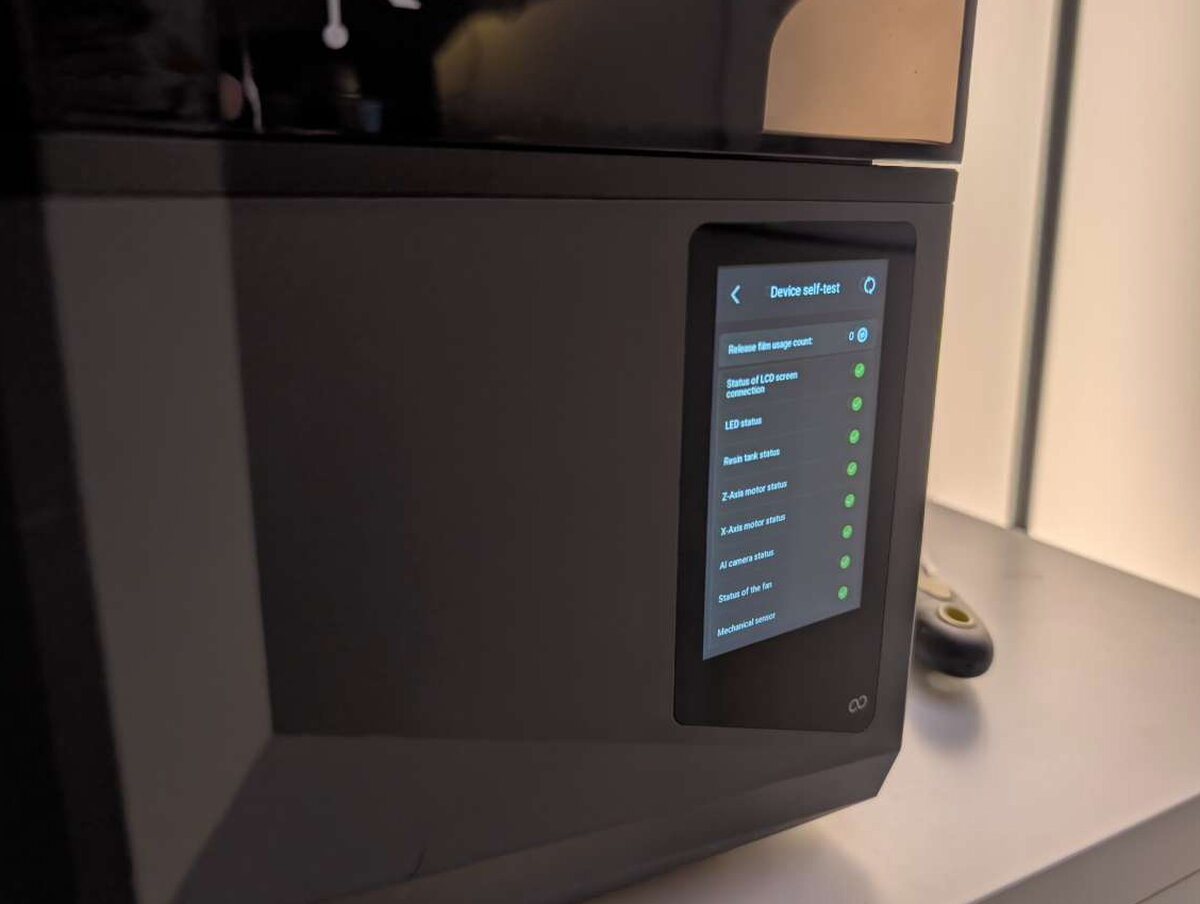
That’s basically the whole process. Every time the Saturn 4 Ultra powers on, it runs a quick self-test to confirm every component is ready.
Mercury Plus V3.0 Wash and Cure Station

Setup for the Mercury is even simpler than the Saturn. Peel off a few stickers protecting the internal mirrors, and you’re ready.
Living With It
Saturn 4 Ultra 16K 3D Printer
The Saturn 4 Ultra delivered strong performance across the board. The 16K resolution handles intricate detail well, especially on figurines and miniatures. I ran it on a complex test model, several kinds of dice, and more, all coming out with fine detail and no visible pixelation or layer lines.
It isn’t flawless, though. Most resin prints go off without a hitch, but I hit a couple of cases where first-layer adhesion wasn’t as strong as I’d like. That’s probably down to my workshop’s temperature swings more than anything, and tweaking exposure settings cleared it up. I also had trouble printing certain models without supports, since the base layers wouldn’t separate cleanly, though that’s more about my model choices than a flaw in the printer.
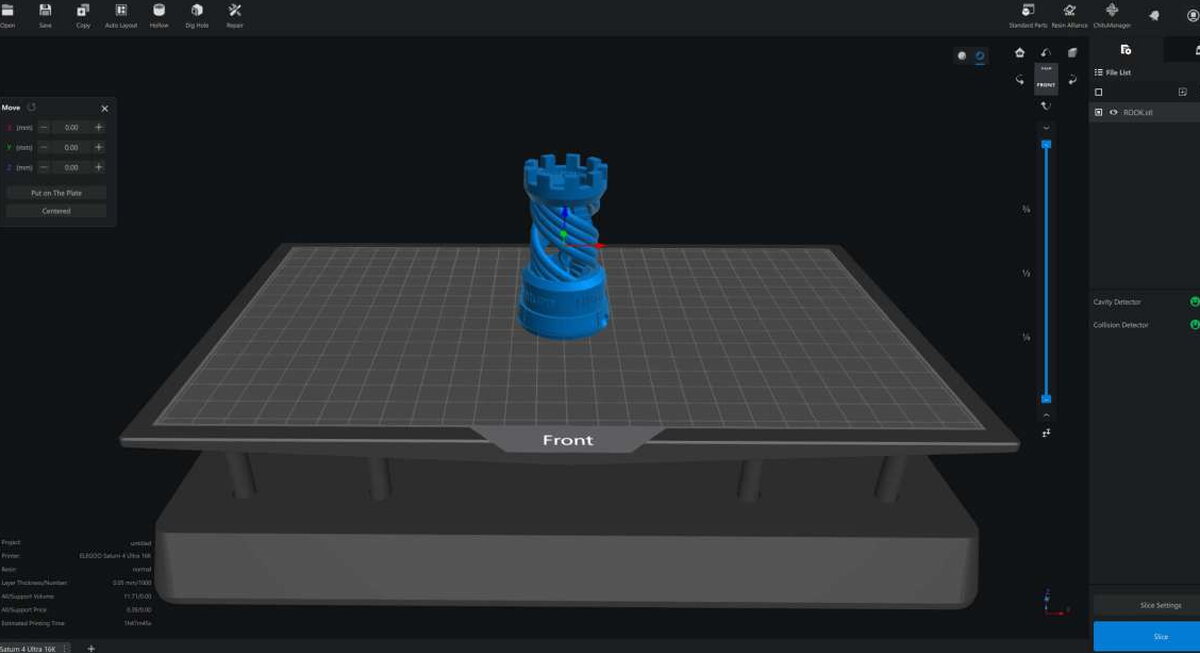
Elegoo’s slicing software, ChituBox, is easy to pick up as a first-timer. I wish resin printing had more open-source slicer options the way FDM printing does, but ChituBox is well designed and stable enough for daily use.
Test Prints
I ran plenty of test prints across different resins and slicer settings before landing on a combination that worked well.

Transparent resin gave me the most impressive results, so I leaned on it for most of these.

Naturally, I started with the old standby, Benchy the tugboat. The detail blew me away, with hardly a visible seam or layer line anywhere on it.

Another good trial was this Spiral Passthrough Fidget Toy. Tolerances have to be exact for one piece to slide freely through the other, and the Saturn nailed it.

As always, I printed a pile of RPG dice, and the tiny numbers and ridges came out crisp with consistent depth.

Another print demanding tight tolerances was this small skull vase and cover. It came out great, though it needed a little cleanup.

One of Elegoo’s bundled test models was this intricate horned bust, chosen deliberately to show off how the Saturn handles overhangs and fine detail.

The most impressive print by a mile was this ultimate calibration plate. The complexity in every element would trip up just about any printer, but the Saturn nailed all of it.
Mercury Plus V3.0 Wash and Cure Station
The Mercury was a genuine joy to use, cleaning and curing prints in minutes when it used to take far longer thanks to all the cleanup involved.

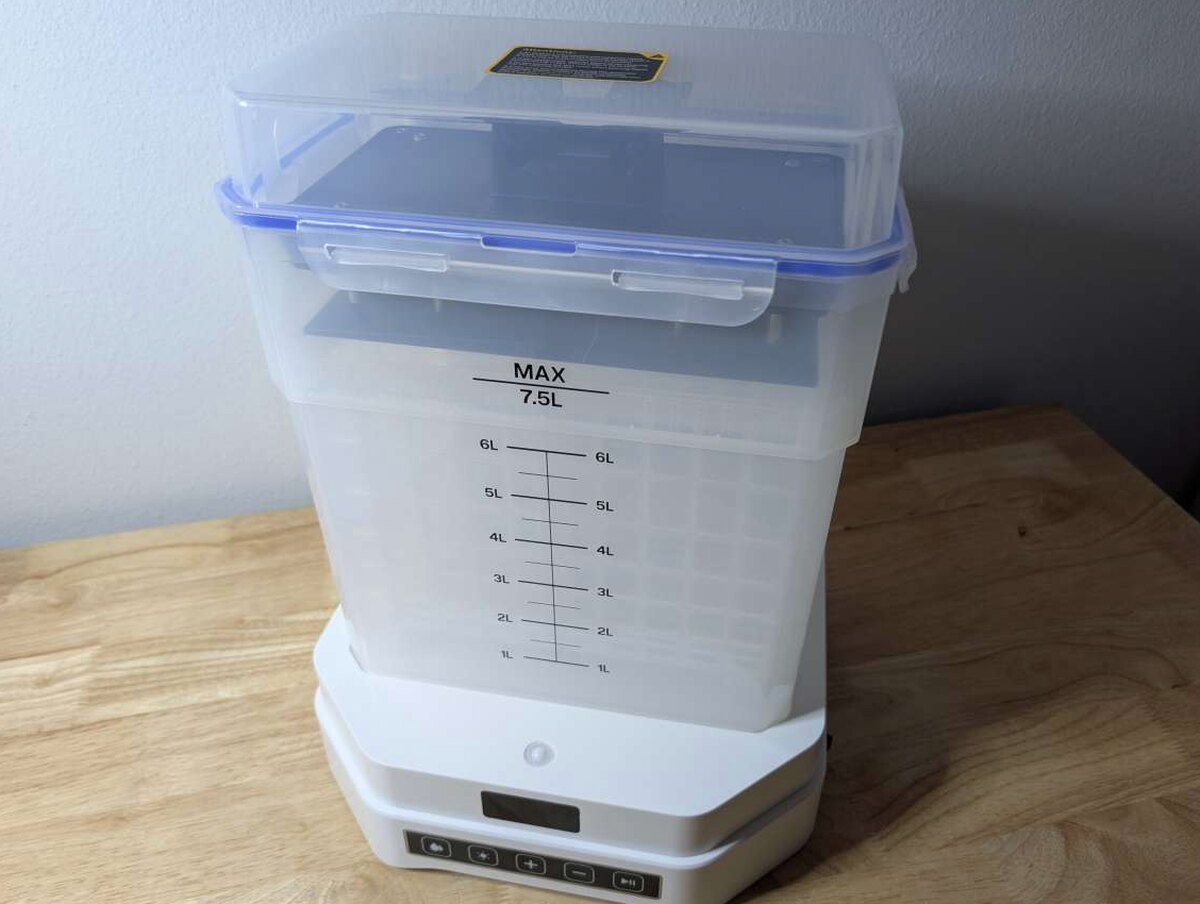
My biggest gripe with the Mercury isn’t about its design at all. It’s how much cleaning solution the basin needs to fill, even for a small print.

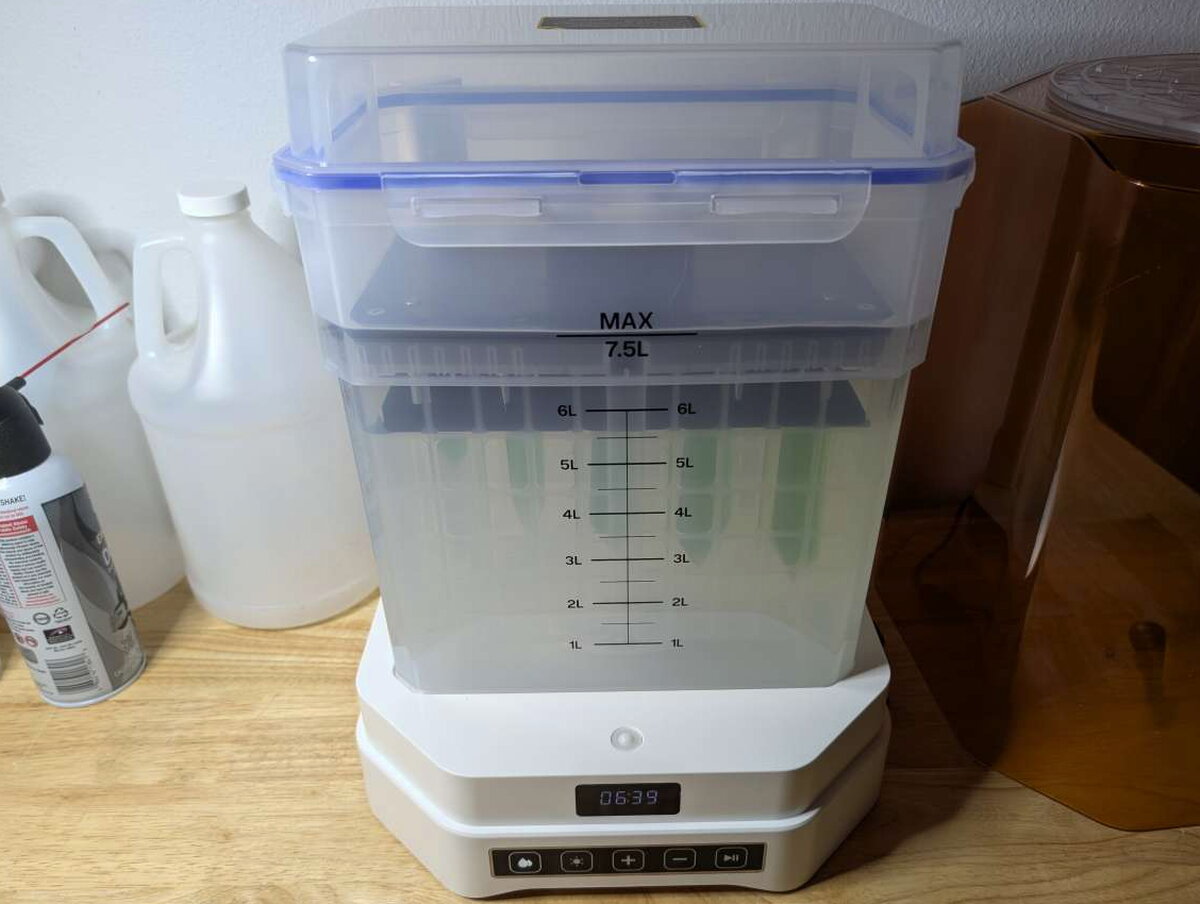
The only cleaning solution that reliably works on resin is 99% isopropyl alcohol, running $25 to $35 a gallon. The basin needs about two gallons to fill, so this adds up fast.
The upside is you can reuse the solution a few times before it loses effectiveness.
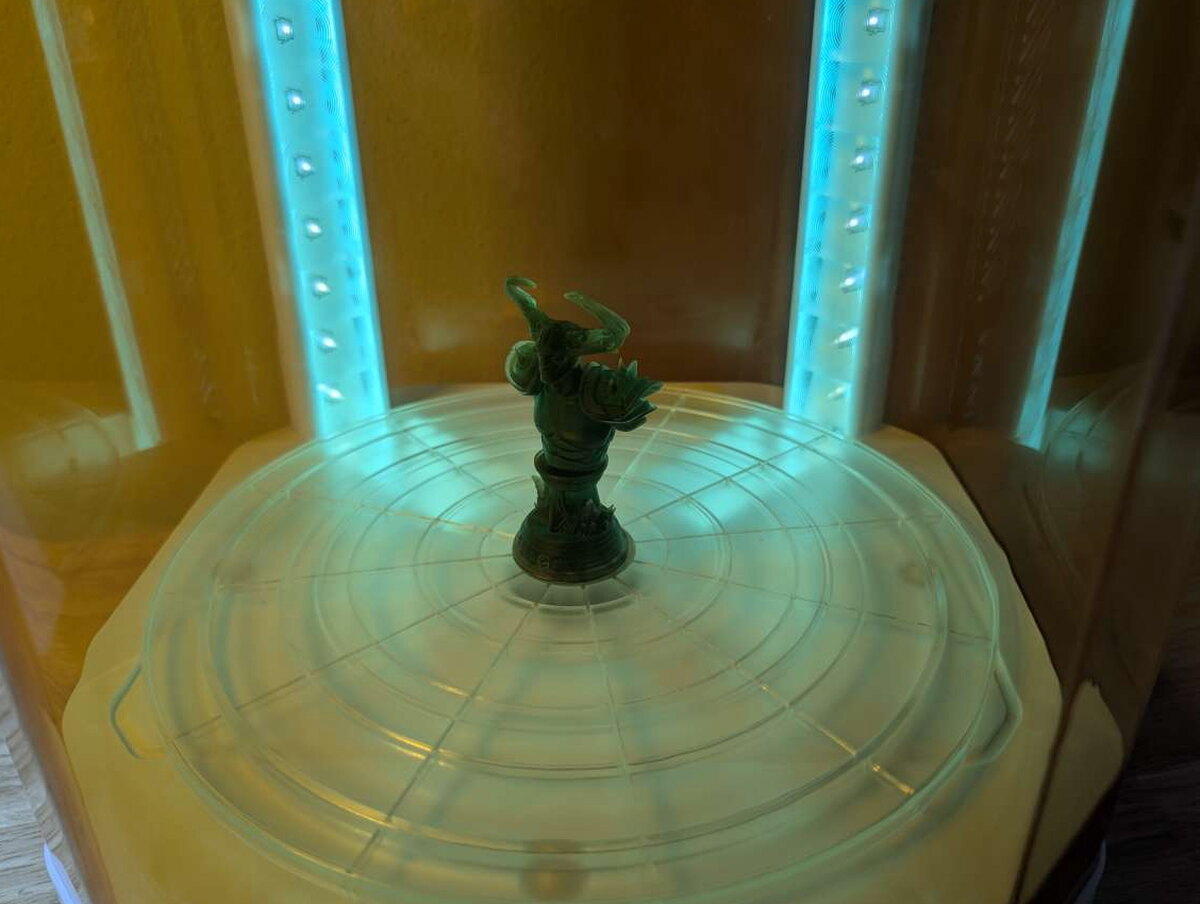
Curing worked flawlessly every time. After 6 to 10 minutes, my prints came out hardened and looking sharp.

Quick Questions
Q: What resolution is the Saturn 4 Ultra’s screen?
A: A 10-inch 16K monochrome LCD.
Q: Can the build plate go straight from the printer into the wash station?
A: Yes, that’s one of the most useful features; the plate, with the print still attached, can be washed directly in the Mercury Plus V3.
Q: What cleaning solution does the wash station need?
A: 99% isopropyl alcohol, and the basin needs about two gallons to fill, though the solution can be reused a few times.
Q: How long does curing take?
A: Most prints only needed 6 to 10 minutes, even though the timer supports up to 30 minutes.
The Verdict
The Elegoo Saturn 4 Ultra 16K and Mercury Plus V3 make a great pair, whether you’re new to resin printing or already deep into it. At $499.99, the Saturn 4 Ultra 16K delivers impressive detail and reliability with barely any setup. At $159.99, the Mercury Plus V3 makes cleanup and curing fast and painless. Together they strip out a lot of the fuss that usually comes with resin printing and leave more time for actually making things. Between the performance and the pricing, both are excellent picks whether you’re leveling up an existing setup or dipping a toe into resin printing for the first time.
The Good
- Makes resin printing easier and more accessible
- Includes a built-in venting option
- Very easy to remove / replace the build plate
The Not So Good
- Plastic cover could use a handle to make opening it easier
- Included drip tray is ineffective
- Touchscreen should be larger
The Good
- Two-in-one design makes print cleaning and curing much easier
- Able to insert the build plate directly from the printer into the wash basin
- All components pack away easily for storage
The Not So Good
- Build quality feels fragile compared to the build quality of Elegoo printers
- Wash basin requires a lot of cleaning fluid to fill for smaller prints still on build plate
- Wash mode can be quite loud
Curious how this compares to the competition? I break it down in The Best 3D Printers I’ve Tested (So Far).
Price: Elegoo Saturn Ultra 16K $499.99 / Elegoo Mercury Plus V3 $159.99
Product Link: Elegoo
Source: The sample of this product was provided for free by Elegoo. Elegoo did not have a final say on the review and did not preview the review before it was published.


