
REVIEW – Dromida’s Kodo FPV Camera Drone is aimed squarely at new pilots who want a small, inexpensive quadcopter with a camera, a phone screen view, and a few extras in the box. At $89.99, it delivers a lot for the money: quick setup, Wi-Fi video, still photos, video recording, spare parts, and goggles for First Person View. The problem is that the app connection process is frustrating and the video hardware is too weak for serious FPV flying. As a beginner drone, though, it is still a fun little package.
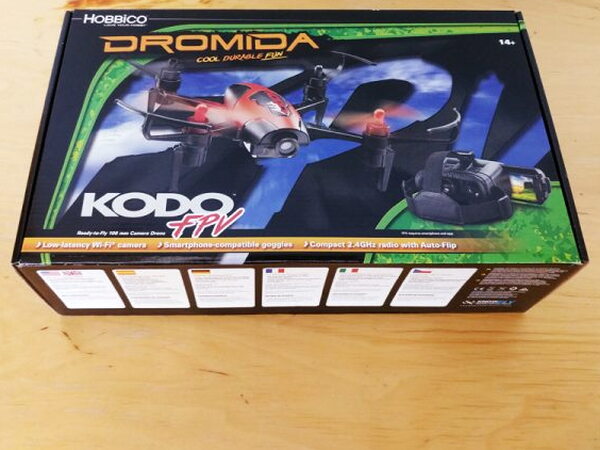
The Kodo FPV Drone arrives in a typical flip top retail box with glossy photos all over it. The box sells the FPV idea hard, even though the real experience is more limited than the pictures suggest.
What’s in the box
- Dromida Kodo FPV Camera Drone
- FPV Goggles/Smartphone holder
- LiPo Battery
- USB LiPo Charger
- Replacement Props
- AAA Batteries (4)
- Screwdriver
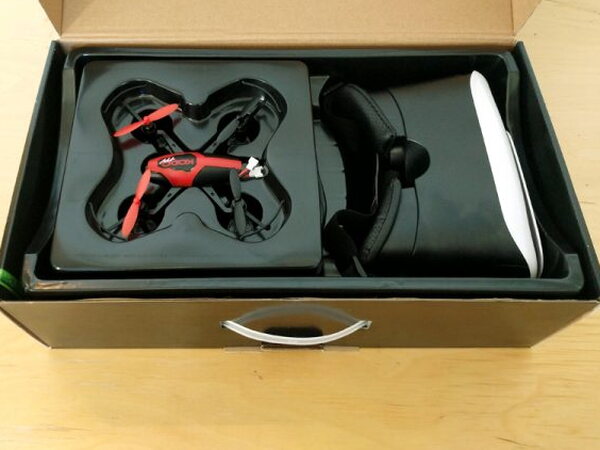
I like the packaging more than I expected. The interior has separate spaces for the drone and accessories, and the built-in handle makes the same box useful for storage or carrying everything around.
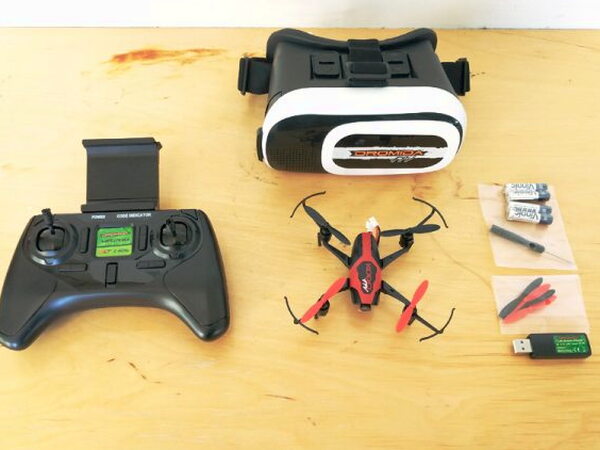
The bundle is fairly complete. Along with the Kodo FPV Drone, Dromida includes a 2.4GHz radio controller with AA batteries, the FPV goggles, a LiPo flight battery, a USB charger, replacement props, and the tiny screwdriver needed to open the controller battery compartment.
Drone design
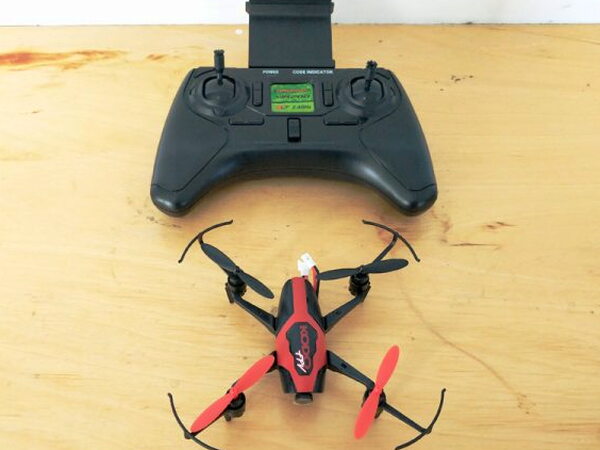
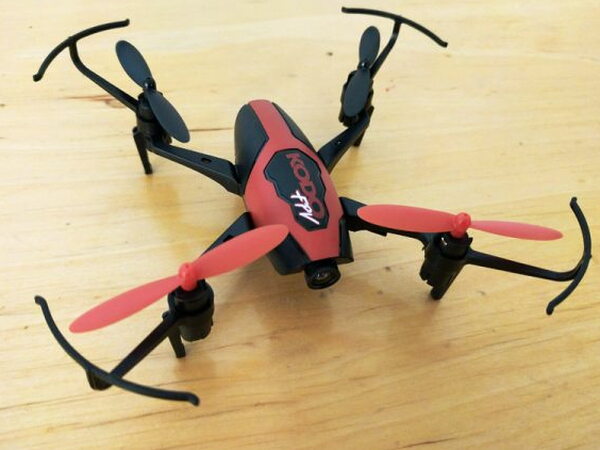
The aircraft itself looks like many other beginner drones, but the built-in prop protectors are a real plus. They make indoor bumps and early practice mistakes a little less punishing.
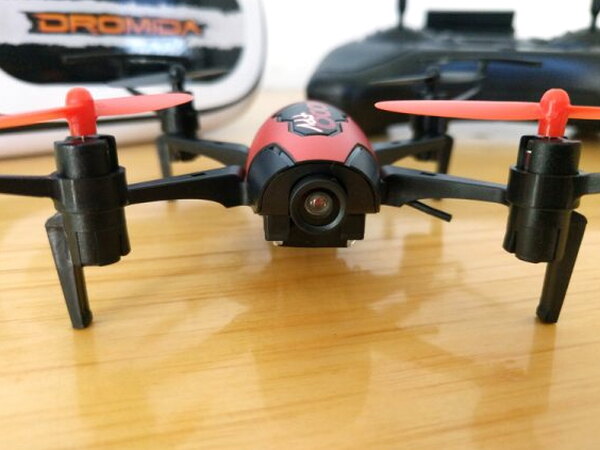
The props use different colors to mark front and back orientation. A small Wi-Fi camera is mounted on the nose, and the camera angle can be adjusted by hand before takeoff.
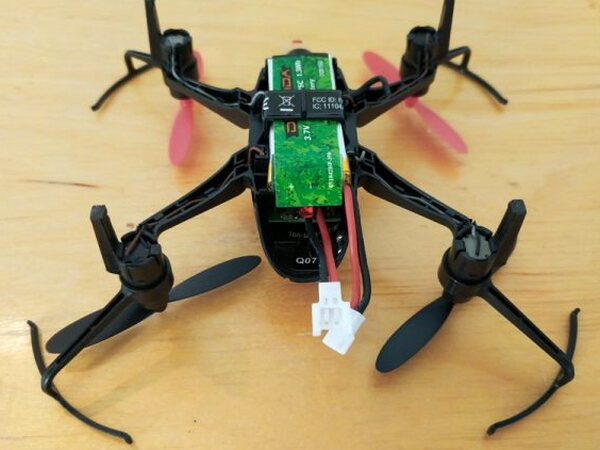
The included Lithium polymer battery rides under the body rather than inside a closed compartment. Power cables at the rear connect the pack to the drone.
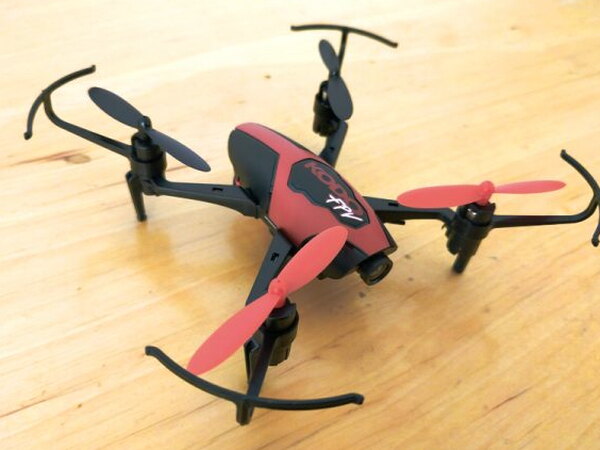
During indoor testing, a full charge gave me just under five minutes of flight. That was while streaming video over Wi-Fi and capturing both photos and video from the onboard camera.
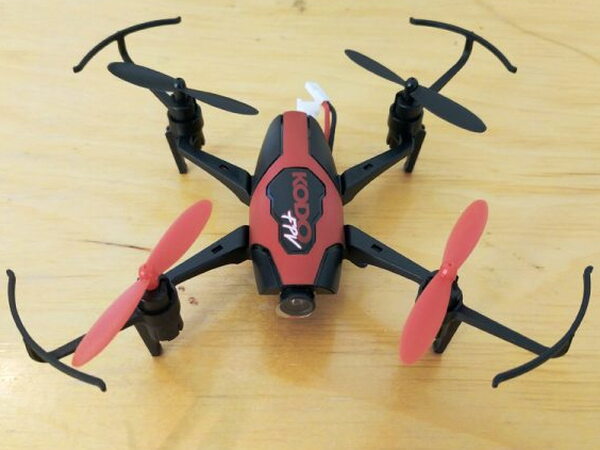
This is mostly an indoor drone. It can be flown outside, but even a light breeze makes control difficult very quickly, and fighting the wind shortens the already brief battery life.
Controller and charging
The controller is bigger than the controllers bundled with many drones in this size class. That is a good thing, because larger sticks and a wider grip make flying easier, especially when you are learning.
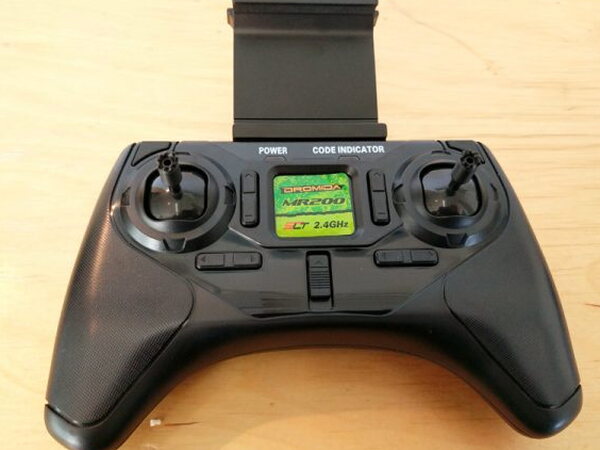
A spring-loaded phone holder sits on top of the controller and fits most standard phones. After the phone connects to the drone’s Wi-Fi network, the phone can show the live camera view.
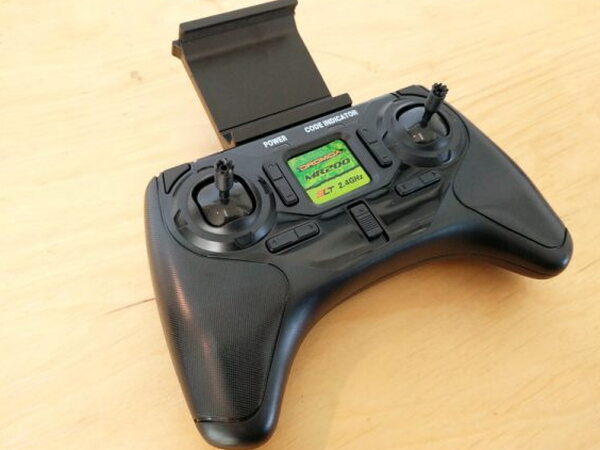
The controller includes separate buttons for taking pictures, recording video, and triggering an aerial flip with the stunt button. Like many drones, the Kodo also uses a Power-On Fail-Safe. The propellers will not spin until the flight stick is moved up and down.
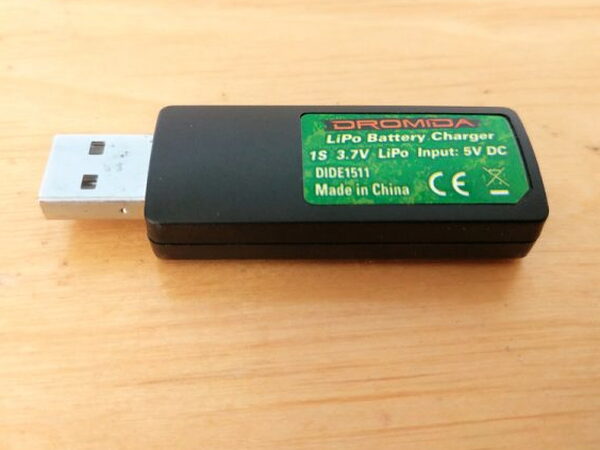
The USB charger is simple. Plug it into a powered USB port or a USB power adapter, connect the flight battery, and wait. My full charge times were about 35-40 minutes.
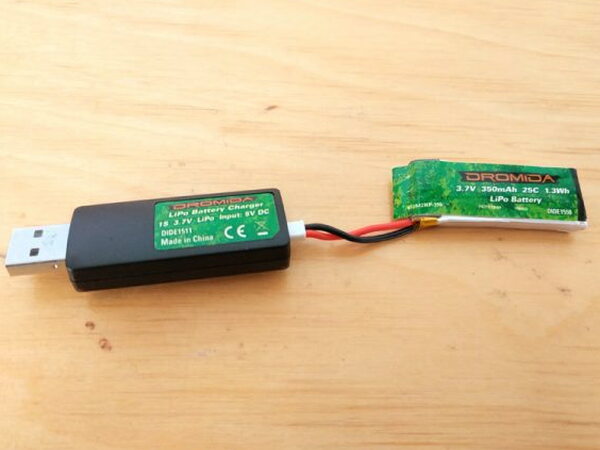
The same battery lead used to power the drone plugs into the charger. A red LED flashes while charging and changes to a steady red light when the battery is finished charging, which is a handy status detail.
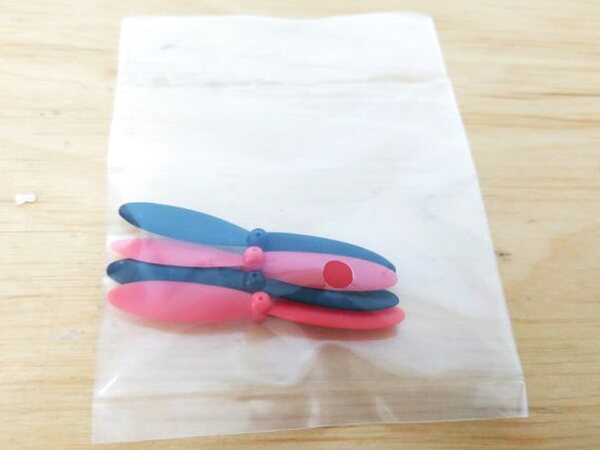
The spare propellers are not just a nice extra. Whether you are a beginner or an experienced flyer, a few rough landings are enough to make replacement props feel essential.
FPV goggles
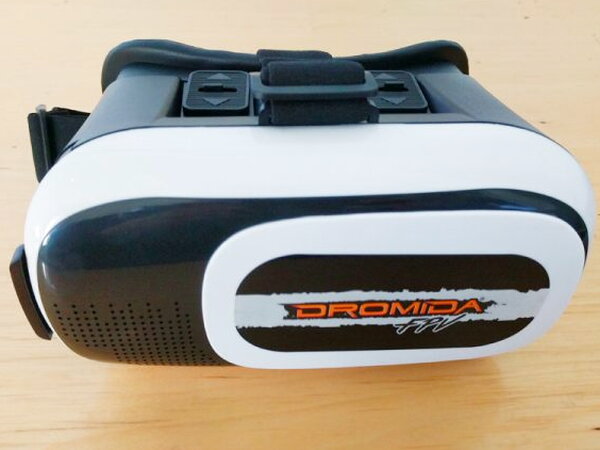
The main selling point is the FPV setup. The included goggles are meant to hold your smartphone so you can see the drone camera from a First Person View perspective.
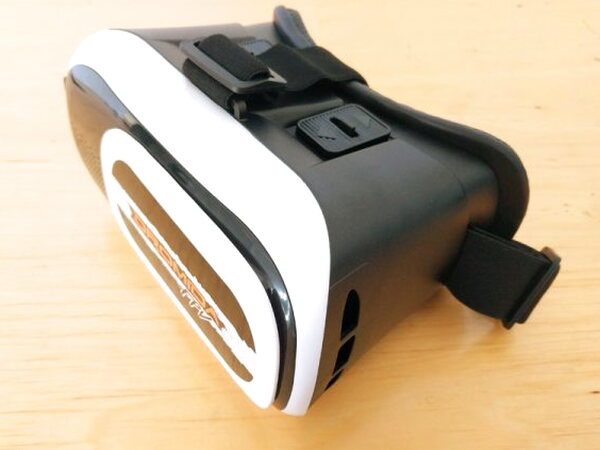
The headset is similar to the many phone-based Virtual Reality viewers used with Google Cardboard style apps and games.
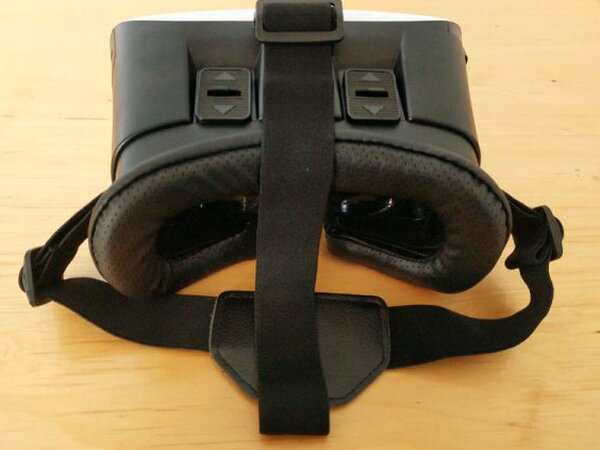
The goggles are comfortable, not overly heavy, and adjustable enough for kids and adults. They should fit most smartphones.
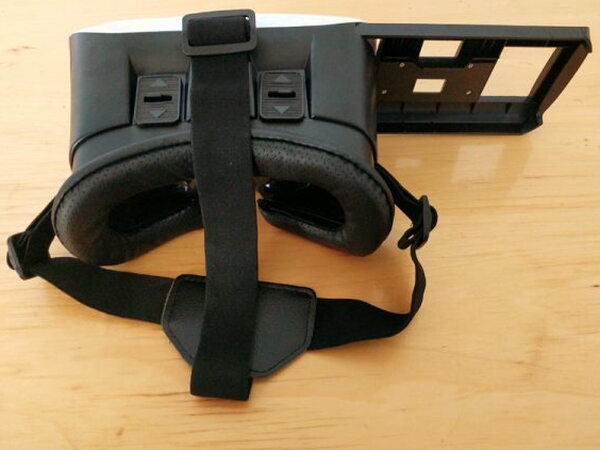
Once a compatible phone is inside the viewer, the app image is seen through the lenses while the straps hold the goggles in place.
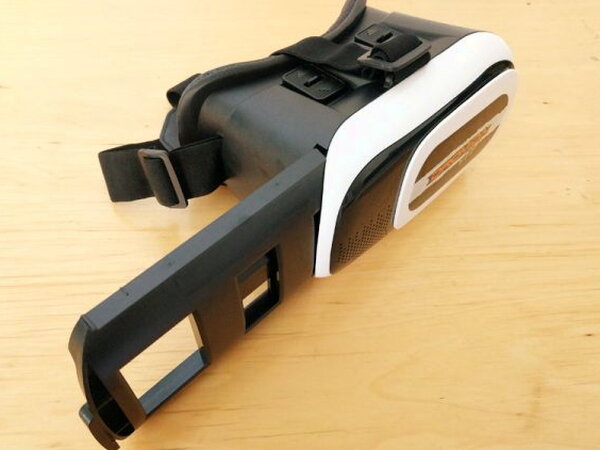
The phone loads through a sliding bracket on the side. Close the bracket, start the app, and the phone display becomes the FPV screen.
Kodoview app

The weakest part of the Kodo experience is the app. The Kodoview app can be installed by using the QR code in the manual or by searching for it in the Google Play Store or Apple App Store.

Setup should be straightforward: power on the drone and controller, find the drone’s Wi-Fi signal on the phone, connect to it, and then tap FLY in the app. On my Google Pixel, it was not that smooth. It took several attempts and about fifteen frustrating minutes before the camera view finally appeared.

The camera quality is very low for both still photos and video, but the storage approach is interesting. Unlike many camera drones that save files to an onboard SD card, the Kodo sends and stores its media on the attached smartphone. I prefer that because it makes the files easier to reach. The Kodoview app creates a folder on the device where you can view, select, and delete the Kodo’s pictures and videos.

The app also has a mode for viewing the camera feed through the FPV goggles.
Video Player
00:00
00:44
Camera results
In practice, the video and photo samples show why I would not fly this drone using the goggles alone. The image is low quality, and the transmission delay is far too high for confident navigation.
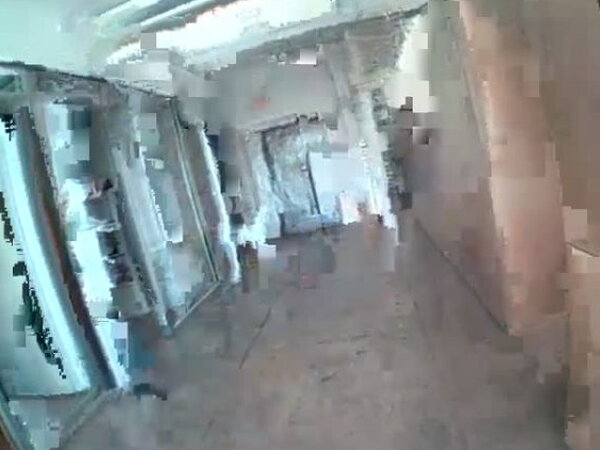
The feed has a lot of artifacting. With that much lag and visual noise, trying to steer from the camera view is incredibly difficult.
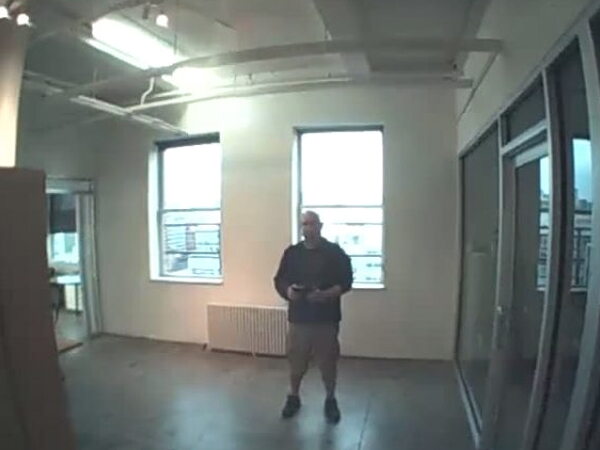
The FPV feature is still useful, just not as the primary way to fly. It is fun to let someone else wear the goggles and watch the First Person View while you control the drone normally.
Quick Questions
Q: How long does the battery last per charge?
A: Just under five minutes of indoor flight time while streaming video and capturing photos/video.
Q: Is it good for outdoor flying?
A: Not really. Even a light breeze makes control difficult quickly and shortens the already brief battery life, so it’s mainly an indoor drone.
Q: How does the drone store photos and videos?
A: On the connected smartphone rather than an onboard SD card, via a folder the Kodoview app creates on the device.
Q: Is the FPV video quality good enough for actual navigation?
A: No. The feed has heavy artifacting and lag, making it difficult to steer using the goggles alone; it’s better used as a fun secondary view for someone else to watch.
Final thoughts
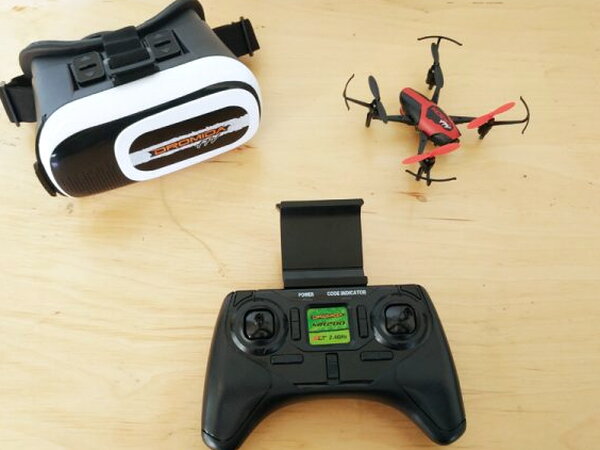
The Dromida Kodo FPV Camera Drone does not fully deliver on the promise of a real First Person View flying experience. Even so, it remains a good value at $89.99 for someone learning to fly a small camera drone.
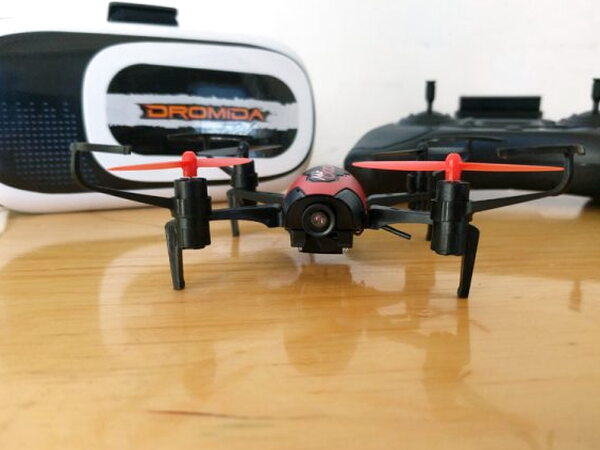
Going from opening the box to flying is easy, and the battery life and general performance match what I expect in this price range. The FPV extras do not work as well as they should, but they add another way to enjoy the drone if expectations are kept realistic.
I’ve tested a handful of these by now. See The Best Budget Drones I’ve Tested for the full rundown.
Source: The sample for this review was provided by Dromida. Please visit their site for more info.


