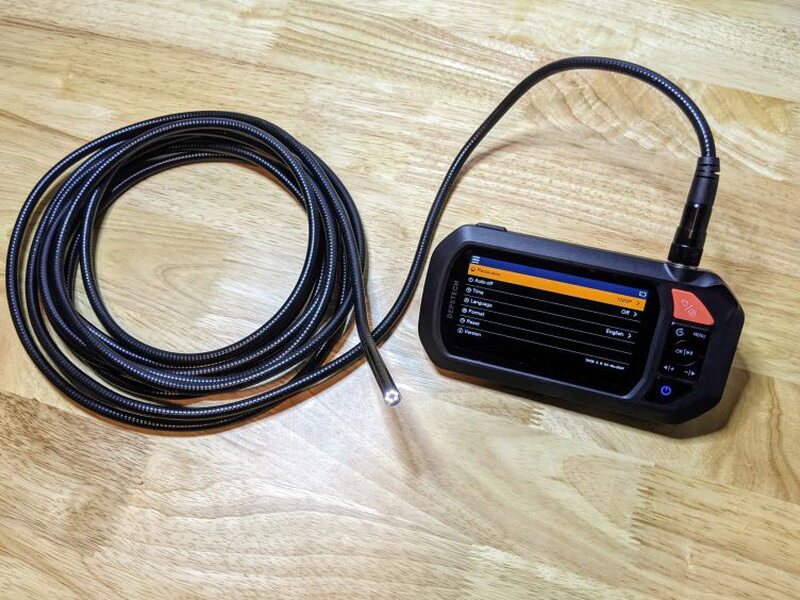
REVIEW – Some repairs are simple until the part you need to inspect is hidden behind metal, buried inside a drain, or tucked into a space that your eyes cannot reach. That is where the DEPSTECH DS430 Dual-Lens Industrial Endoscope earned a regular place in my tool kit. It gave me a live view inside sinks, guitars, paintball gear, and the engine bay of my 2007 Toyota FJ Cruiser, then let me save photos and video for a second look. At $129.99 it is not perfect, mainly because the flashlight switch is too easy to hit and the long cable takes practice, but the usefulness easily outweighed those annoyances.
What the DS430 does
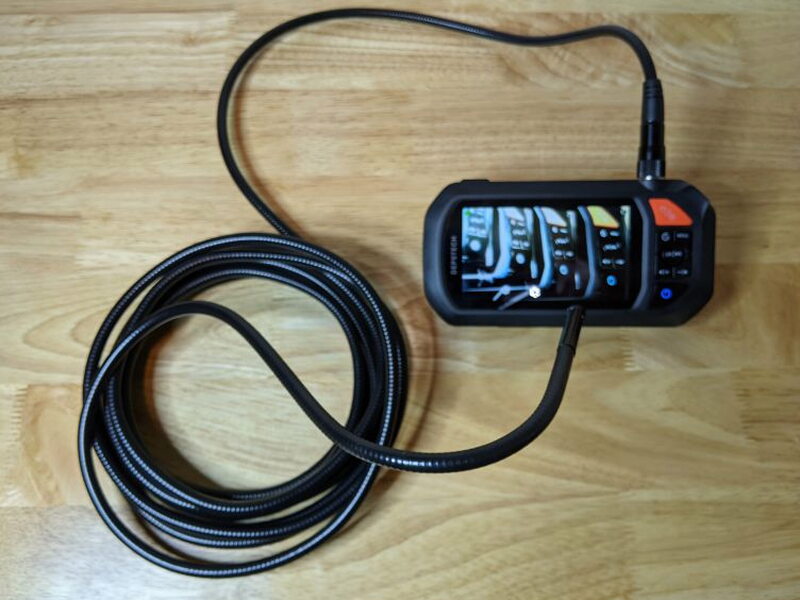
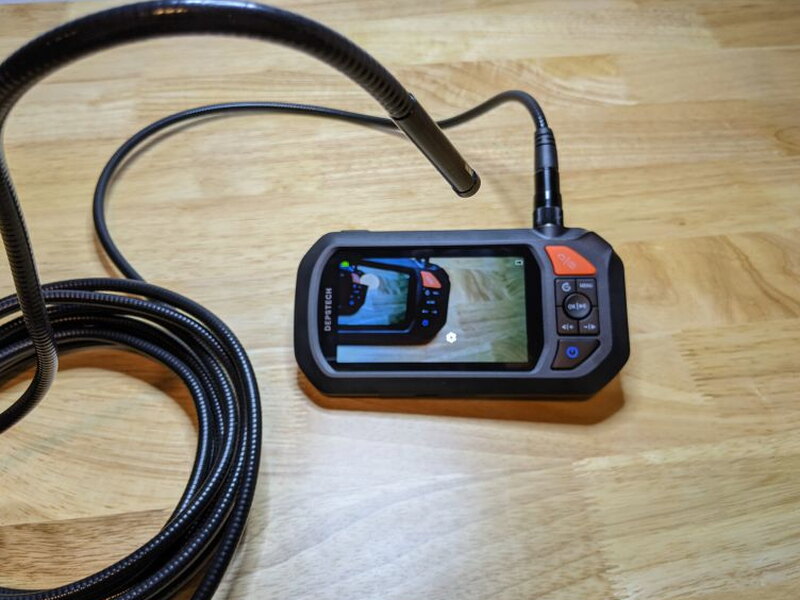
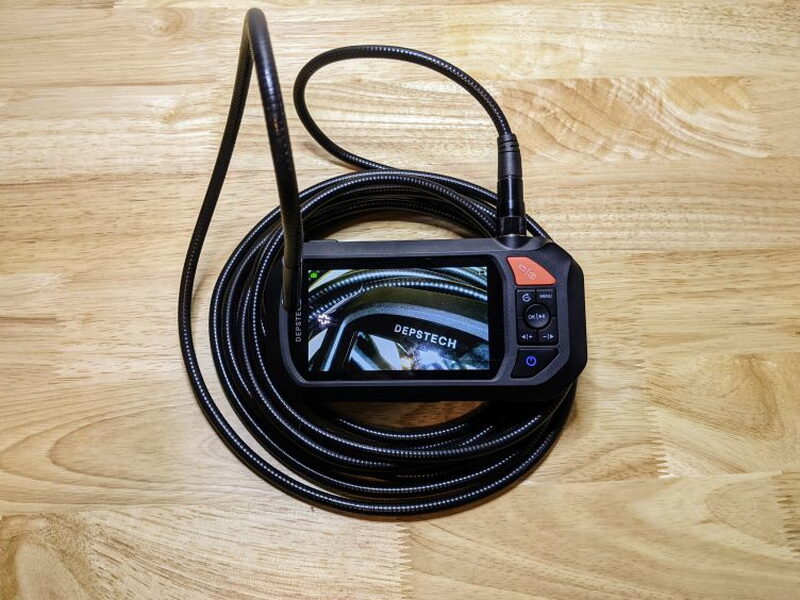
DEPSTECH calls this an industrial endoscope, although the more precise tool name is borescope. Either way, the idea is straightforward: a small camera lives at the end of a 16.5 foot semi-rigid cable and sends video to a handheld 4.3 inch screen. This kind of tool belongs in engines, ducts, plumbing, crawl spaces, electronics projects, computer repairs, and gunsmithing work. It should never be used inside a person or animal.
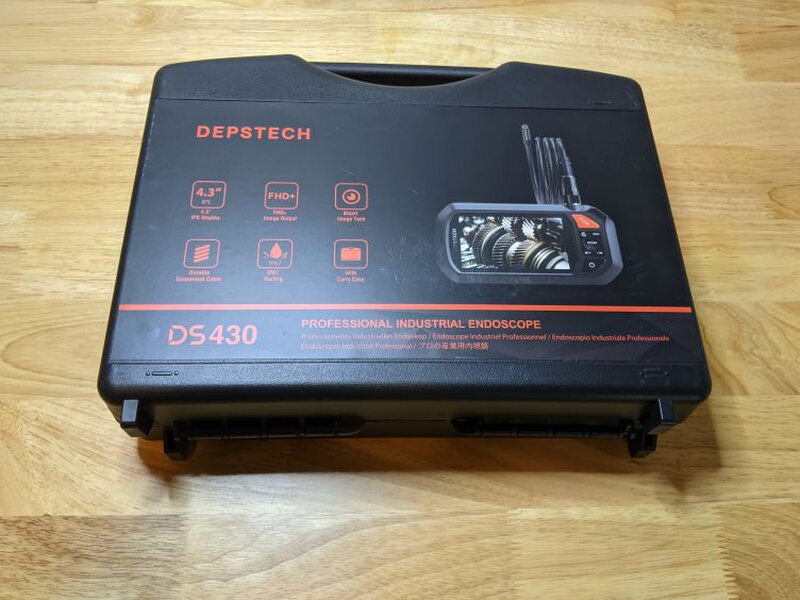
The included case is more than a nice extra. It keeps the main unit, cable, accessories, and manual organized in fitted foam, which matters when a tool is likely to be tossed in a closet, vehicle, or job bag between uses.
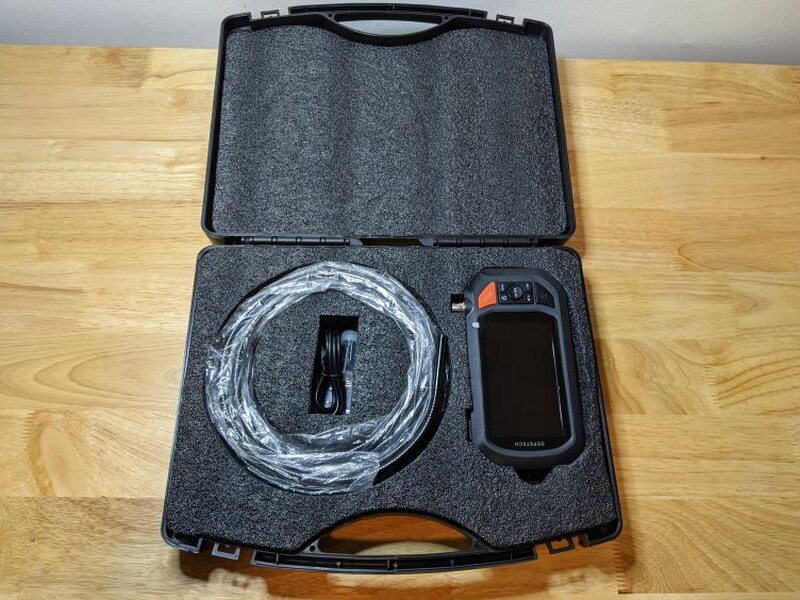
Included parts
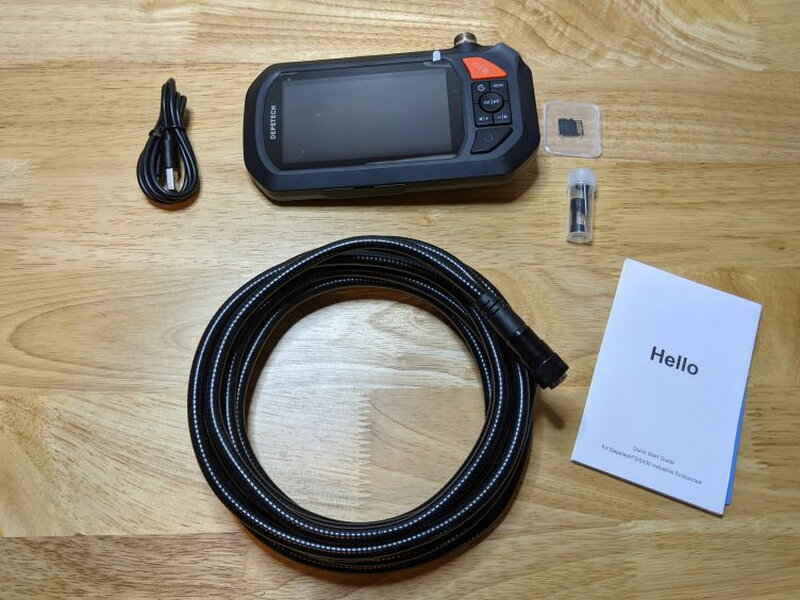
- DEPSTECH DS430 main unit
- 16.5 ft semi-rigid camera cable
- USB charging cable
- 32 GB Micro SD card
- Hook attachment, magnet attachment, and reset pin
- User manual
Key specs
- Power: 3000mAh rechargeable battery
- Camera waterproof rating: IP67
- Memory: 32 GB Micro SD card
- Main unit: 4.3 in IPS FHD screen and 4 LEDs
- Front camera: 1080p resolution, 178° viewing angle, 3-10 cm / 1.2-3.9 in focal range, 6 LEDs
- Side camera: 1080p resolution, 178° viewing angle, 2-6 cm / 0.8-2.4 in focal range, 1 LED
Controls and body
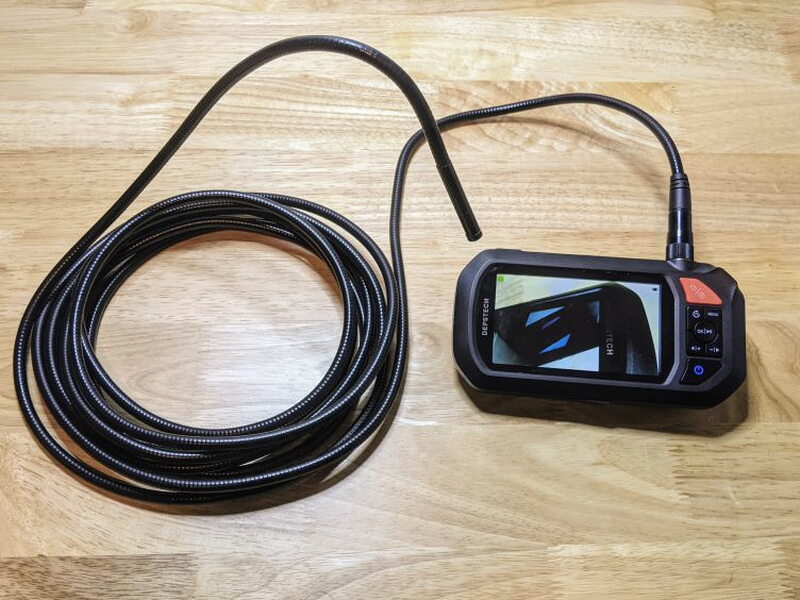
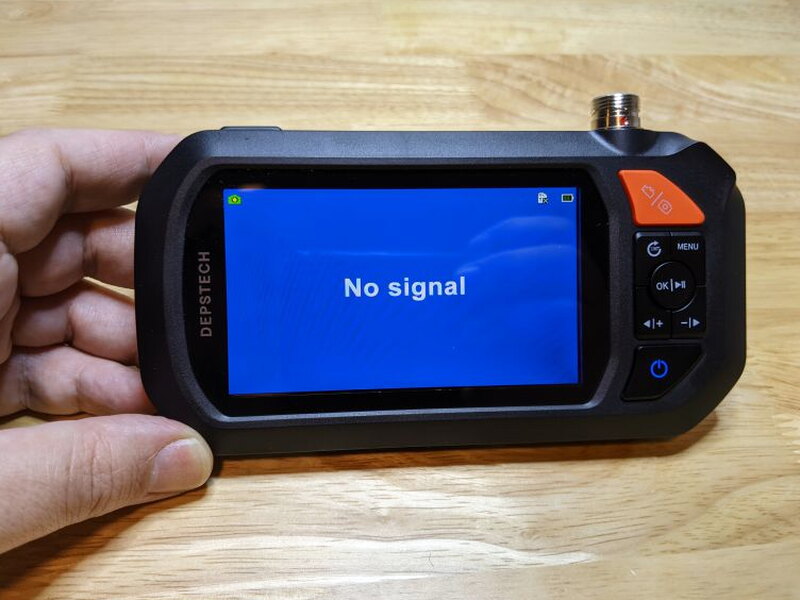
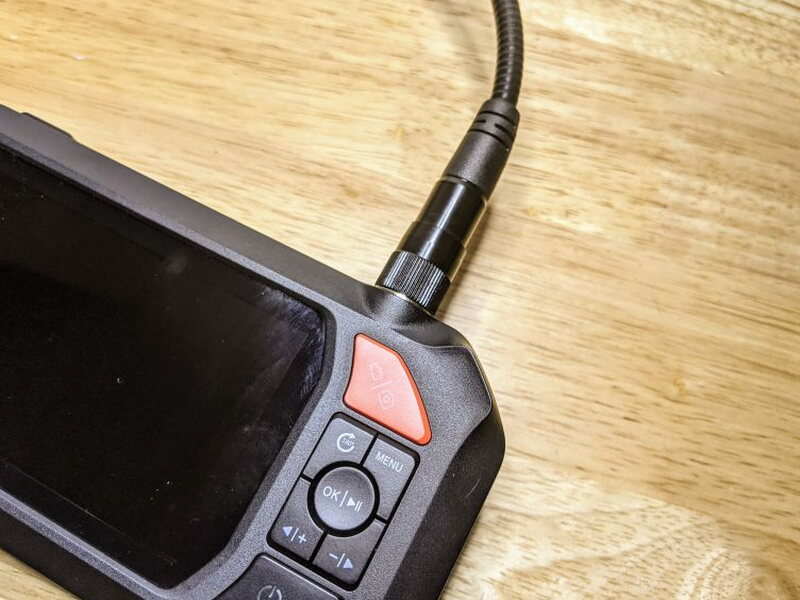
The main unit feels sturdy and easy to operate. The buttons are large, clearly labeled, and practical even with gloves on, which is exactly what I want from a tool meant for messy work.
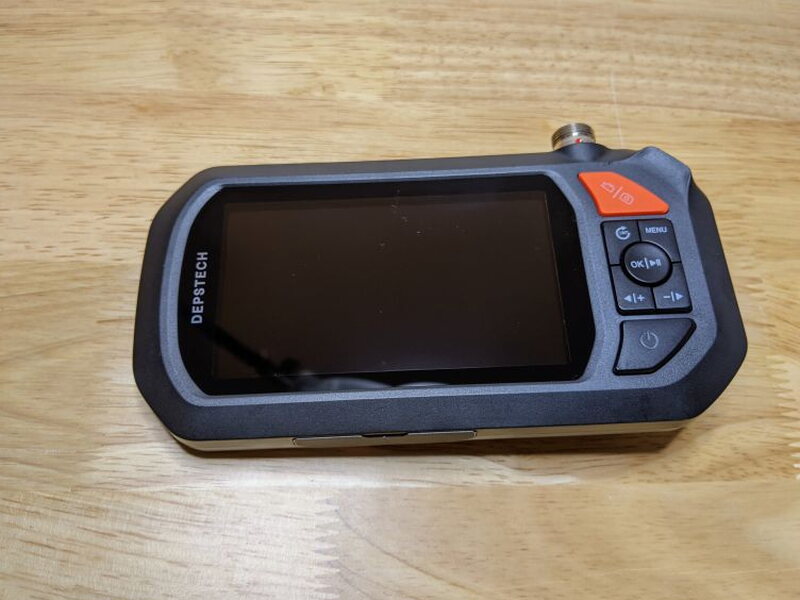
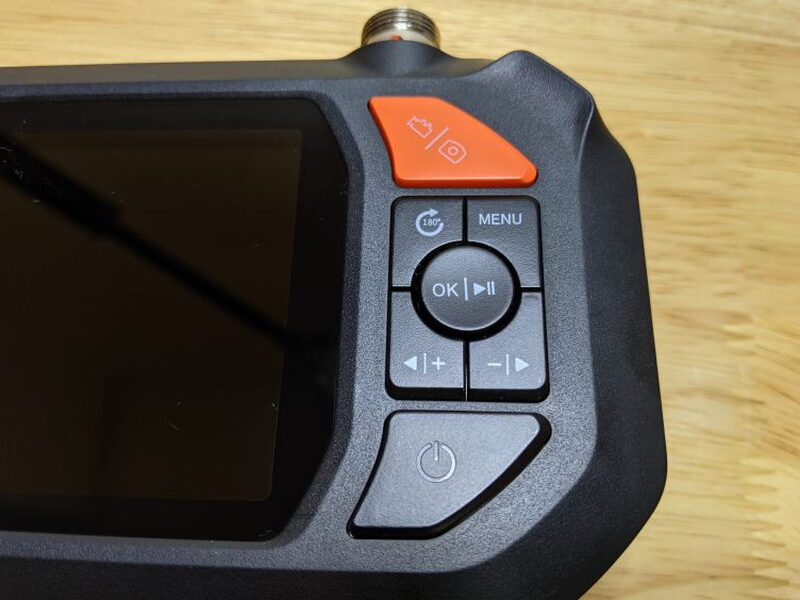
The camera cable connects at the top of the unit with a 5 pin DIN connector. Beside that connector is a small flashlight with four LEDs and its own button.
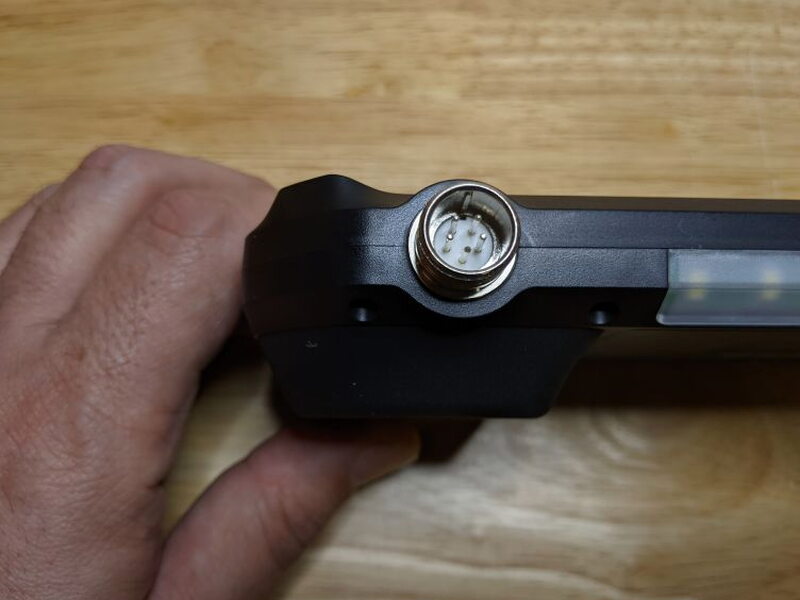
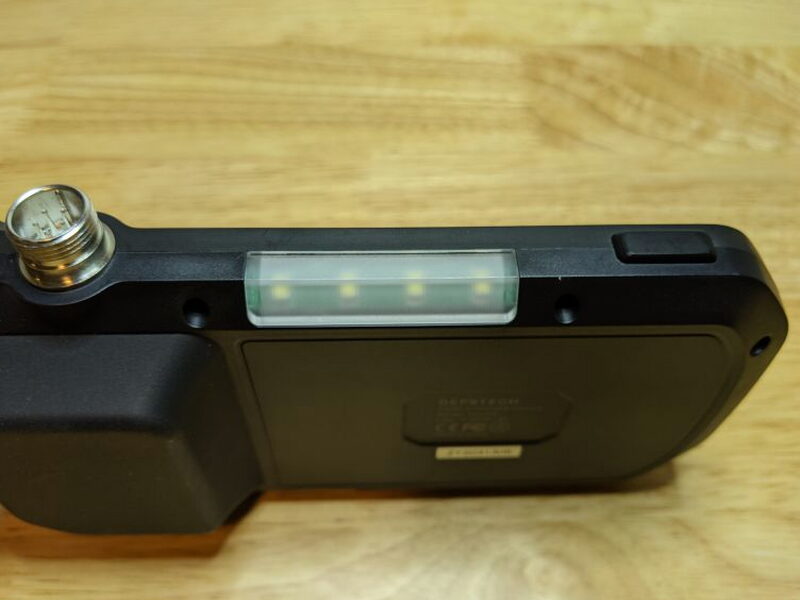
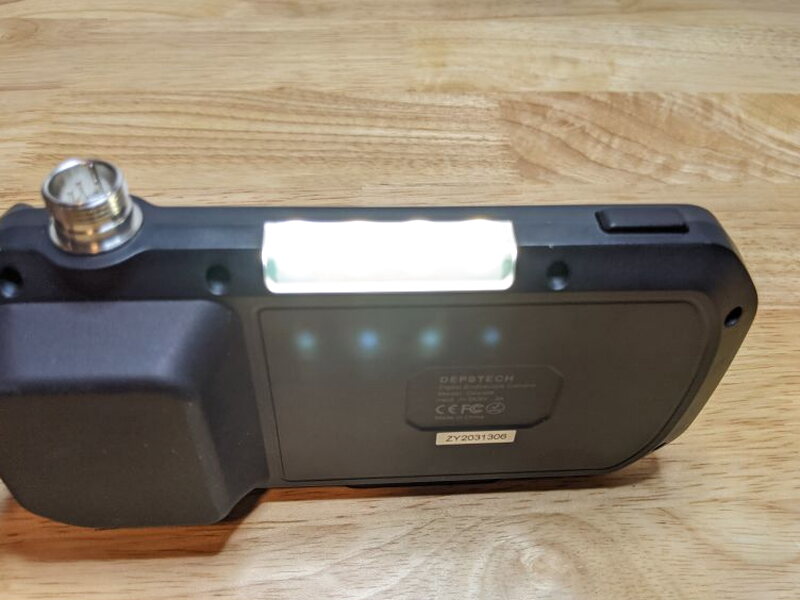
That flashlight is the weakest design choice on the DS430. The switch is extremely sensitive and lands right where my hand naturally rests. I kept turning it on by mistake, yet I never found a job where that light was actually useful. It is not very bright, and I worried it would come on unnoticed and drain the battery.
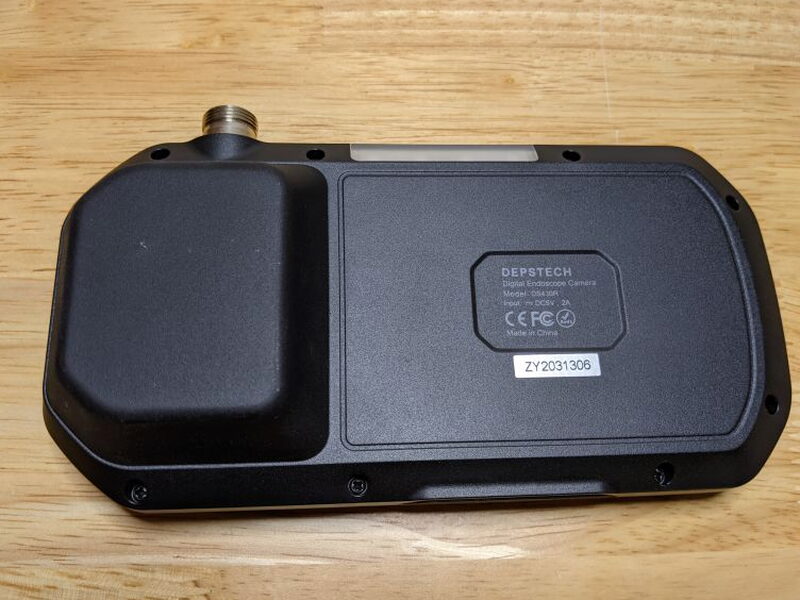
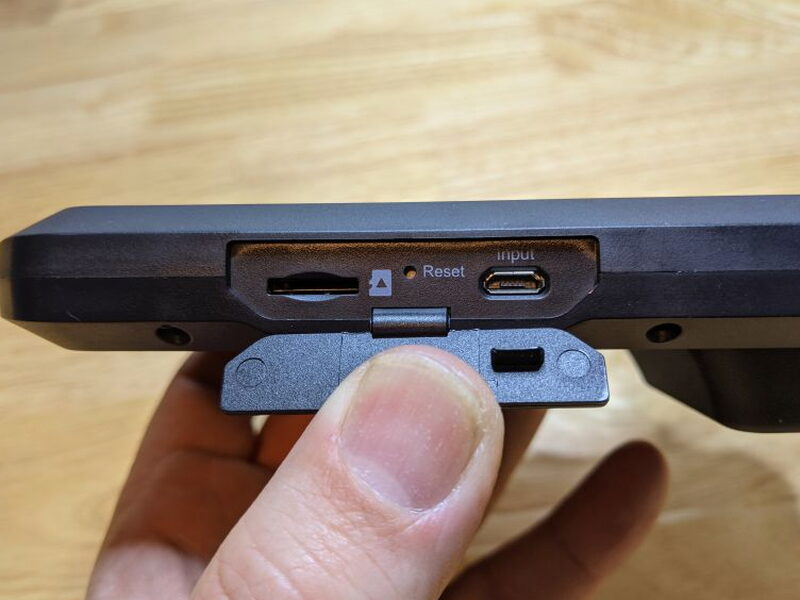
The back side is lightly textured, and the battery hump gives your fingers something to hold onto. On the bottom edge, a small flap covers the Micro USB charging port, the SD card slot, and the reset button.
Cable, cameras, and lighting
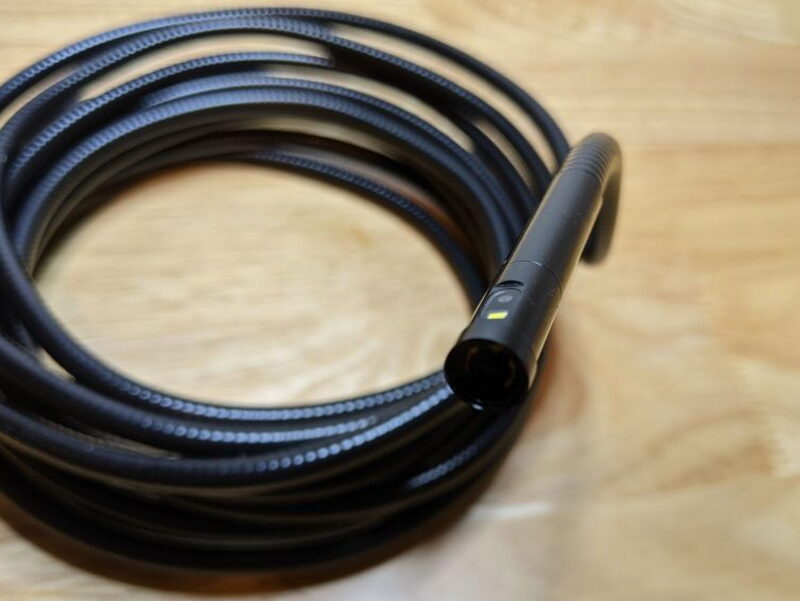
Inside the camera cable are iron wire supports that let it flex while still staying fairly stiff. That stiffness helps when you are feeding the lens into an opening, but it also means you have to wrestle with the cable when the route gets tight.
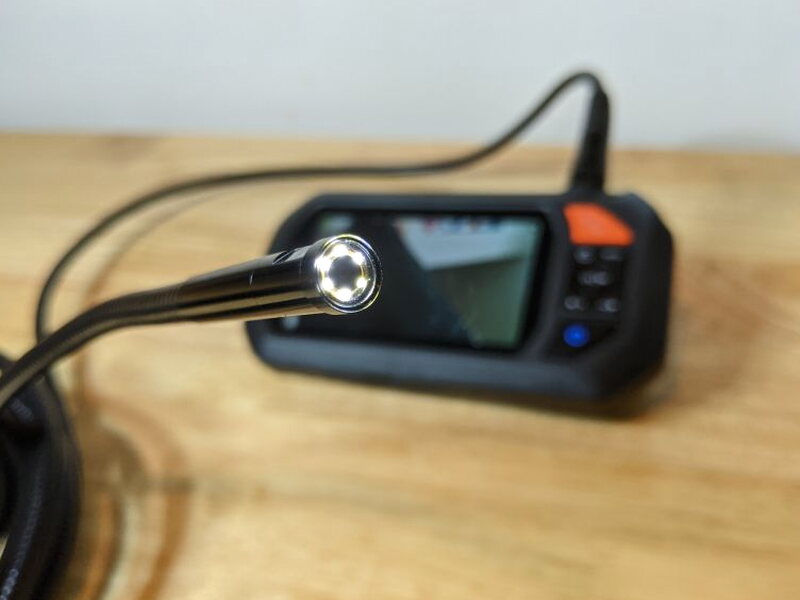
The business end has two 1080p cameras. The front and side lenses are IP67 waterproof, so they can be submerged in up to 1 meter of water for 30 minutes. That rating is especially useful for plumbing checks.
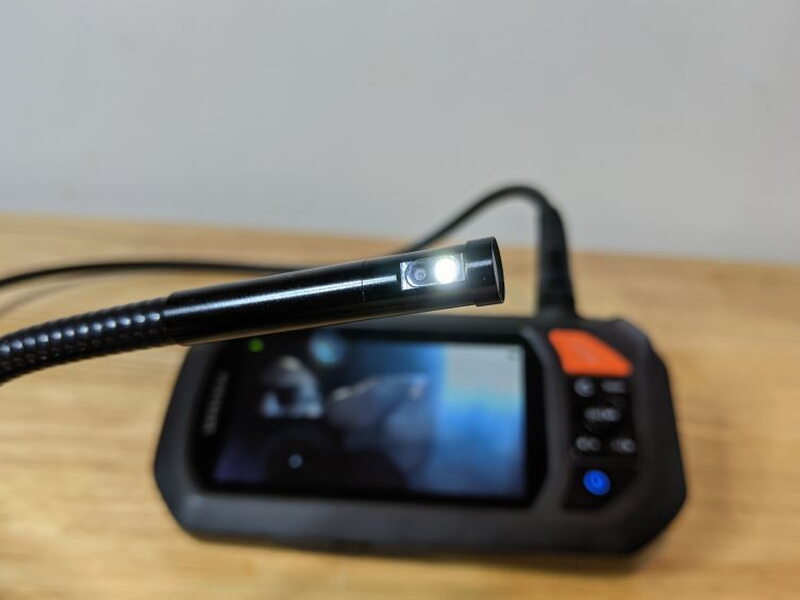
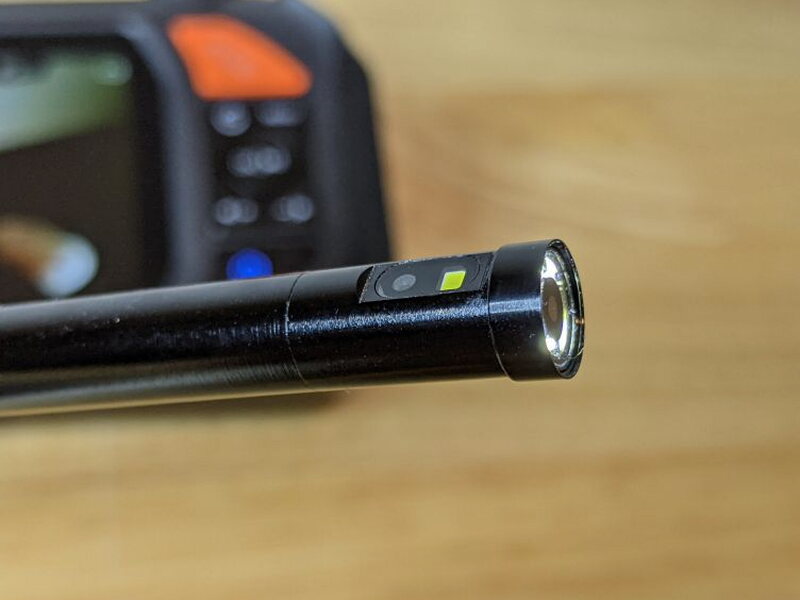
The front camera has 6 LEDs, while the side camera has 1 LED. Brightness is adjustable from the main unit. In dark cavities those lights are essential, and the second lens makes a huge difference when you need to look sideways without pulling everything back out.
Accessory attachments
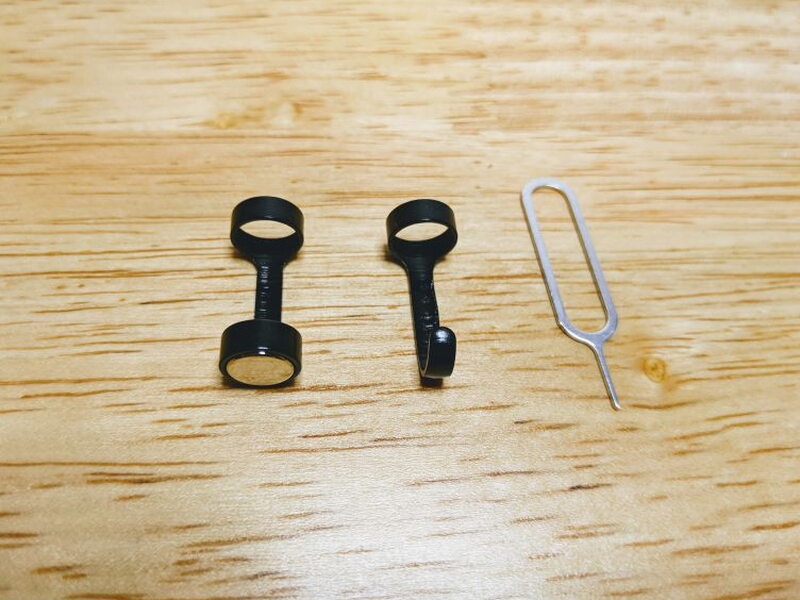
The hook and magnet screw onto the camera tip after the protective cap is removed. They are meant for retrieving small dropped items from places you cannot reach by hand.
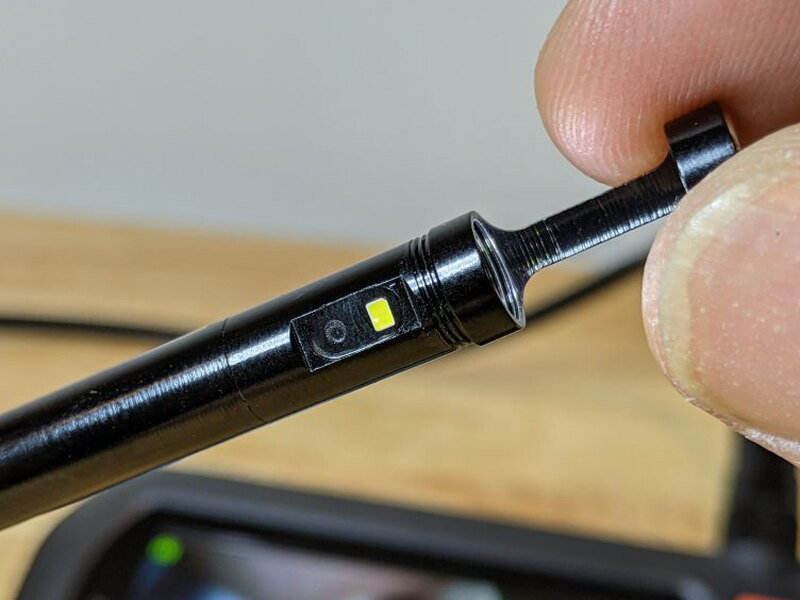
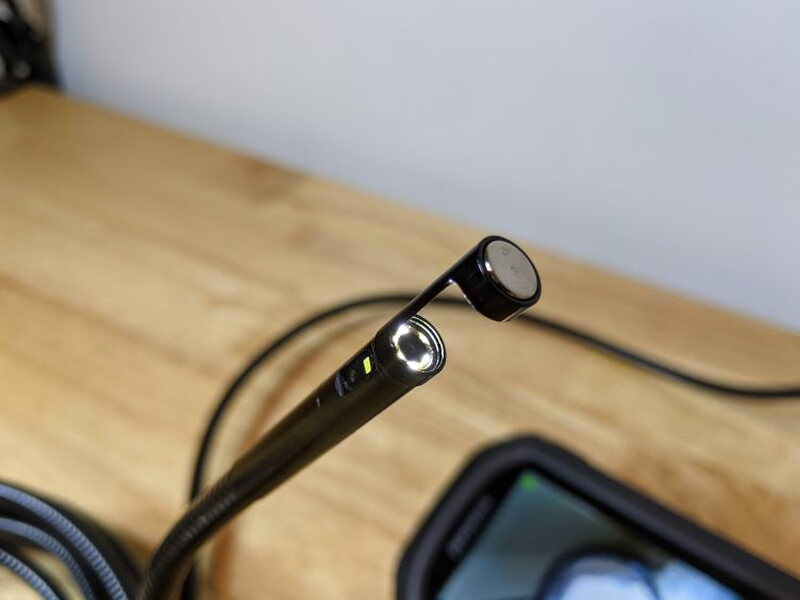
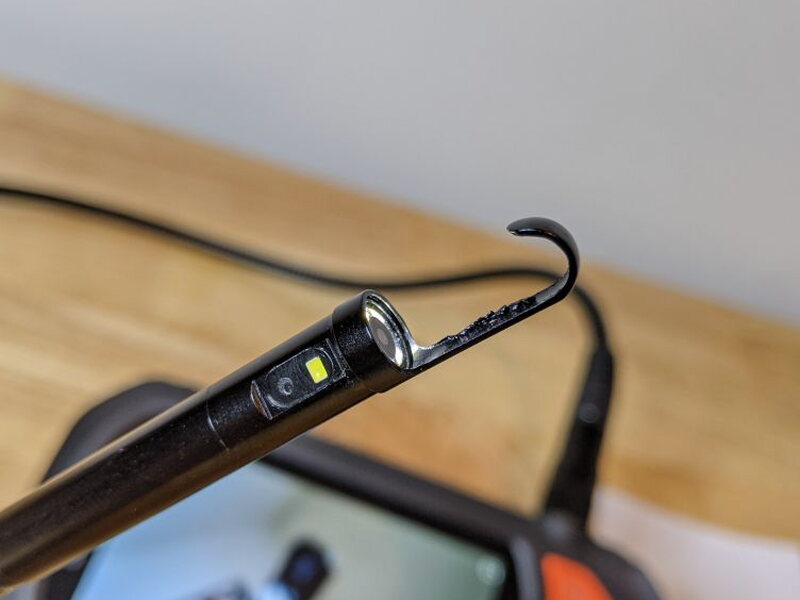
I can see the attachments being handy for light items, but I would not trust the thin metal with much weight. The hook in particular feels flimsy.
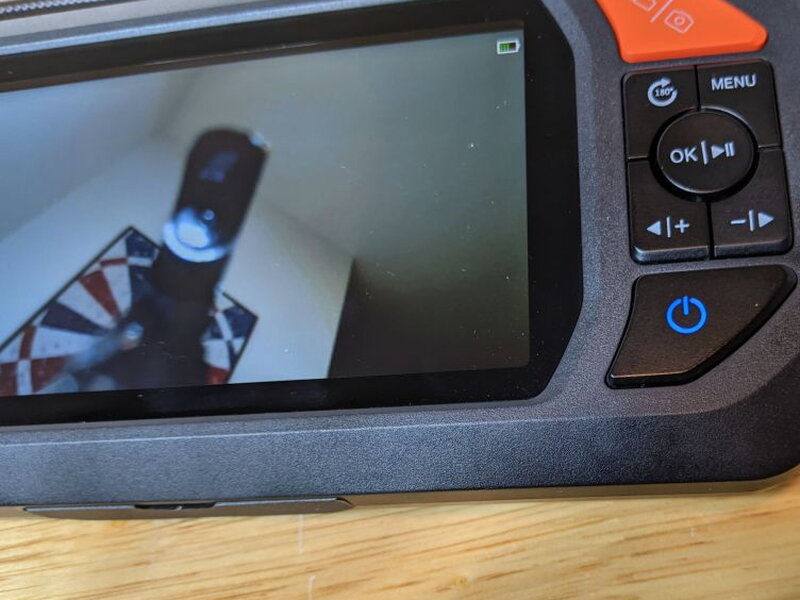
The bigger problem is visibility. Once an attachment is installed, it blocks part of the front camera view and makes steering the cable harder.
Setup and first use
The DS430 is refreshingly simple to start using. Charge it, connect the cable, set up the memory card, and you are basically ready.
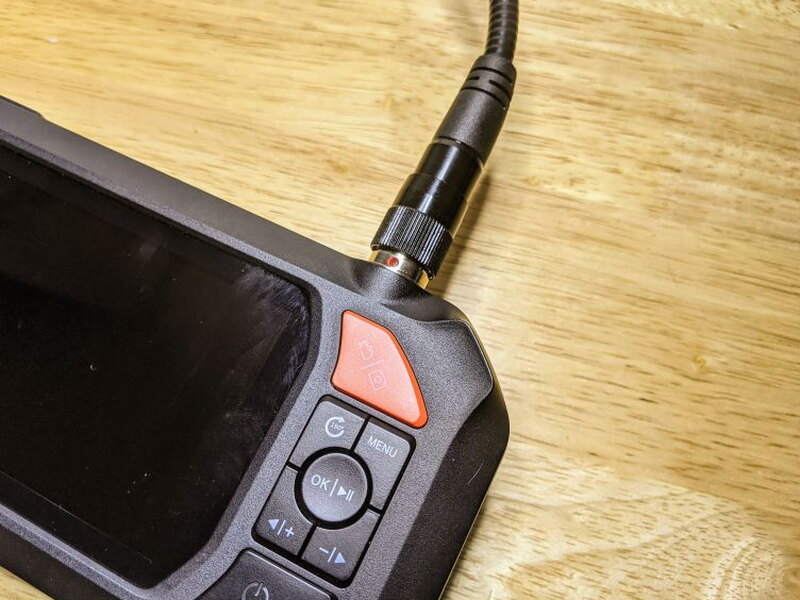
Connecting the cable takes a little care. The threaded connector needs to be tightened by hand until the red dot disappears. While using the DS430, I accidentally loosened the cable a few times as I pushed and twisted it into position.
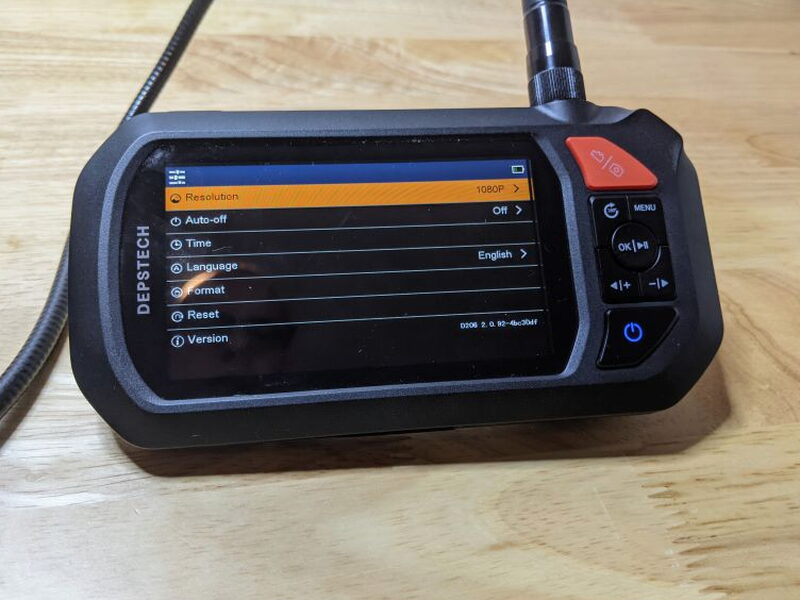
Before the first job, the menu lets you format the included 32 GB SD card, choose the camera resolution, and set the correct time.
Plumbing test
My first real test was a bathroom sink drain. The DS430 quickly showed me more of that drain than I probably wanted to see, but it also taught me the limits of the cable.
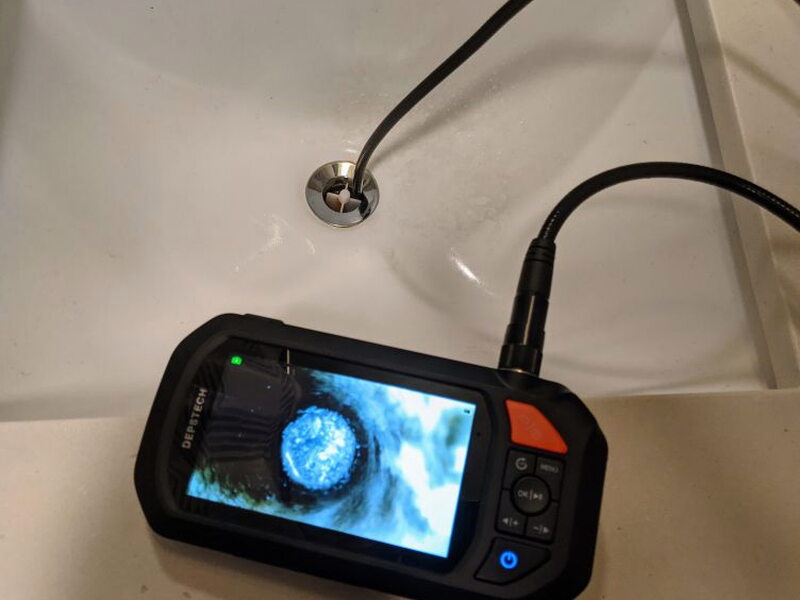

The semi-rigid cable would not curl around the bend of the sink drain, so I could not explore as far as I hoped. The image was still usable, and clogs would have been easy to identify. The only real visual issue came when the lens dipped underwater, where the LEDs washed out the picture.
Inside a guitar
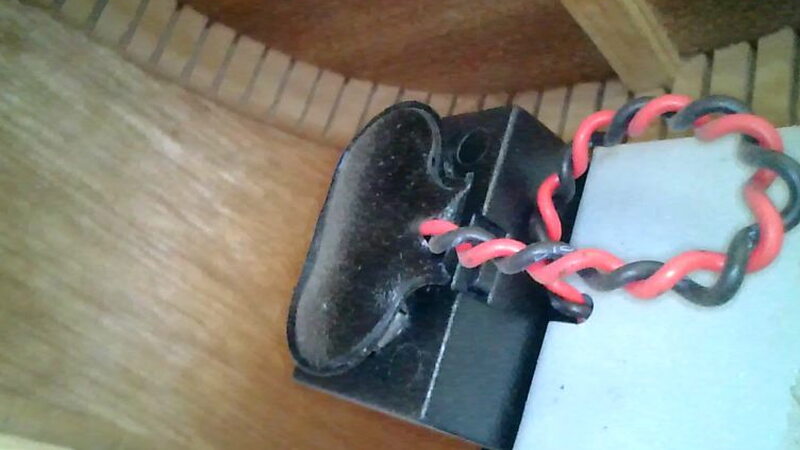
The next job was inspecting one of my guitars. I was worried about a loose bridge and also had some problems with the internal pickups.
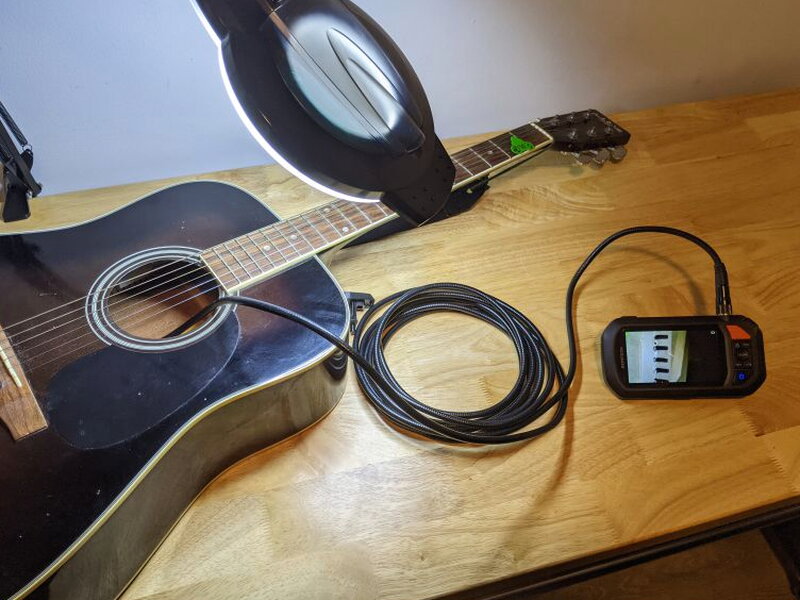
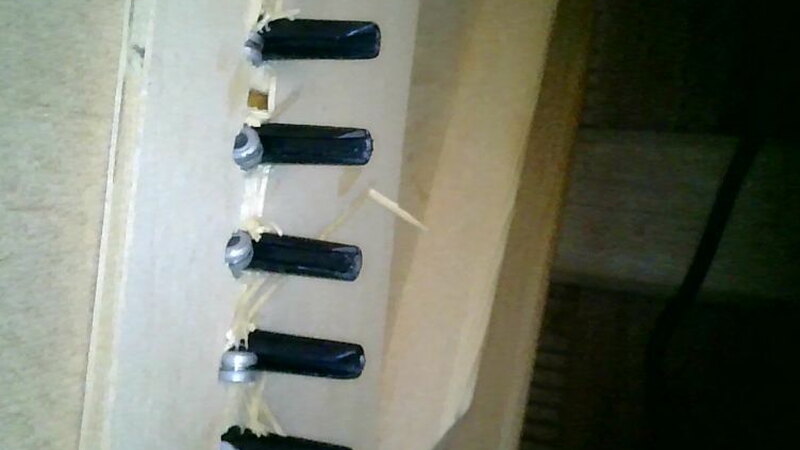
This was one of the better uses for the DS430. The images were crisp because the LEDs had more room to light the space, and the 178° field of view made it easy to understand what was happening inside the instrument.
Paintball repair
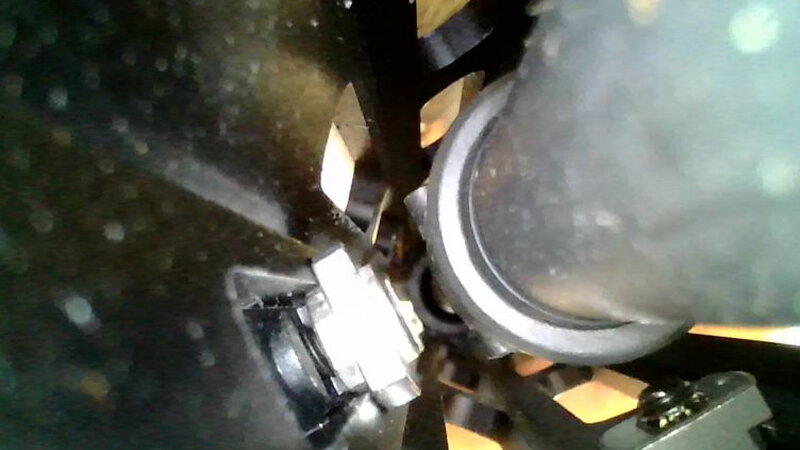
The DS430 was even more useful when I installed a new foregrip on one of my paintball guns. The space was cramped, and the tiny screws and nuts were exactly the sort of hardware that tends to fight back.
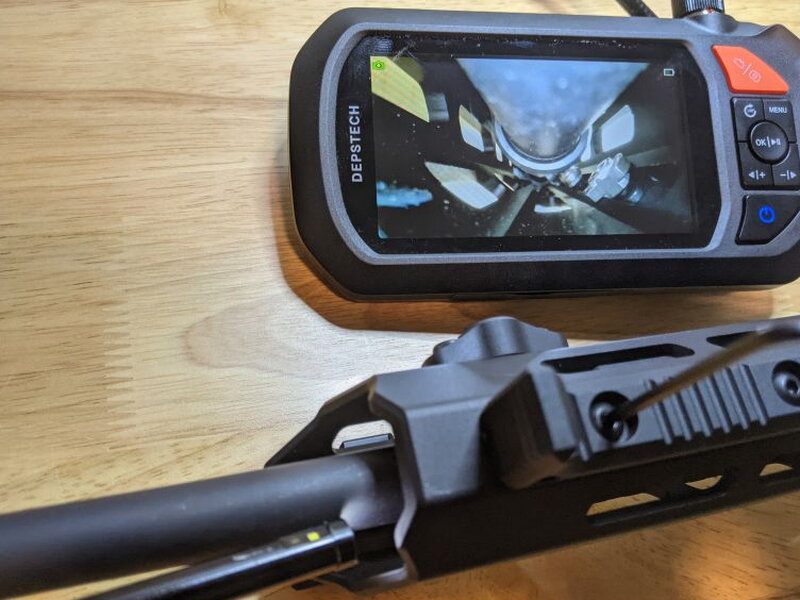
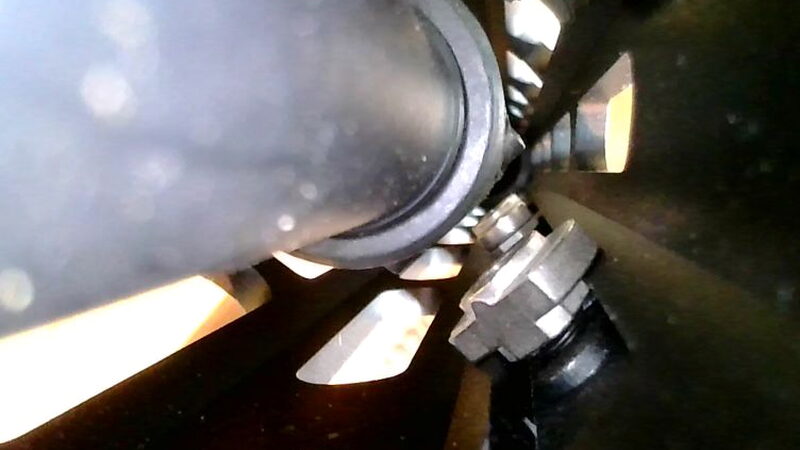
Here, having a live screen was excellent. I could adjust the hardware while watching what my hands could not see directly. The LEDs slightly overexposed some still shots, but they lit the important area well enough to finish the job.
Engine bay inspection
The final test was under the hood of my 2007 Toyota FJ Cruiser, where a few rusty nuts were tucked in spots I had never been able to see properly.
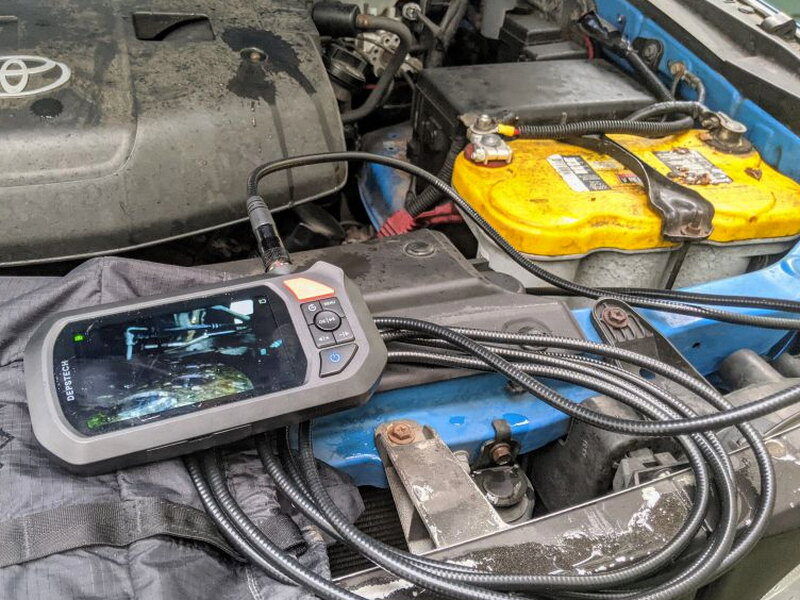
After several tries with both cameras, I got a clear look at one of the nuts. Switching between the front and side lenses is simple: hold the image rotate button on the main unit. Rotating the image also helps when the screen orientation does not match the way the cable is wedged into place.
That ability to see hidden areas, then capture photos and videos for later, is what makes the DS430 worth keeping around. I will not use it every day, but when a repair depends on seeing around a corner or deep inside a cavity, it saves a lot of guessing.
Good points
- Rugged, well-built construction
- Simple to start using right away
- Hard carrying case is genuinely useful
- Dual cameras and adjustable LEDs make hidden areas much easier to inspect
Tradeoffs
- Flashlight switch is triggered accidentally far too often
- Camera cable can be difficult to steer
- Hook and magnet attachments block part of the camera view
- Rechargeable battery is not removable
Quick Questions
Q: Is the DS430’s camera waterproof?
A: Yes, the front and side cameras carry an IP67 rating, safe submerged in up to 1 meter of water for 30 minutes, useful for plumbing checks.
Q: How long is the camera cable?
A: 16.5 feet, semi-rigid so it can hold a bend while still being stiff enough to feed into an opening.
Q: Is the battery replaceable?
A: No, the rechargeable 3000mAh battery is not removable, one of the review’s noted tradeoffs.
Q: Do the hook and magnet attachments block the camera view?
A: Yes, once installed either accessory blocks part of the front camera’s view and makes steering the cable harder.
Final thoughts
The DEPSTECH DS430 Dual-Lens Industrial Endoscope is the kind of specialty tool I did not realize I needed until I had it. The cable can be stubborn, the flashlight is poorly placed, and I would prefer a replaceable battery, but the DS430 still does its main job very well. For $129.99, a self-contained screen, photo and video recording, waterproof dual cameras, and a tough case make it a strong addition to a repair bench or garage.
Price: $129.99
Product Link: DEPSTECH
Source: The sample of this product was provided by DEPSTECH


