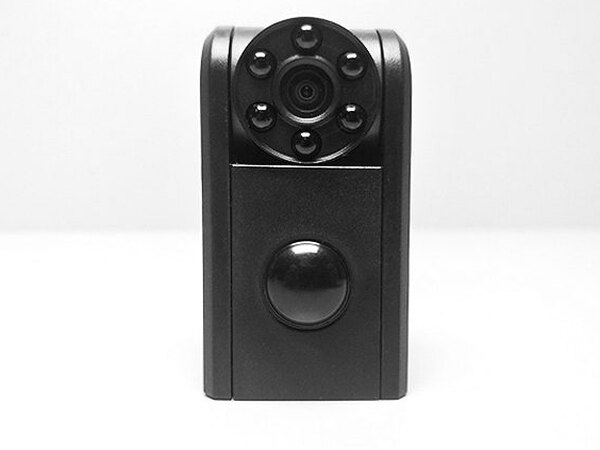
REVIEW – Conbrov’s T11 Mini Spy Camera is one of those small gadgets that becomes more useful the more you experiment with it. It is compact, the camera head can be aimed in different directions, and the battery life is strong enough for real use away from a wall outlet. The controls can be fussy, and the video quality is not going to impress anyone looking for crisp footage, but the overall package still feels like a good bargain for a small security, nanny, body, dash, or action camera.
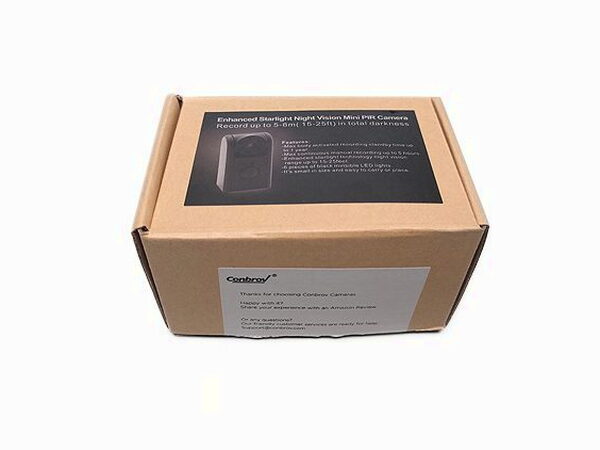
Plain packaging, complete starter kit
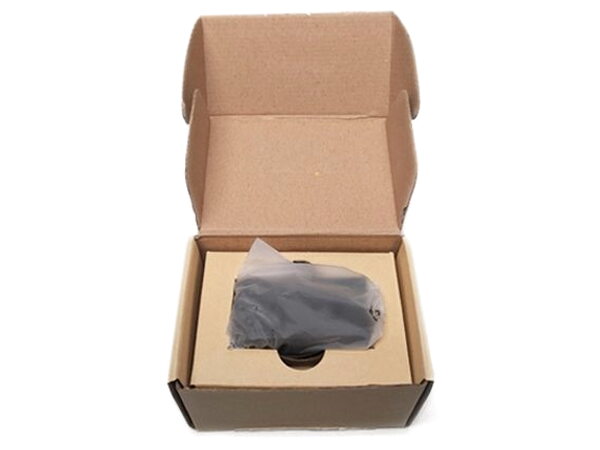
The T11 arrives in a simple cardboard box rather than flashy retail packaging. That fits Conbrov’s usual approach, and more importantly, the essentials are included.
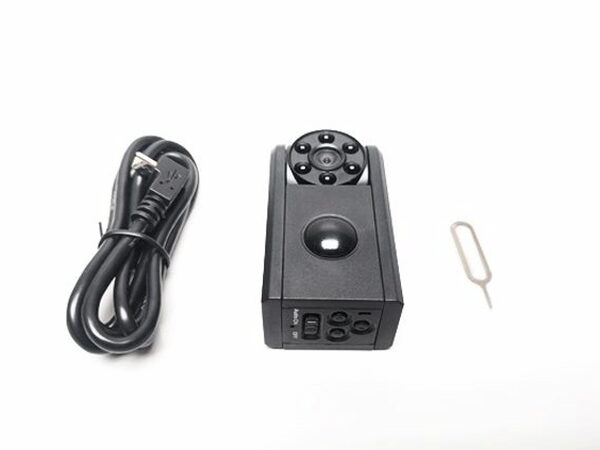
In the box
- Conbrov T11 Mini Spy Camera
- Micro USB to USB-A cable
- Factory reset tool
- Instruction manual
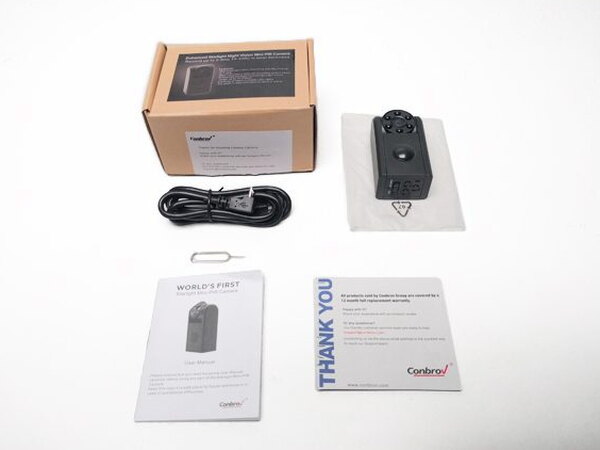
You will still need to supply your own Micro SD card. The camera supports cards up to 32GB, and it needs one installed to store footage and work properly.
Hardware and controls
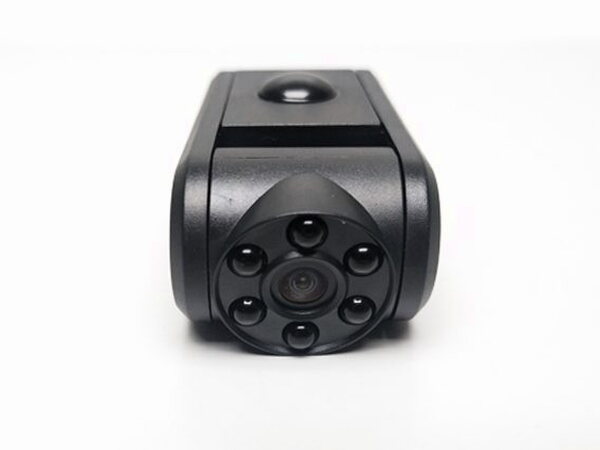
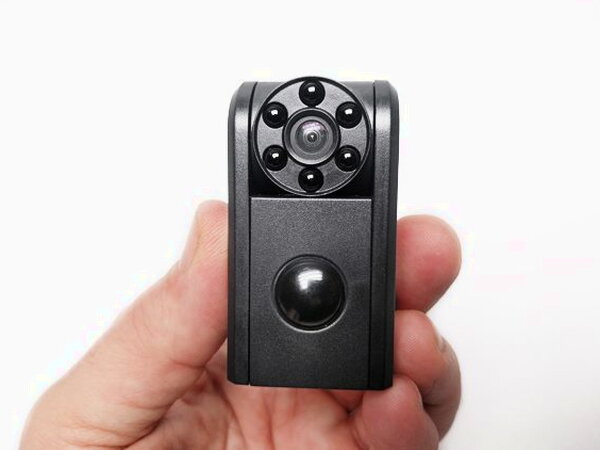
The camera body is a textured black plastic shell with a built-in battery that is not removable. The lens sits in an adjustable head, and the six black LEDs around it provide night vision. The raised dome on the front is the passive infrared sensor, or PIR sensor, which detects motion by reading infrared light from objects in its view.
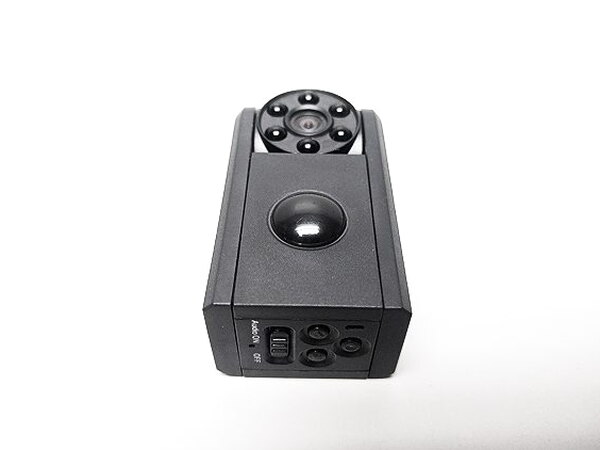
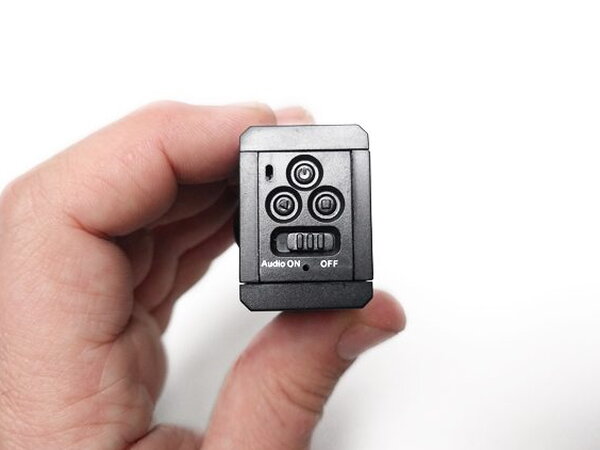
On the underside, three buttons handle power, recording, and motion detection mode. There is also an audio switch, a factory reset hole, and a tiny multi-colored status LED near the power button. Blue means the camera is on, yellow means it is charging, and red indicates motion detection mode. My complaint is that the LED is so small that it can be hard to confirm the current mode at a glance.
The camera lens covers a wide 120 degree angle, which gives it useful room coverage. The PIR sensor works across a 60 degree detection angle and reaches roughly 15 to 20 feet, which also matches the listed 5 to 10 meter range. The camera head can be adjusted, including a full 180 degree flip so it can point behind the body.
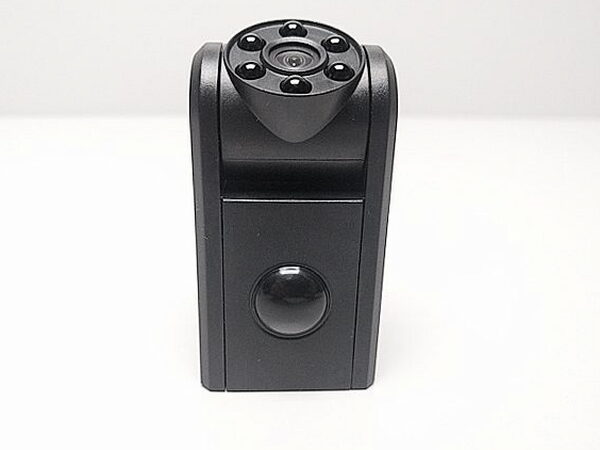
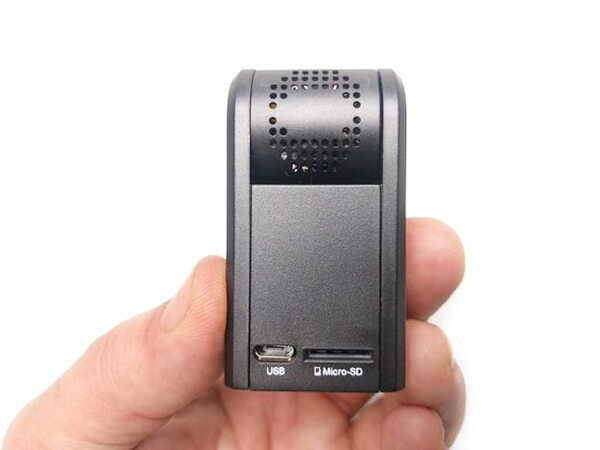
That adjustable head is the feature that makes the T11 easier to hide or position creatively. There is one design catch: the front PIR sensor and rear Micro SD card area prevent the unit from lying perfectly flat along its body. Tilting the camera head helps compensate, but the PIR sensor still needs to face the same direction as the lens if you want motion detection to work correctly.
Recording modes and battery life
The T11 offers constant recording and motion detection recording. Changing modes was not always smooth for me. More than once, I had to press the controls several times before the right LED color appeared or before the camera would turn off.
Both recording modes work from battery power or while connected to a 2A USB power source. In my testing, continuous recording on battery produced just under four hours of footage, which lines up with Conbrov’s claim. When plugged in and set to continuous recording, the camera can keep recording indefinitely in ten minute video files. In motion detection mode, it records one minute files. When the Micro SD card fills up, loop recording overwrites the oldest files.
Viewing files is easy. Connect the T11 to a PC or Mac with a USB cable and it mounts like an external hard drive, or remove the Micro SD card and use a card reader. The camera saves numbered, time-stamped video files to the card.
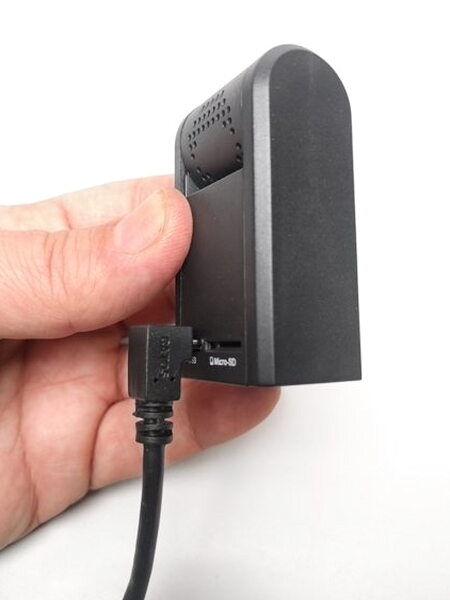
The included cable has an L-shaped Micro USB connector, and that shape creates a practical problem. If the camera is upright and plugged in, the connector makes it difficult to keep the camera standing normally unless you balance it on a narrow edge. The good news is that the T11 worked with every other Micro USB cable I tried, across several lengths and brands.
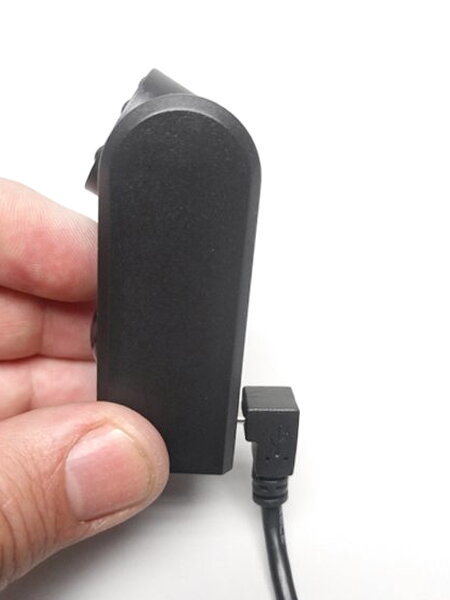
The reset process uses the small included tool. Insert it into the reset hole on the back and press the internal button to factory reset the camera. After a reset, the time and date have to be set again.
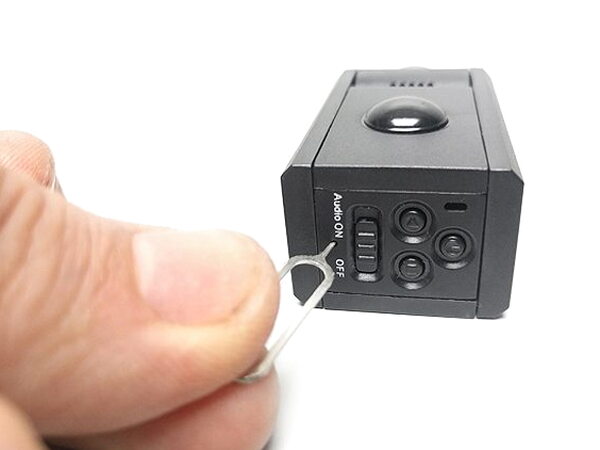
Image quality and motion detection
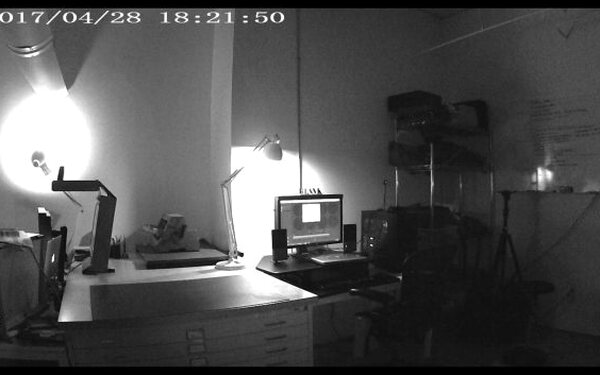
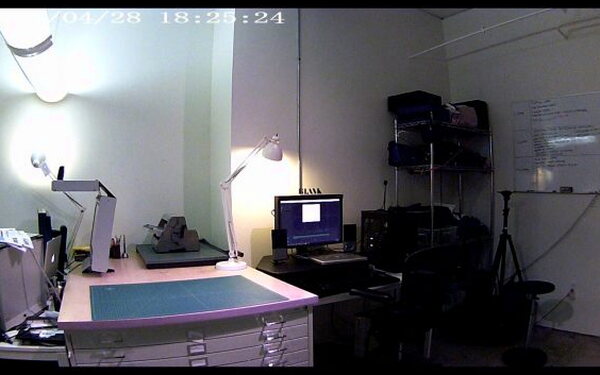
The recorded footage is usable, but only passable. Even in a bright room, the image can look grainy, and high contrast areas tend to blow out or fall into solid black. Night vision turns on quickly as the light drops and works reasonably well, but in total darkness the camera depends on its six small LEDs. In my dark-room testing, the visible range was only about 3 to 5 feet.
Stills from camera capture
Motion detection was another weak point. It often started recording a few seconds after detecting movement. The manual mentions that delay, and it may not matter for every use, but it does mean the first moment of motion will not be captured.
Conbrov says the camera can remain on standby for up to a year on a full charge. I have not owned it long enough to verify that claim, but after about two weeks of occasional use and carrying it in my bag between sessions, it was always charged and ready. I would still like a battery level indicator. As it stands, the only charging feedback is the tiny LED turning yellow while charging and switching off once full.
Quick Questions
Q: Do you need to supply your own memory card?
A: Yes. The camera doesn’t come with one and needs a Micro SD card (up to 32GB) installed to store footage and work properly.
Q: How long does the battery last on continuous recording?
A: Just under four hours on battery power for continuous recording, matching Conbrov’s claim.
Q: Does motion detection start recording instantly?
A: No, there’s a delay of a few seconds after motion is detected before recording starts, so the very first moment of movement isn’t captured.
Q: What’s the actual night vision range in total darkness?
A: About 3 to 5 feet in dark-room testing, using the camera’s six built-in LEDs.
Final thoughts
The Conbrov T11 Mini Spy Camera is a fun and useful little recorder. I used it as a body cam, dash cam, and action cam, and it also fits the security and nanny cam jobs it was designed for. The controls could be clearer and the footage is not beautiful, but the size, flexible head, battery performance, loop recording, and price make it a great buy.
By the Numbers
- Size: 4.3 x 3.1 x 2.1 inches
- Weight: 9.6 ounces
- Battery: LiPo
- PIR detection angle: 60 degrees
- PIR detection distance: 5-10 meters
- Camera angle: 120 degrees
- Max day time recording time: 4 hours
- Max night vision continuously recording time: 1.5 hours
- Full-Charging time: 3.5 hours
- Camera Resolution: 720P
- Camera FPS: 30FPS
- Max SD storage: 32GB
This isn’t the only one I’ve put through its paces. Check The Best Home Security Cameras I’ve Tested for the full lineup.
Source: The sample for this review was provided by Conbrov. Please visit their website to order.


