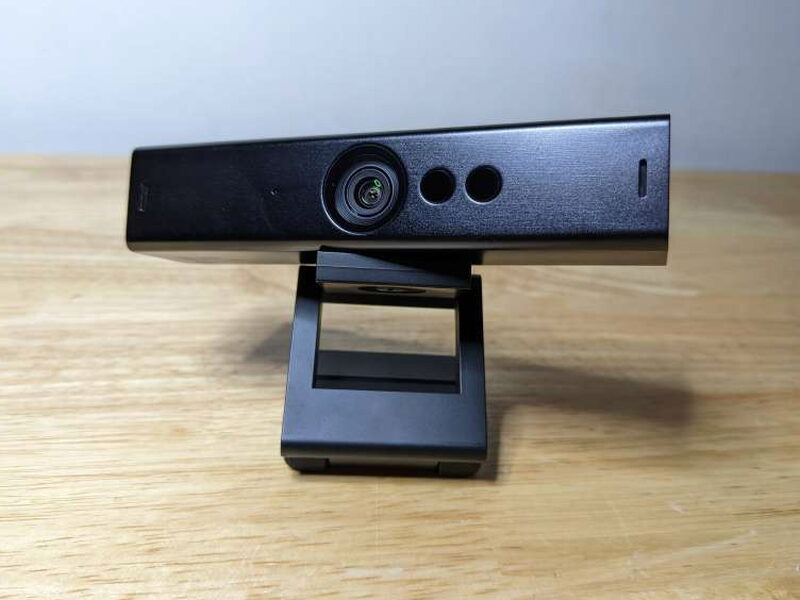
REVIEW – Working from both a home office and a workplace office has forced me to duplicate more of my everyday gear than I expected. A webcam used to be one of the easiest parts of that setup to ignore, but after enough virtual meetings, the difference between a laptop camera and a good external camera becomes hard to miss. The Annke WX810 4K Ultra HD Webcam is a plug-and-play USB webcam that records at 3840 by 2160 at 30fps, includes two noise-canceling microphones, and sells for $149.99. That is not cheap, but in my testing it delivered a much cleaner picture and better audio than the built-in webcam I had been relying on.
What the Annke WX810 Is
The WX810 is an external 4K webcam built around an 8MP image sensor. It supports 3840 by 2160 video at 30fps, has a 91° diagonal field of view, and uses autofocus that can lock onto subjects as close as 5cm in as little as 0.7s. Annke also builds in a pair of microphones with noise cancellation and a claimed pickup radius of up to 5 meters.
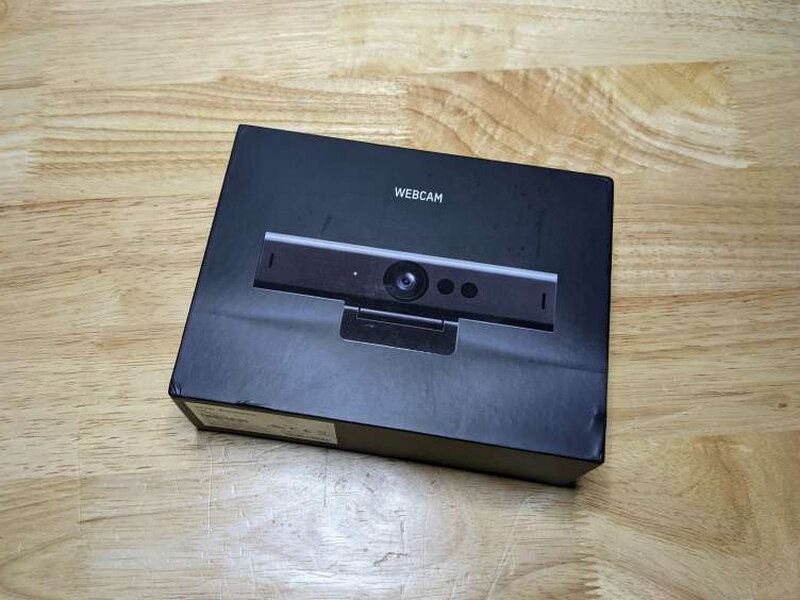
The packaging is surprisingly basic for a $149.99 webcam. The box shows a life-size image of the camera and uses the simple label “webcam” rather than leaning hard into branding or feature callouts.
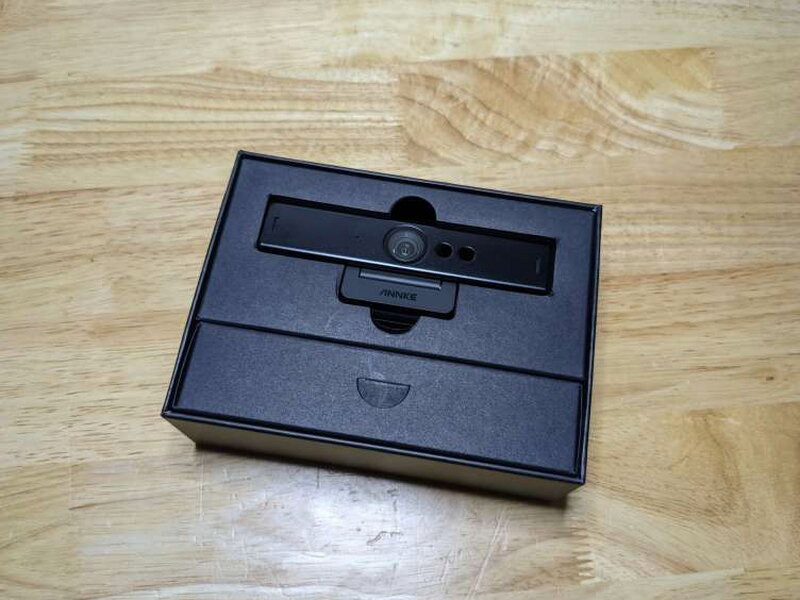
Included in the Box
- Annke WX810 4K Web Camera
- USB-C to USB-A cable
- Quick Start Guide
Specifications
- Video Resolution:
- MJPG:
- 4K: 3840 × 2160 / 30 fps (8MP)
- 2560 × 1440 / 30 fps
- 1080P: 1920 × 1080 / 30 fps (2MP)
- 1280 × 960 / 30 fps
- 720P: 1280 × 720 / 30 fps (1MP)
- 640 × 480 / 30 fps
- 640 × 360 / 30 fps
- YUV: 1920 × 1080 / 30 fps
- MJPG:
- Shutter Time:
- PAL: 1/25 s to 1/50,000 s
- NTSC: 1/30 s to 1/50,000 s
- Maximum Resolution: 3840 × 2160
- Min. Illumination: 0.1 Lux @ (F1.2, AGC ON)
- Lens: 3.6 mm fixed focal lens
- Lens Mount: M8
- Field of View:
- Horizontal FOV: 83°
- Vertical FOV: 53°
- Diagonal FOV: 91°
- Angle of View:
- Horizontal FOV: 102°
- Vertical FOV: 52°
- Diagonal FOV: 124°
- Angle Adjustment
- Pan: 0° to 360°
- Tilt: 0° to 90°
- Rotation: 0°
- Depth of Field: 0.1 m to ∞
- Wide Dynamic Range (WDR): Digital
- Image Enhancement: Distortion Correction
- White Balance: Auto
- Audio Sampling Rate: 16 kHz
- Video Output: USB 3.0
- Operating Systems: Windows 8.1+ / Android 8.1+ / Linux 4.14+ / macOS 10.12+ / Chrome OS
- Microphones: 2 built-in microphones with a radius up to 5 meters
- Operating Conditions: -10°C to 45°C (-40°F to 113°F). Humidity: 90% or less (non-condensing)
- Power Supply: DC 5V ± 5% (USB)
- Consumption: 4.5 W MAX
- Weight: Approx. 0.33 lb. (150 g)
- Dimension: 4.72″ × 1.10″ × 1.01″ (120 mm × 27.9 mm × 25.6 mm)
Hardware and Design
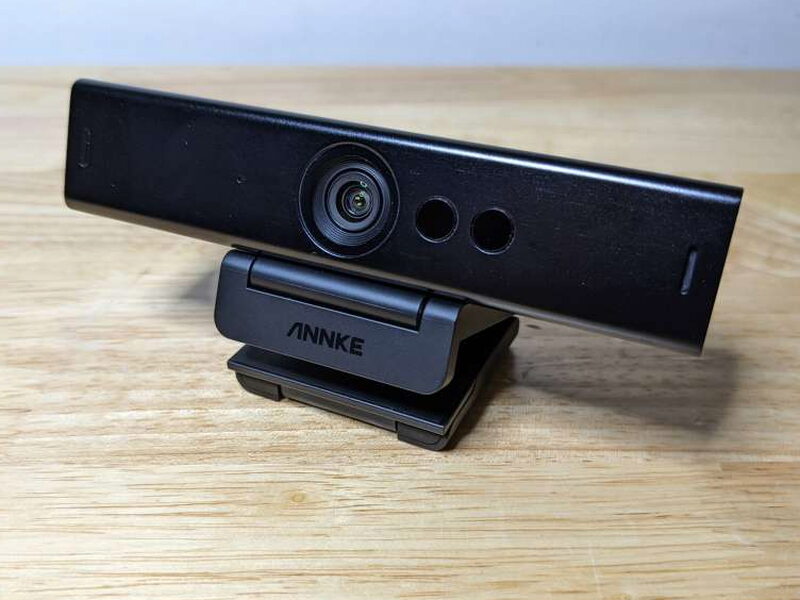
The WX810 feels more premium than a lot of ordinary external webcams. The long body uses brushed aluminum across the main camera housing, while the mount and end pieces are black ABS plastic with a lightly textured finish. It looks clean on a desk and feels solid in hand.
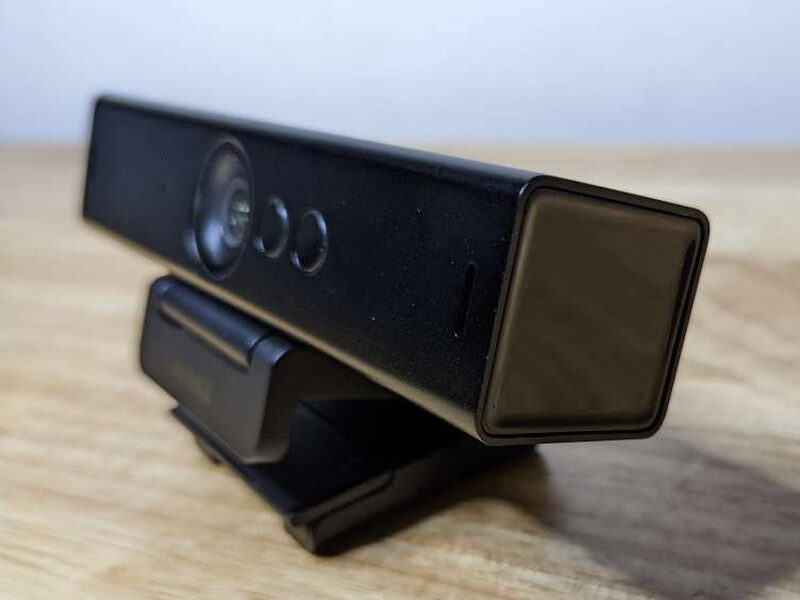
The camera has a large central lens on the front, with two sensor openings nearby and narrow slots near the outer edges. What it does not have is a built-in privacy cover, and at this price that omission stands out. I would have liked Annke to include one as part of the design.
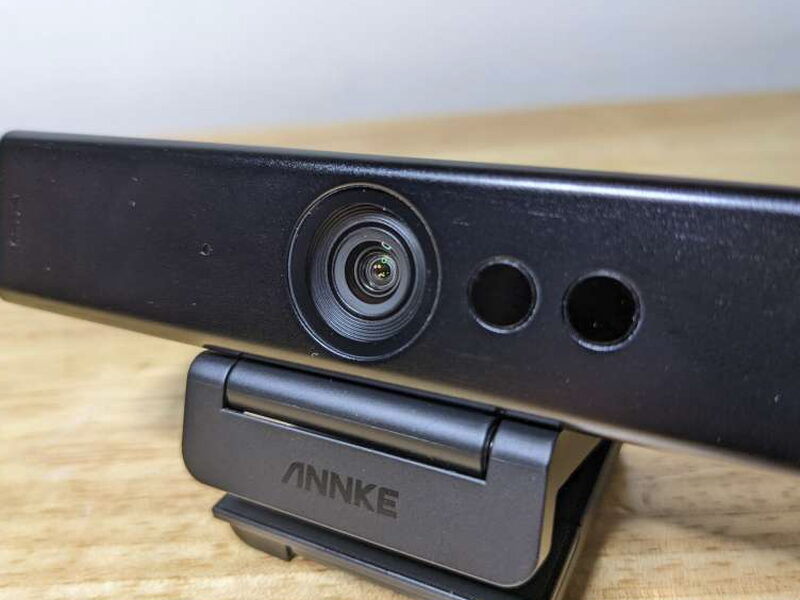
The front layout is simple, but it has the high-end look I expect from a webcam positioned above budget models. The wide 91° diagonal field of view is useful for showing more of a room or for keeping framing flexible during calls.
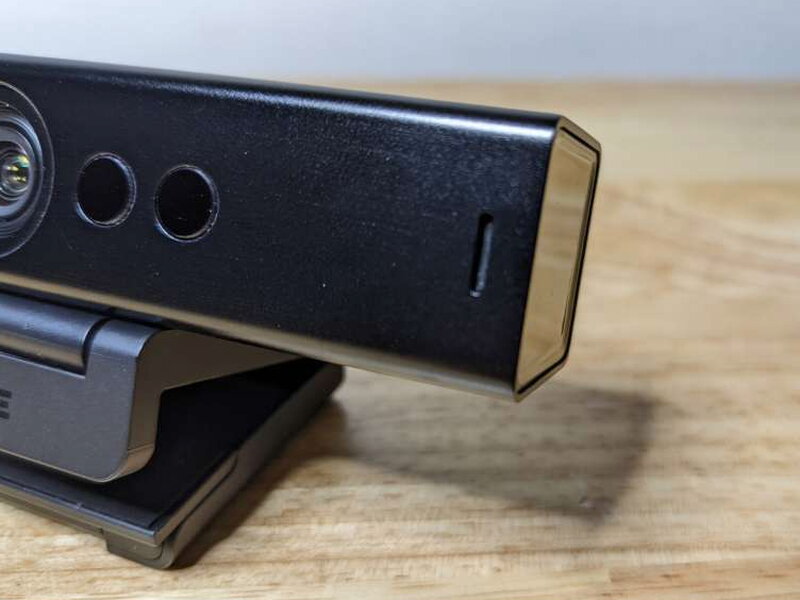
The built-in microphone ports sit toward the ends of the bar. The sound quality during my use was strong enough that I did not feel forced to use another microphone for routine meetings.
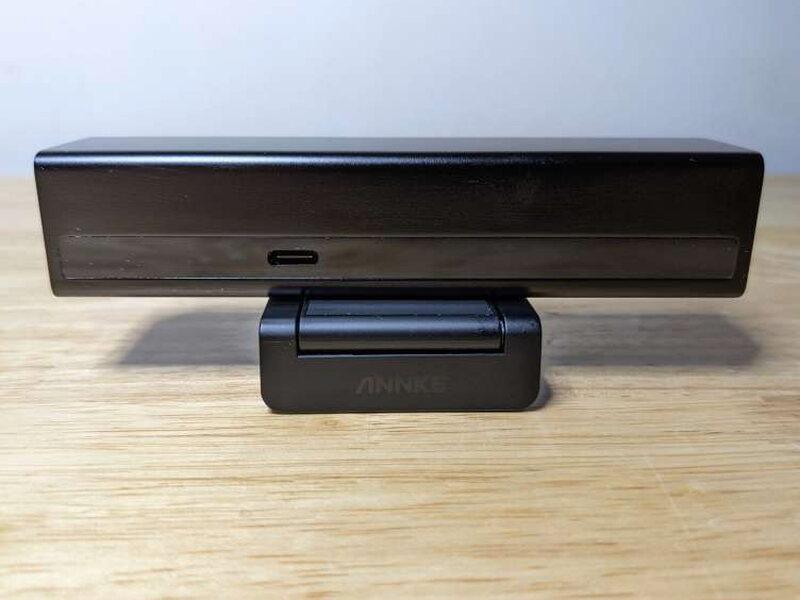
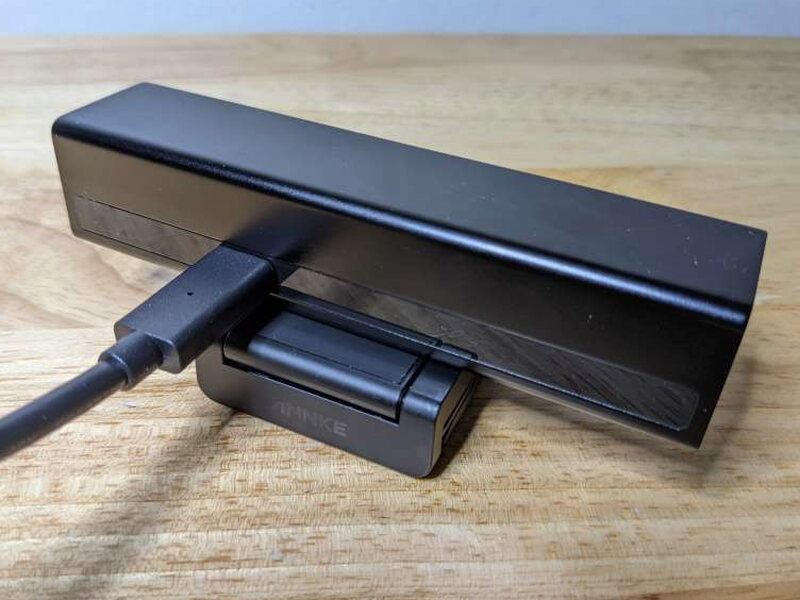
A single USB-C port on the back handles the connection to the computer. There are no extra buttons, sliders, or complicated controls on the webcam body.
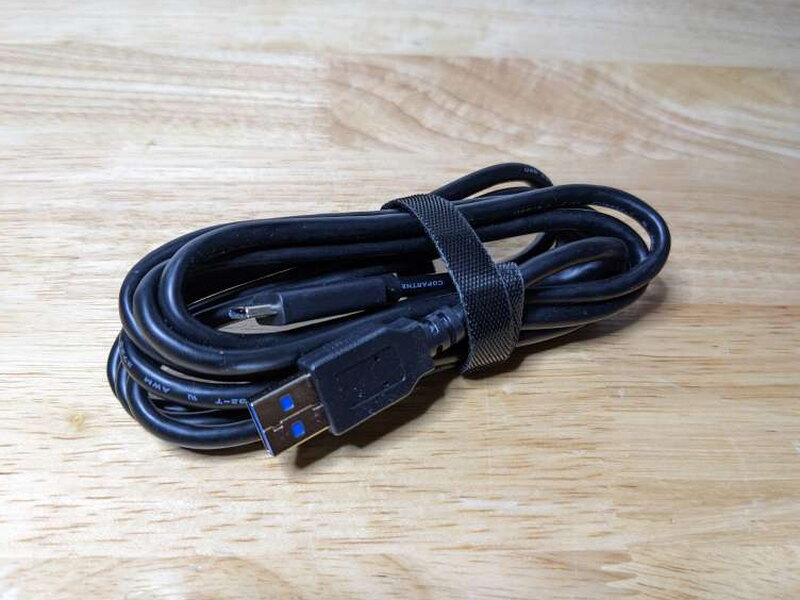
Annke includes a USB 3.0 USB-C to USB-A cable, which is important because the WX810 needs that faster connection to reach its highest resolution.
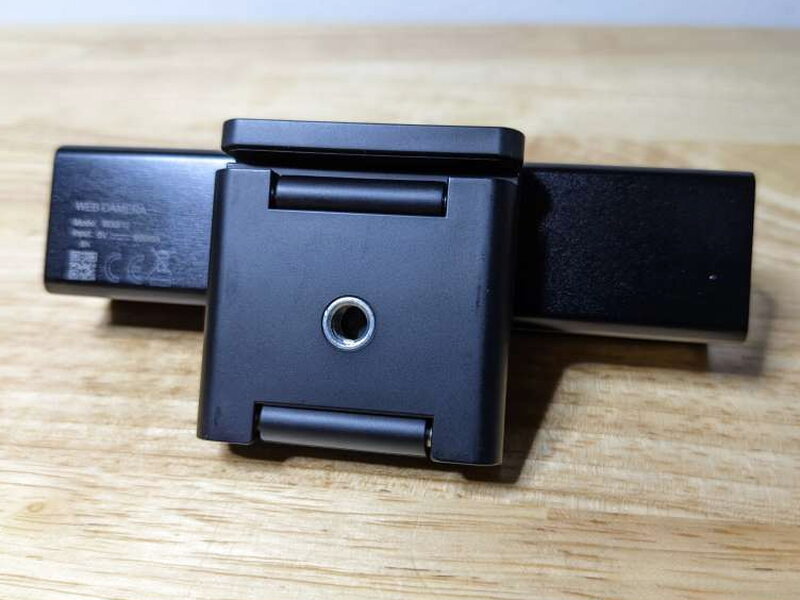
The base has a standard 1/4″ threaded socket, so the WX810 can move from the top of a monitor to a tripod without needing an adapter.
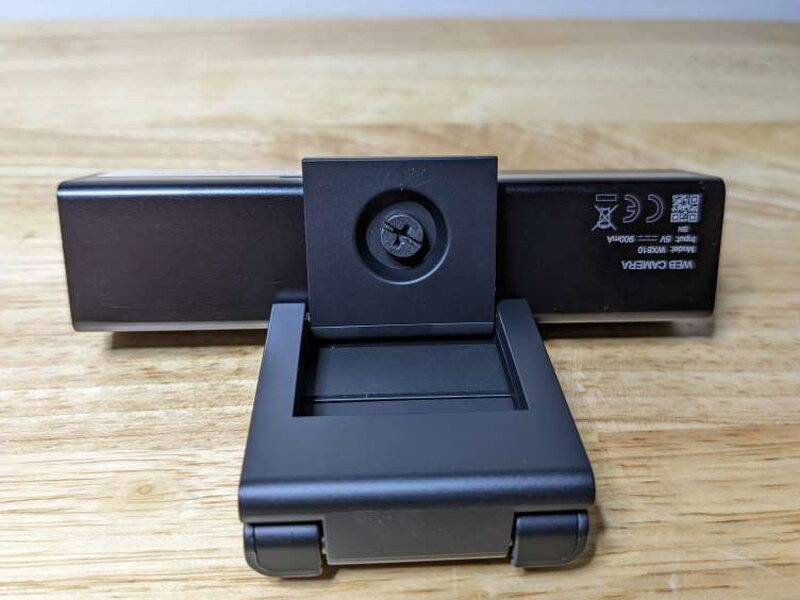
The hinge assembly is one of the webcam’s best physical features. It holds the camera securely and allows much more freedom than a basic clip-on webcam mount.
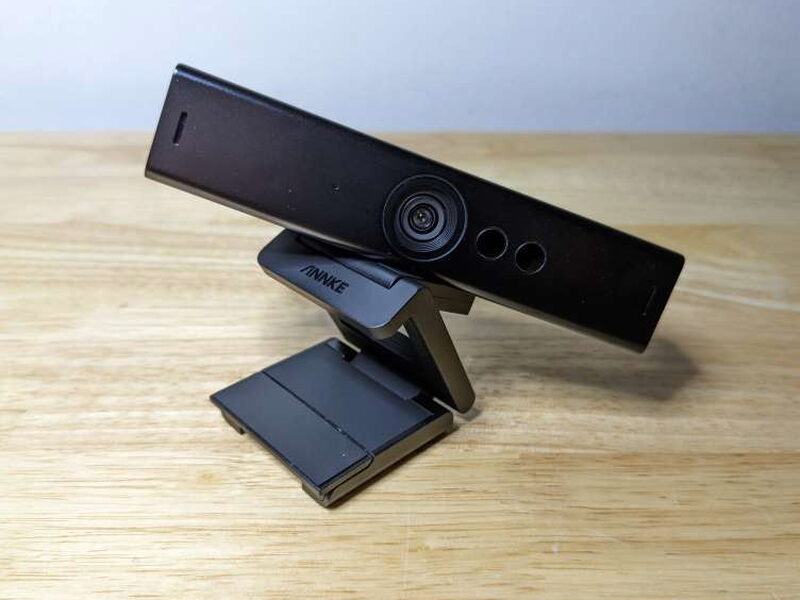
The mount can pan 360° and tilt 90° up or down, and when the camera is on a tripod it can be set at even more aggressive angles. That adjustability makes the WX810 easier to fit into different desk layouts.
Setup and Software
Setup was refreshingly uneventful. I connected the WX810 to a computer with the included USB 3.0 cable and it was ready to use. It supports Windows, Mac, Android, Chrome, and Linux systems, and I did not have to install Annke software or a separate driver.
The camera also worked well with OBS Studio. That is useful if you want more control over the video feed, but the main appeal for me is that the WX810 does not require extra software just to be useful.
Everyday Use
I used the Annke WX810 as my main webcam for about a month. I do not need a webcam loaded with novelty features, so the WX810’s strengths lined up well with my needs: sharp video, solid audio, easy setup, and reliable behavior in meetings. Compared with the built-in webcam on my 2017 Razer Blade Pro, the Annke camera was far better.
To make the difference easier to see, I took comparison images with the Razer’s internal webcam and the WX810.

The Razer image struggled with the bright window behind me and lost a lot of detail in both the face and background.

The WX810 handled the same scene much better. It produced a wider view, kept more detail in the room, and managed the bright background more confidently than the laptop webcam.
I also tested close focus and detail by holding an Xbox controller in front of the cameras.
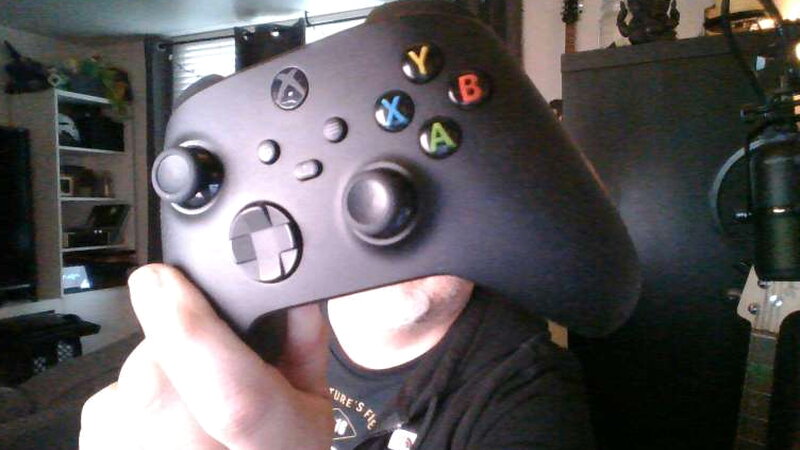
The internal webcam again had trouble with exposure and fine detail. The controller was recognizable, but the image was not crisp and the lighting was uneven.
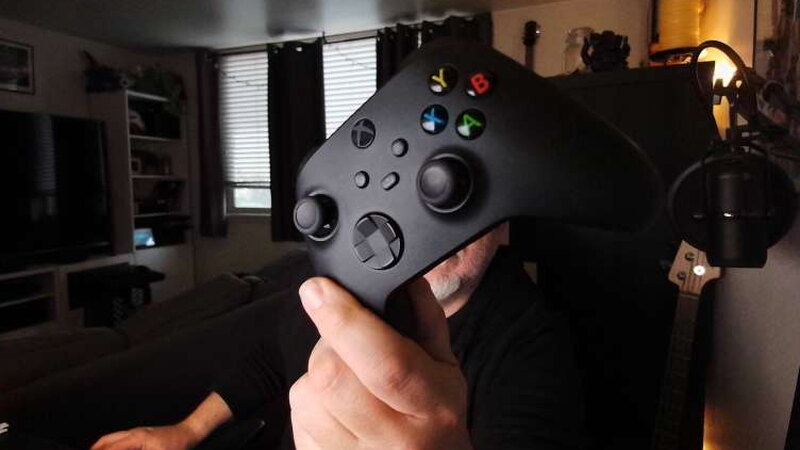
The WX810 close-up still was not quite as sharp as I hoped, but it easily beat the internal webcam. It showed more texture in the controller, held color more accurately, and avoided the blown-out look of the laptop camera.
The comparison video made the gap even more obvious. Both picture and audio from the Annke WX810 were significantly better than what the Razer Blade Pro produced.
What I Liked
- Well-built with high-end design and materials
- Easy setup with no required software
- Great picture clarity
What Could Be Better
- No integrated webcam cover
- Lacks features of similarly priced webcams
- Cannot run at 60fps
Quick Questions
Q: Does it have a physical privacy cover?
A: No, that’s one of the review’s noted gaps at this price – no built-in privacy shutter is included.
Q: What connection does it need for full 4K resolution?
A: USB 3.0, via the included USB-C to USB-A cable; that faster connection is required to reach the webcam’s highest resolution.
Q: Does it need extra software to work?
A: No, it’s plug-and-play across Windows, Mac, Android, Chrome, and Linux with no required driver or app.
Q: Can it record at 60fps?
A: No, its top frame rate is 30fps even at 4K resolution.
Final Thoughts
The Annke WX810 4K Ultra HD Webcam is not the most feature-packed webcam in its price range, and the lack of a privacy cover is disappointing. Even so, it makes a strong case for itself with excellent image quality, strong audio, a premium build, and a very flexible mount. The plug-and-play setup is another major plus. At $149.99, it sits on the higher end, but it is worth considering if you care more about reliable video and sound than a long list of extras.
Price: $149.99
Product Link: Annke
Source: The sample of this product was provided by Annke.


